
Retreat Booking Module
Retreat Booking Module
A seamless and structured platform designed to manage retreat entries, volunteer registrations, and stay processes. It allows users to submit details, choose their purpose, and complete forms effortlessly, ensuring a smooth, organized, and hassle-free experience.
Technology Used
-

PHP
-

mySQL
-

HTML
-

CSS
-

Javascript

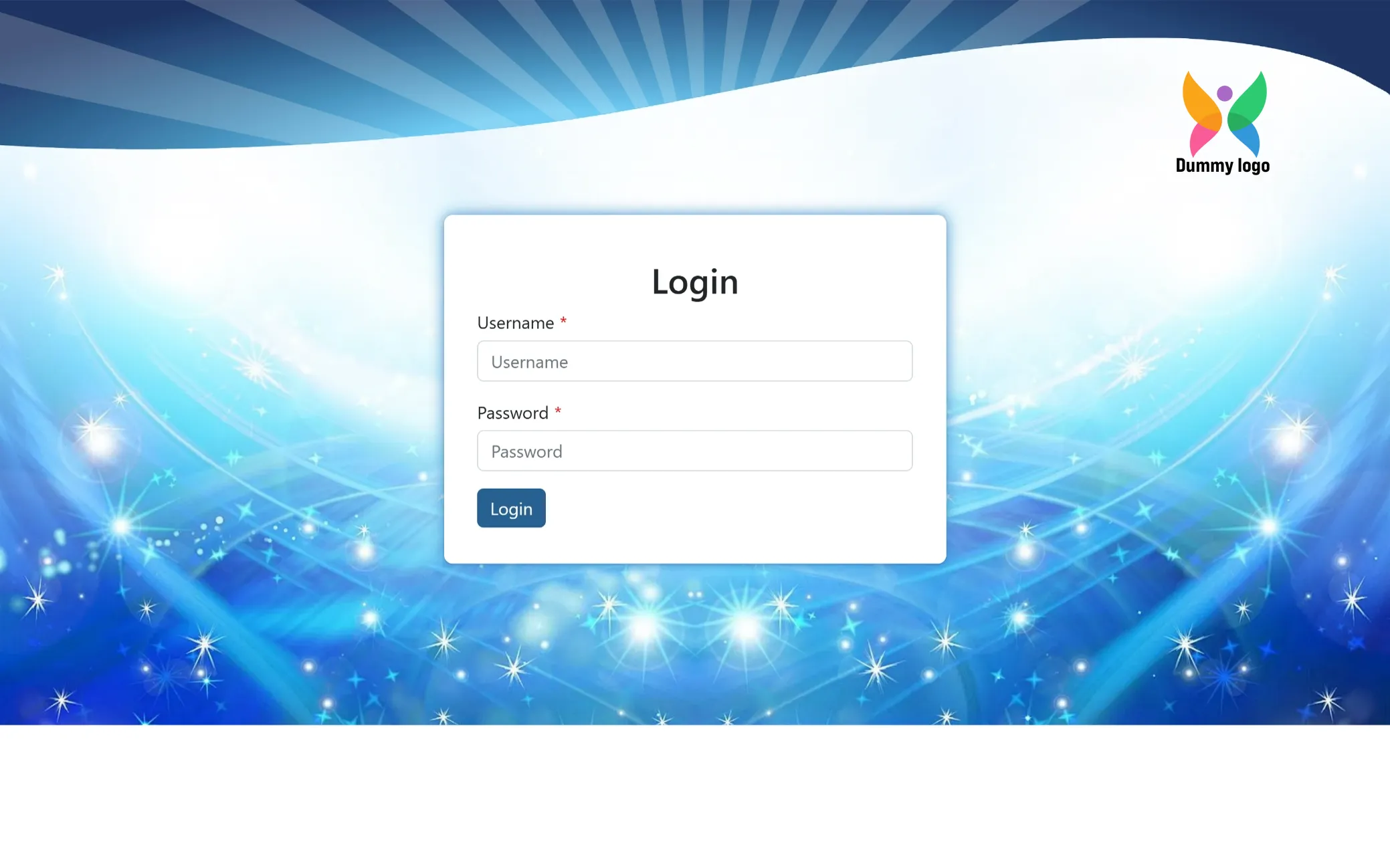
Super Admin Login
Sign in to access the control panel and manage the entire system seamlessly. This secure entry point ensures full visibility and control over records, users, and overall operations.
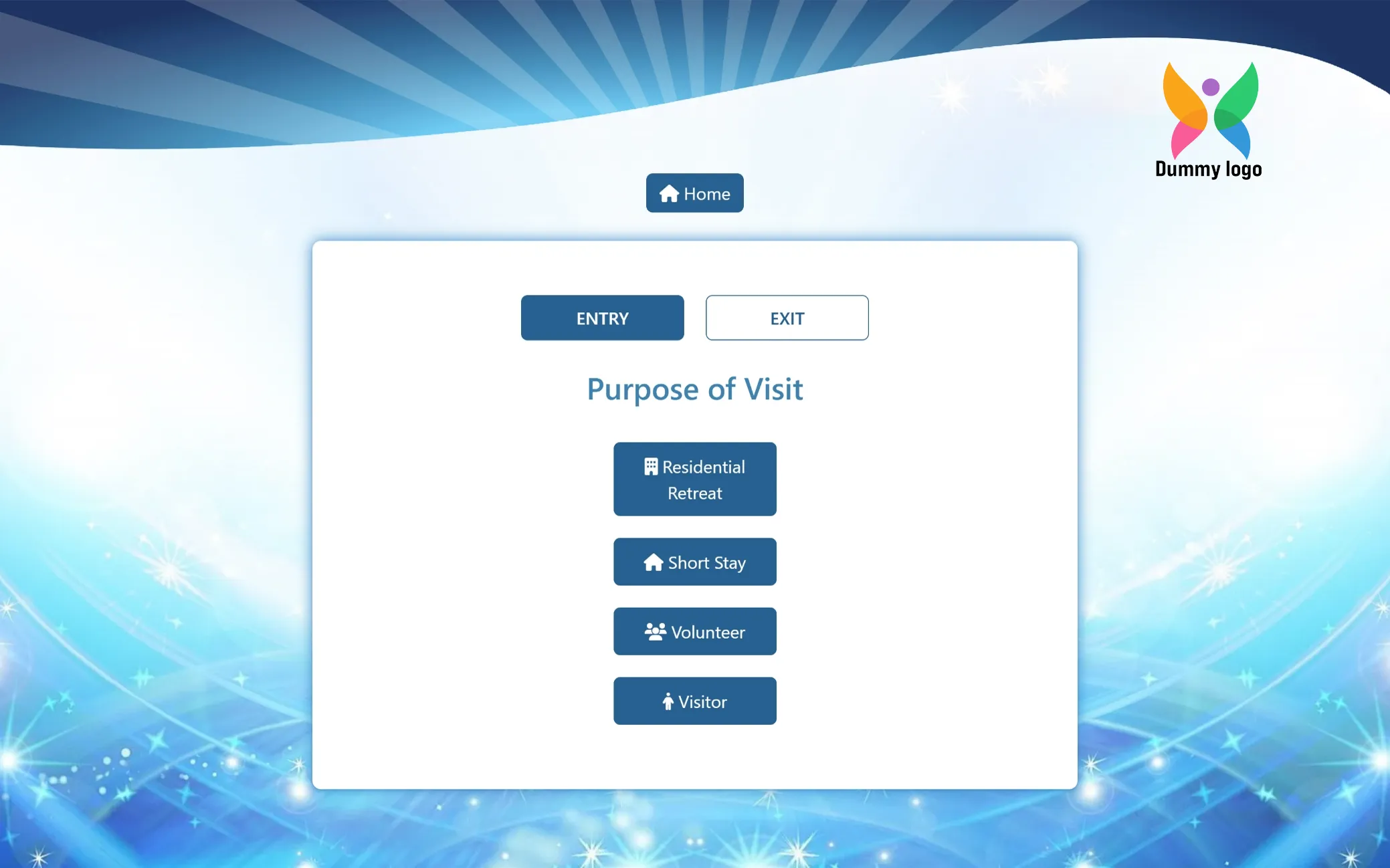
Guest POV - Select Your Purpose of Visit
Pick the option that reflects your purpose of visit. Whether you are here to stay, explore, or contribute, this helps us guide you in the right direction from the very first step.
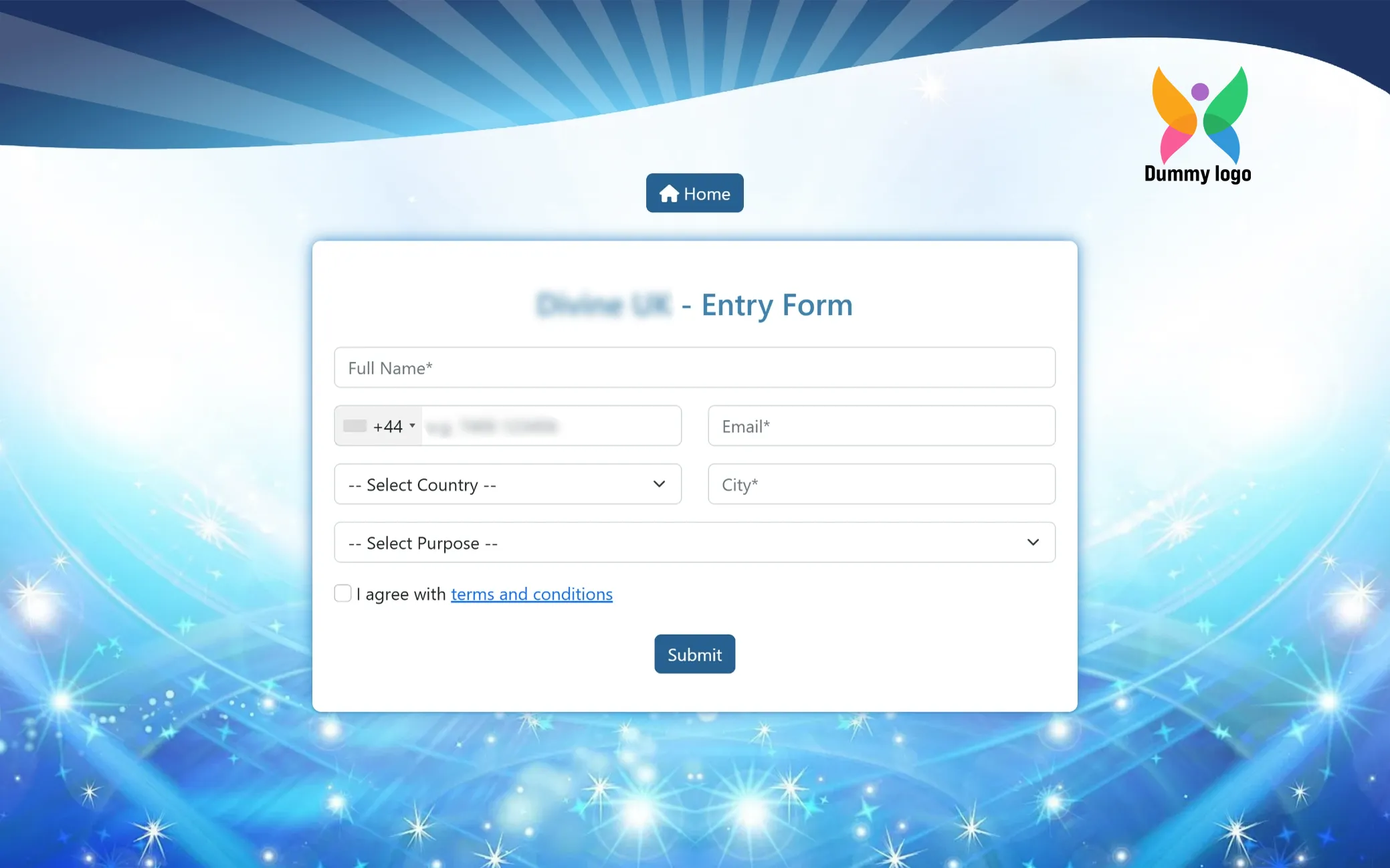
Begin Your Journey
A simple step to help us understand you better and guide you toward the right experience. Just fill in your details to get started and move ahead with a smooth, well-guided, and meaningful journey.
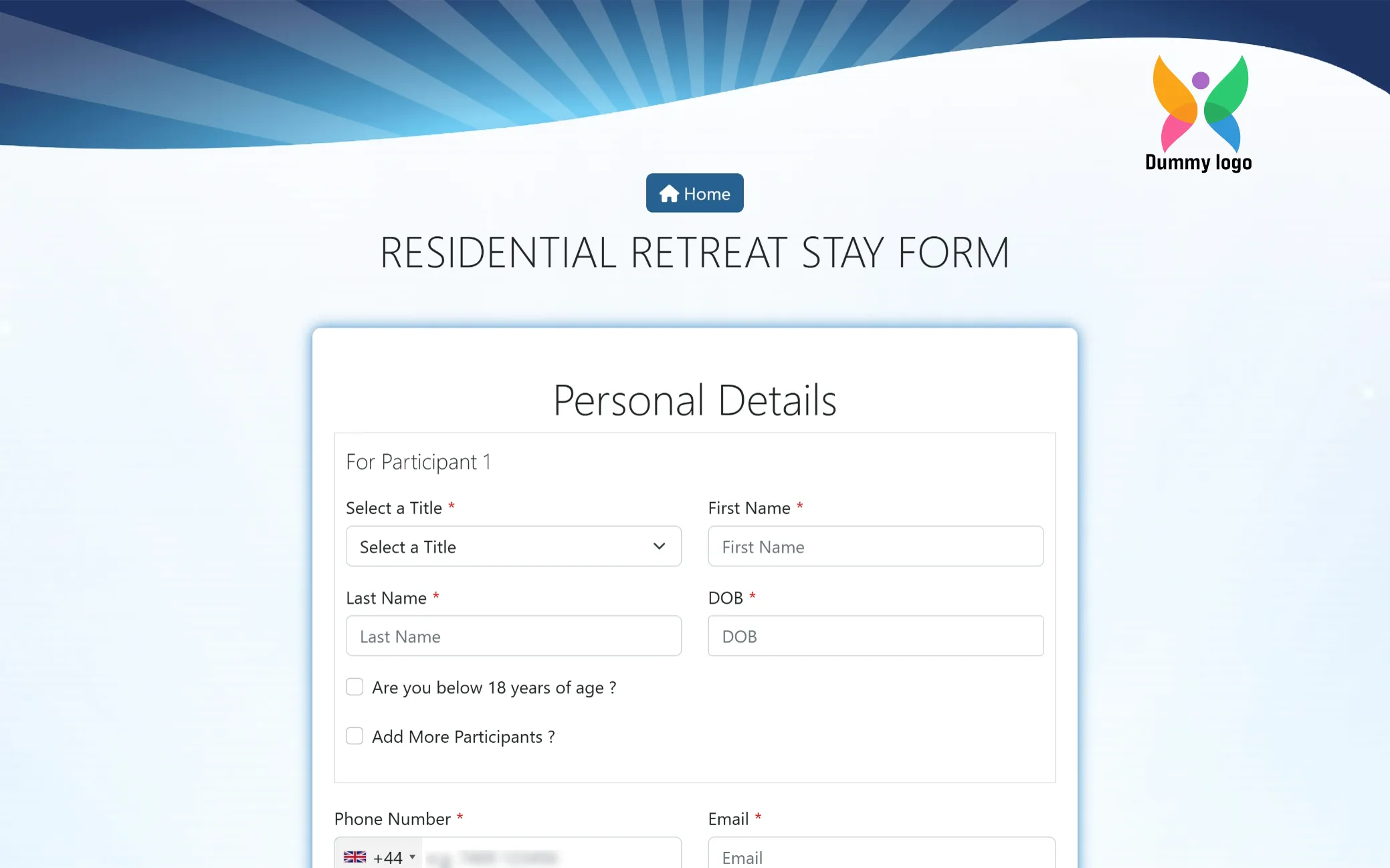
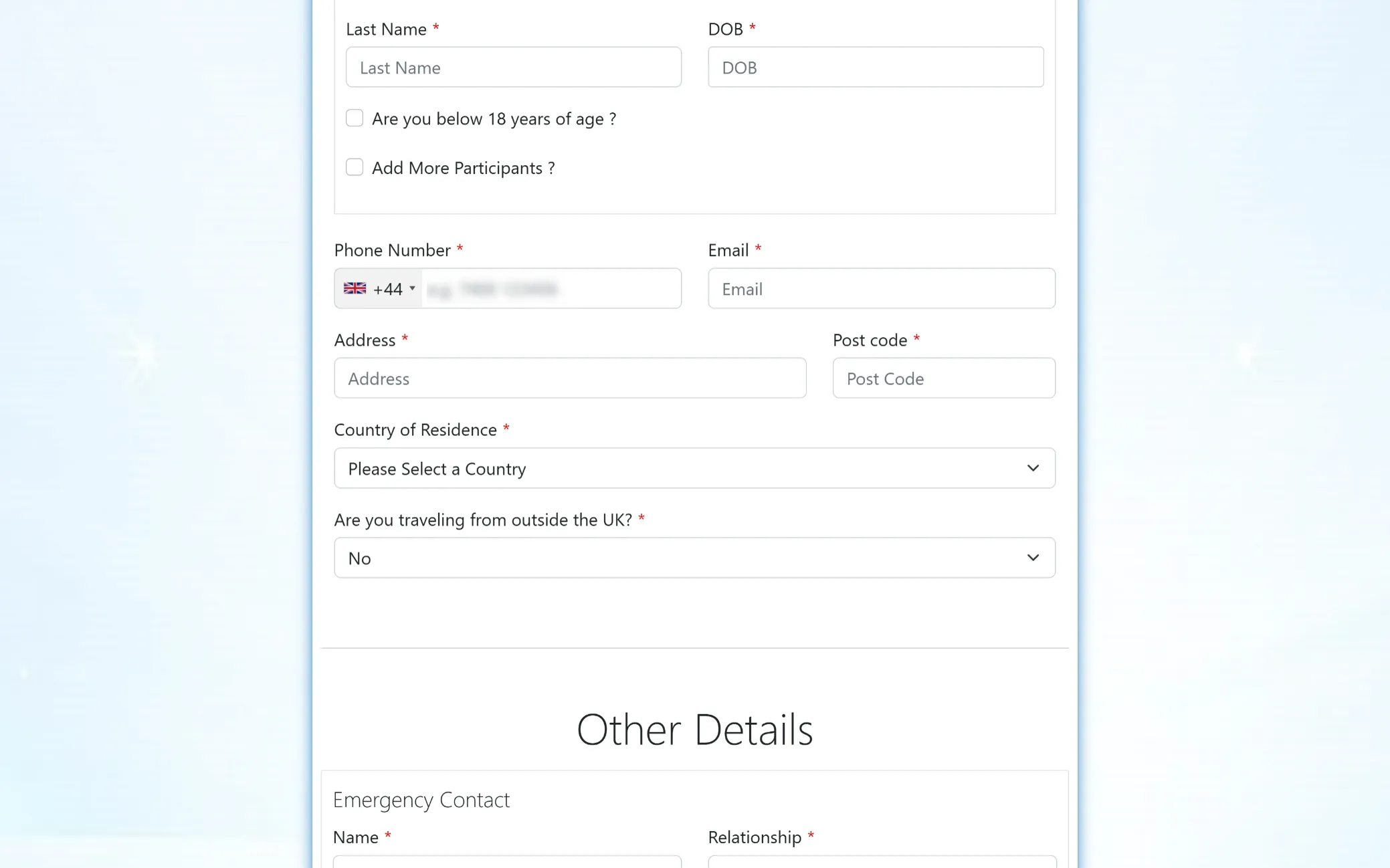
Participant Details Form
Fill in your personal information to proceed with your residential retreat booking. You can also add more participants if you are registering as a group.
Complete Your Details
Continue filling in your information to move ahead with the residential retreat form. These details help us stay connected with you and ensure everything is arranged smoothly for your visit.
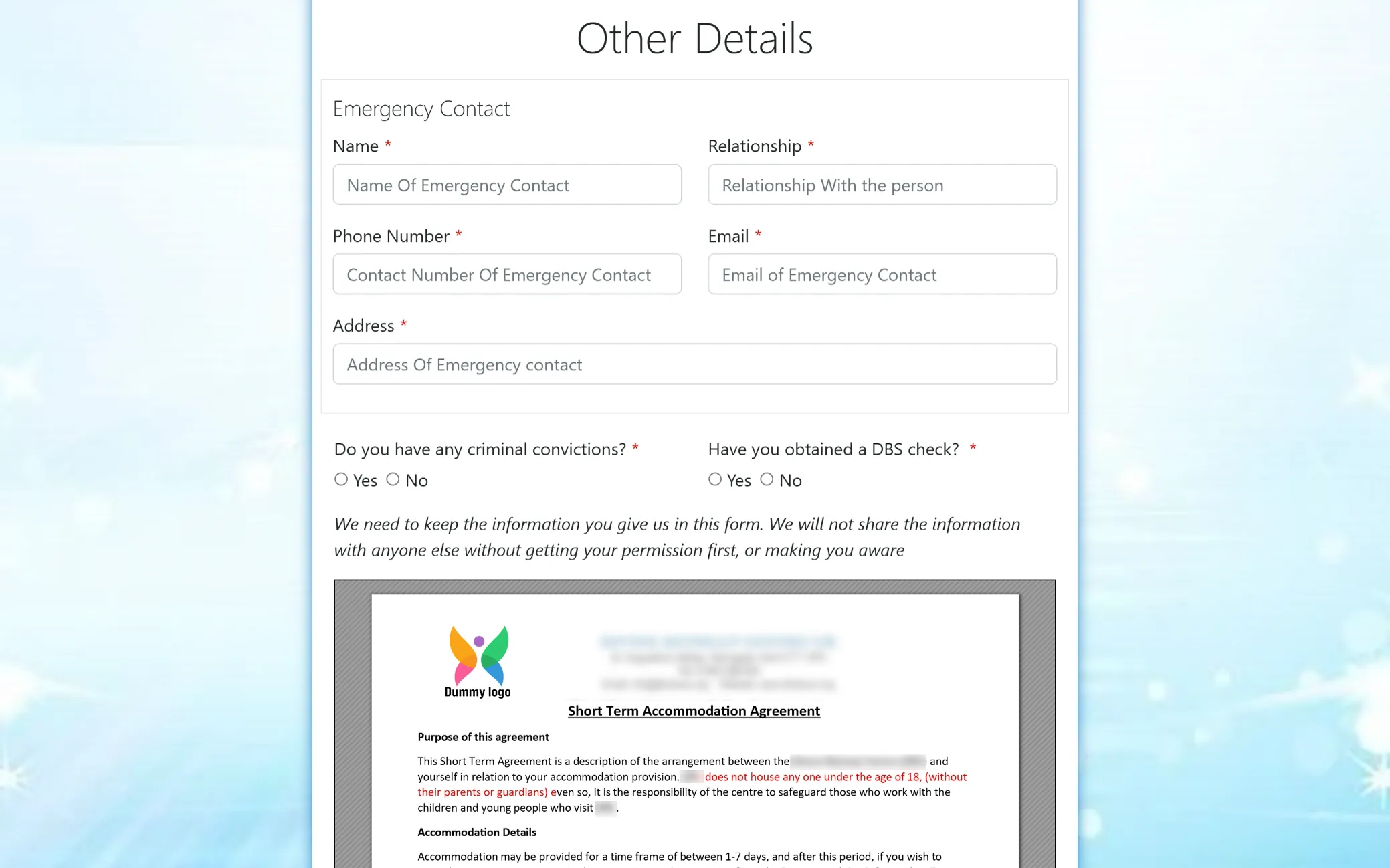
Safety & Emergency Details
Share essential contact and background information to help us ensure a safe and secure environment for everyone at the retreat. Your details are kept confidential and used only when necessary, with full respect for your privacy.
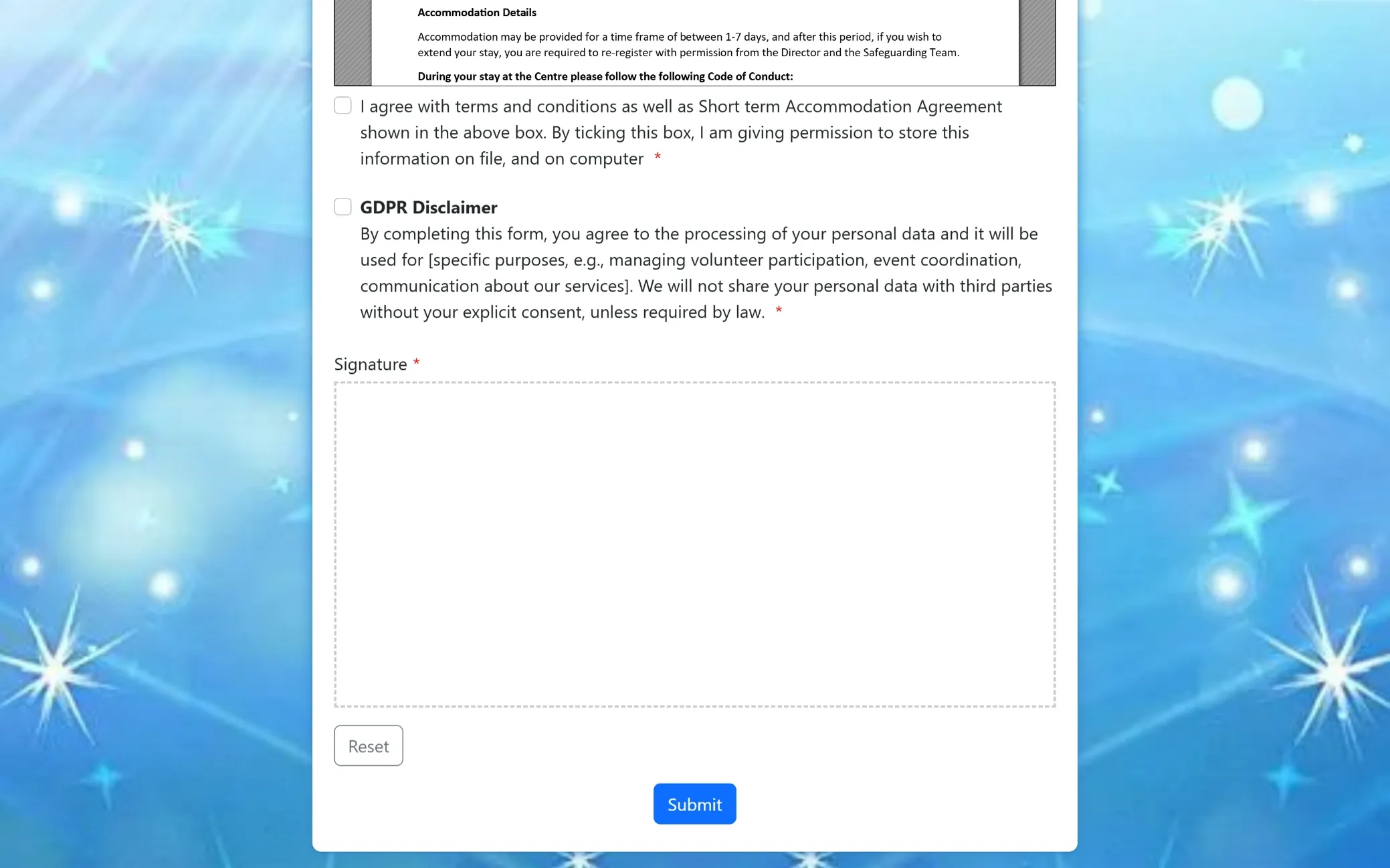
Consent & Confirmation
Review and agree to the terms to complete your registration. By submitting, you confirm your consent for us to securely store and use your information for your retreat experience, with full transparency and care.
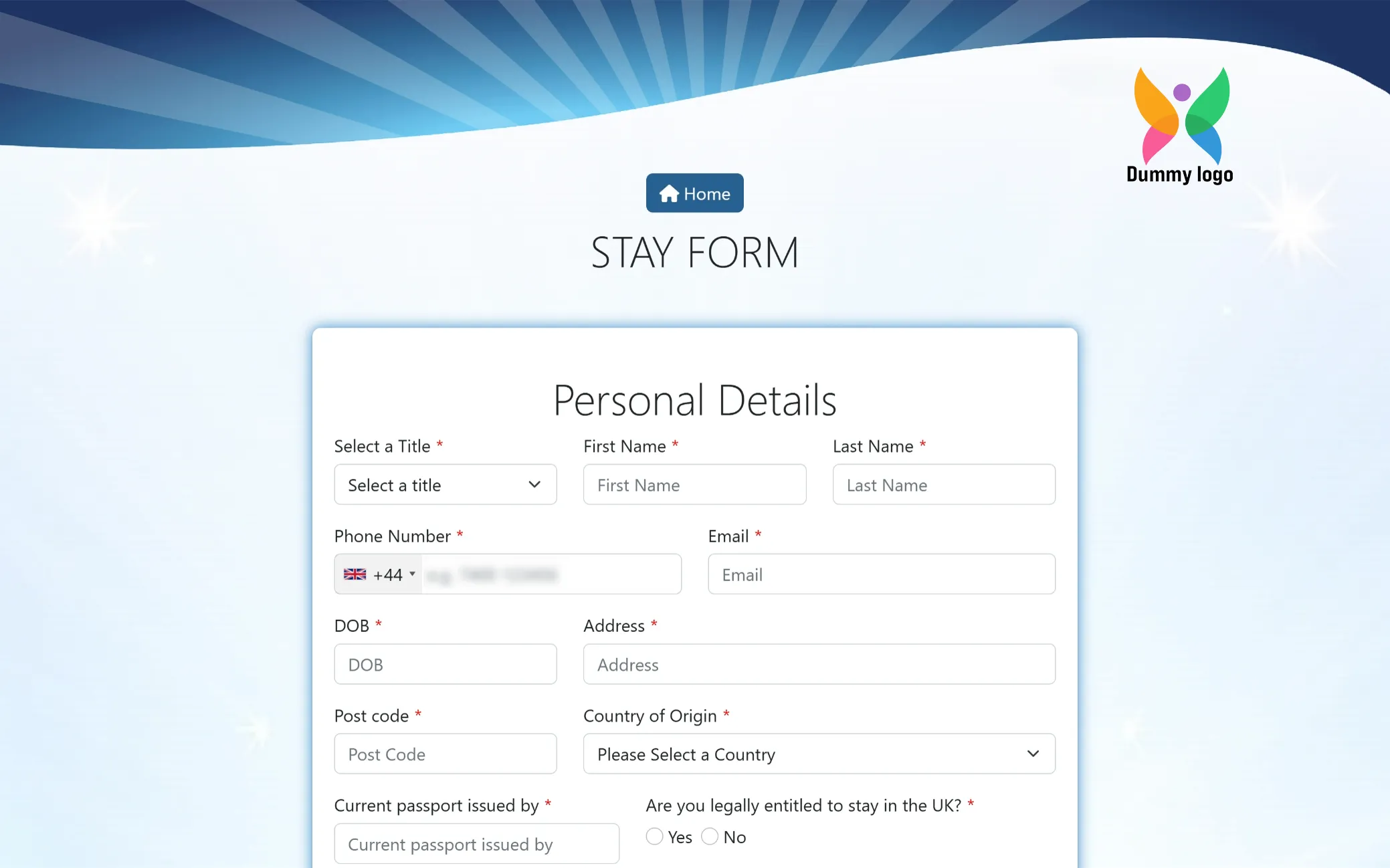
Guest Stay Details
Fill in your personal information to complete your stay registration. These details help us ensure a smooth, secure, and well-prepared experience during your visit to the retreat.
Verification & Emergency Details
Provide your identification and emergency contact information to complete your stay form. These details help us maintain a safe, secure, and well-managed environment for everyone at the retreat.
Final Step: Review & Submit
Take a moment to review your details and confirm your consent. Once submitted, your information will be securely stored and used only to support your application and overall retreat experience.
Choose Your Volunteer Journey
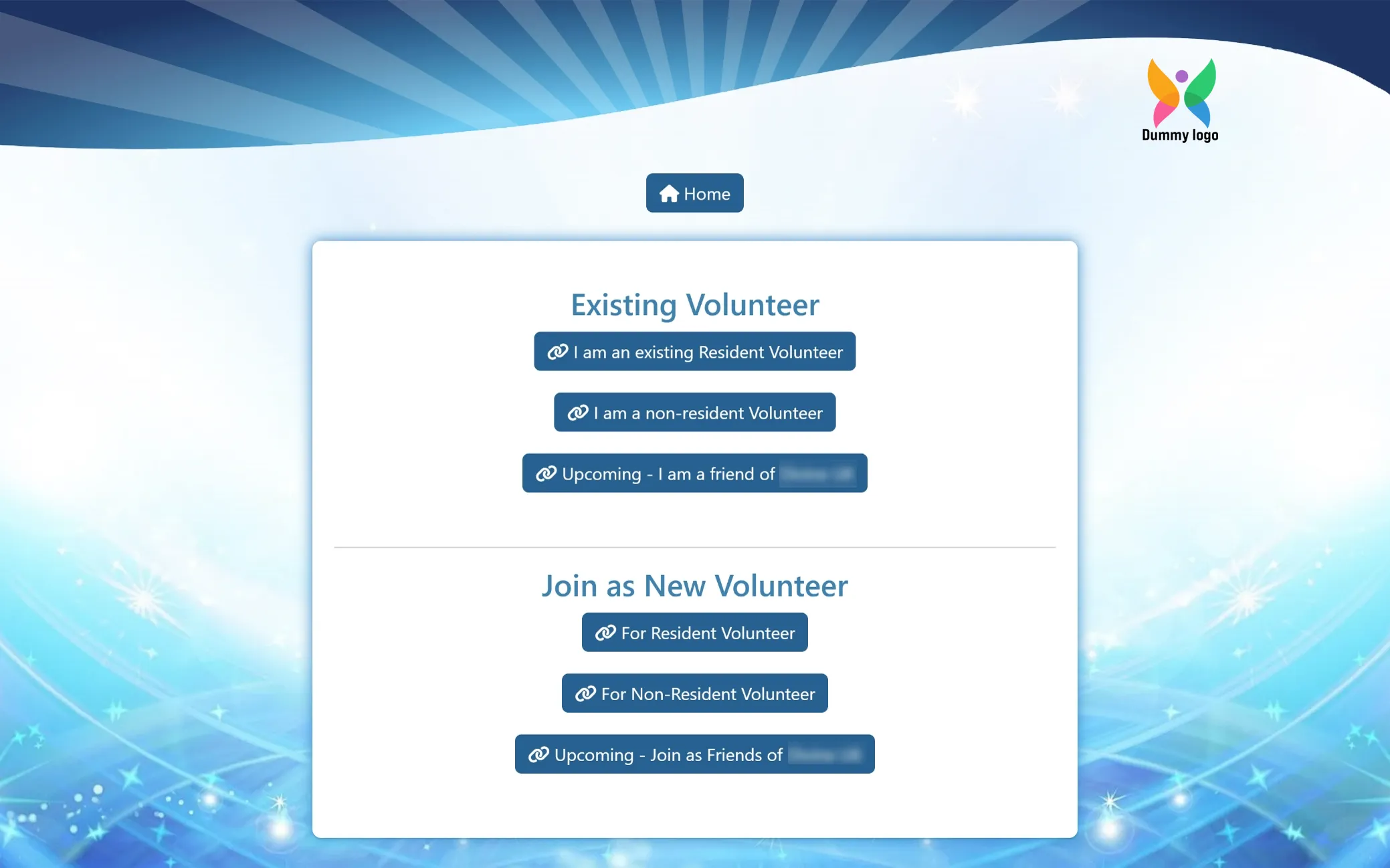
Select whether you are an existing volunteer or looking to join as a new one, then choose the option that best fits your role to continue your journey smoothly and proceed with the next steps in a guided and organized way.
Your Volunteer Entries
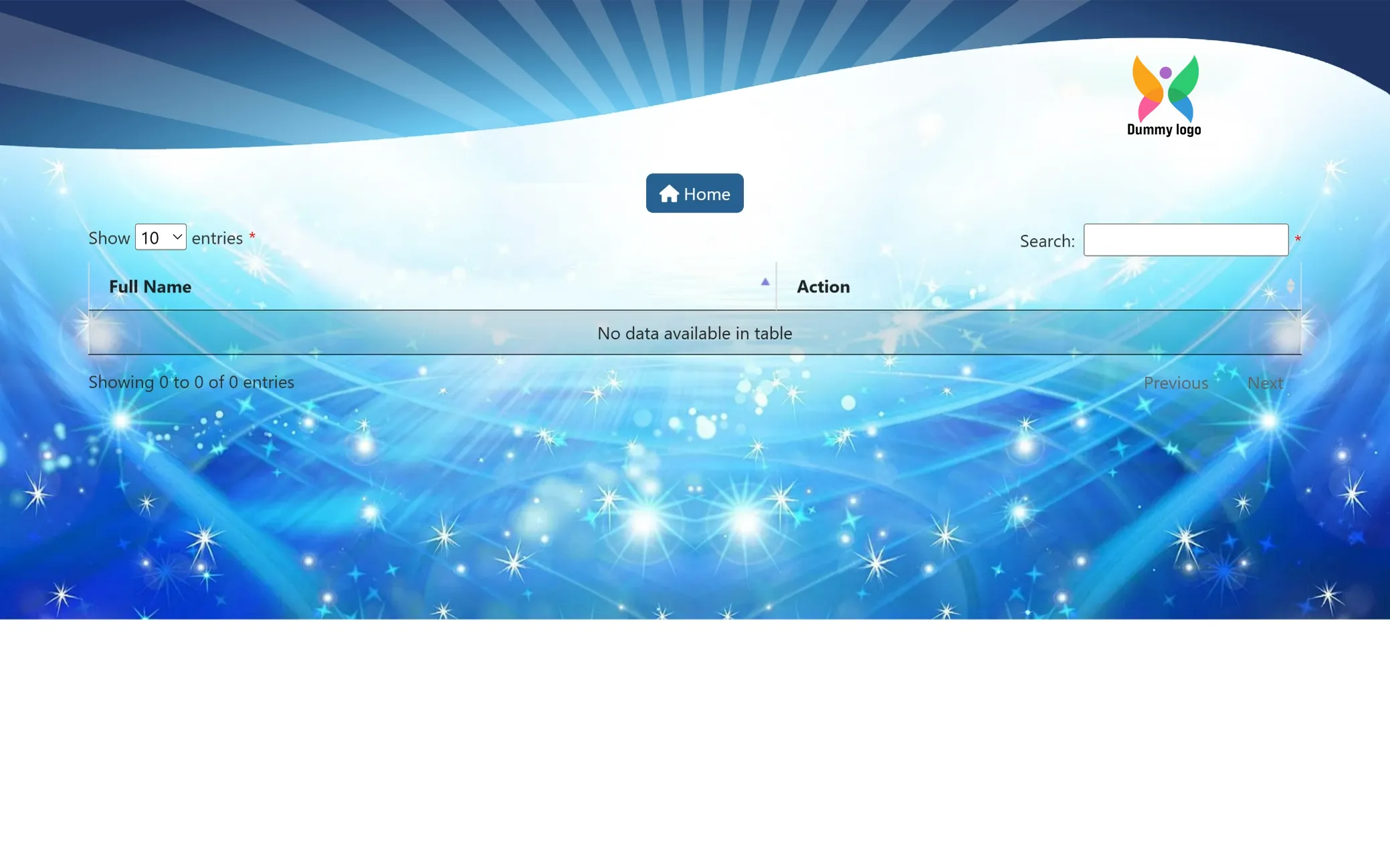
View and manage your existing records here. Once your entries are added, you will be able to access and keep track of your details with ease.
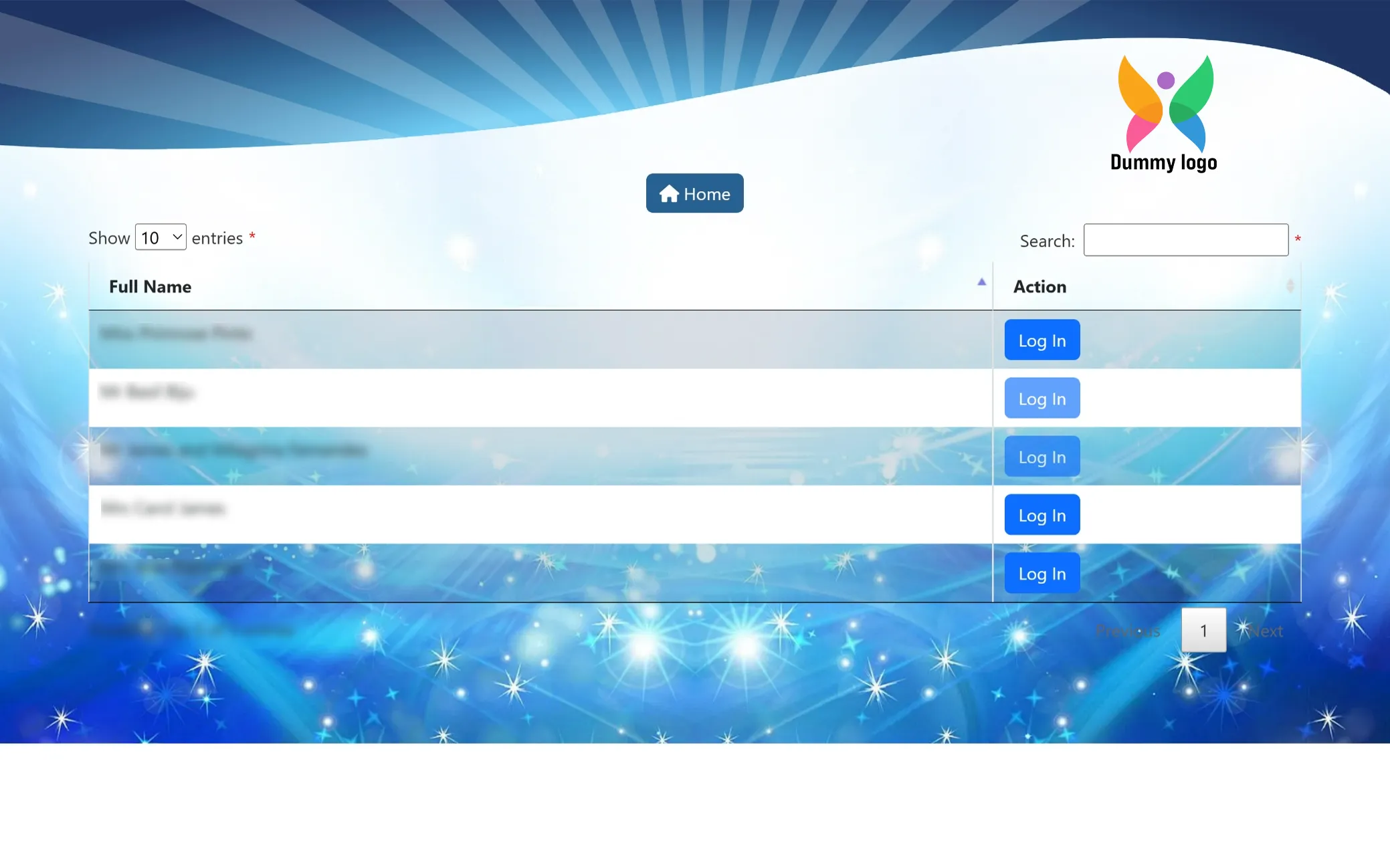
Non-Resident Volunteer Records
Browse and manage the list of non-resident volunteers in one place. Each entry allows you to view details, access individual profiles, and monitor activity smoothly, making it easier to stay organized and in control.
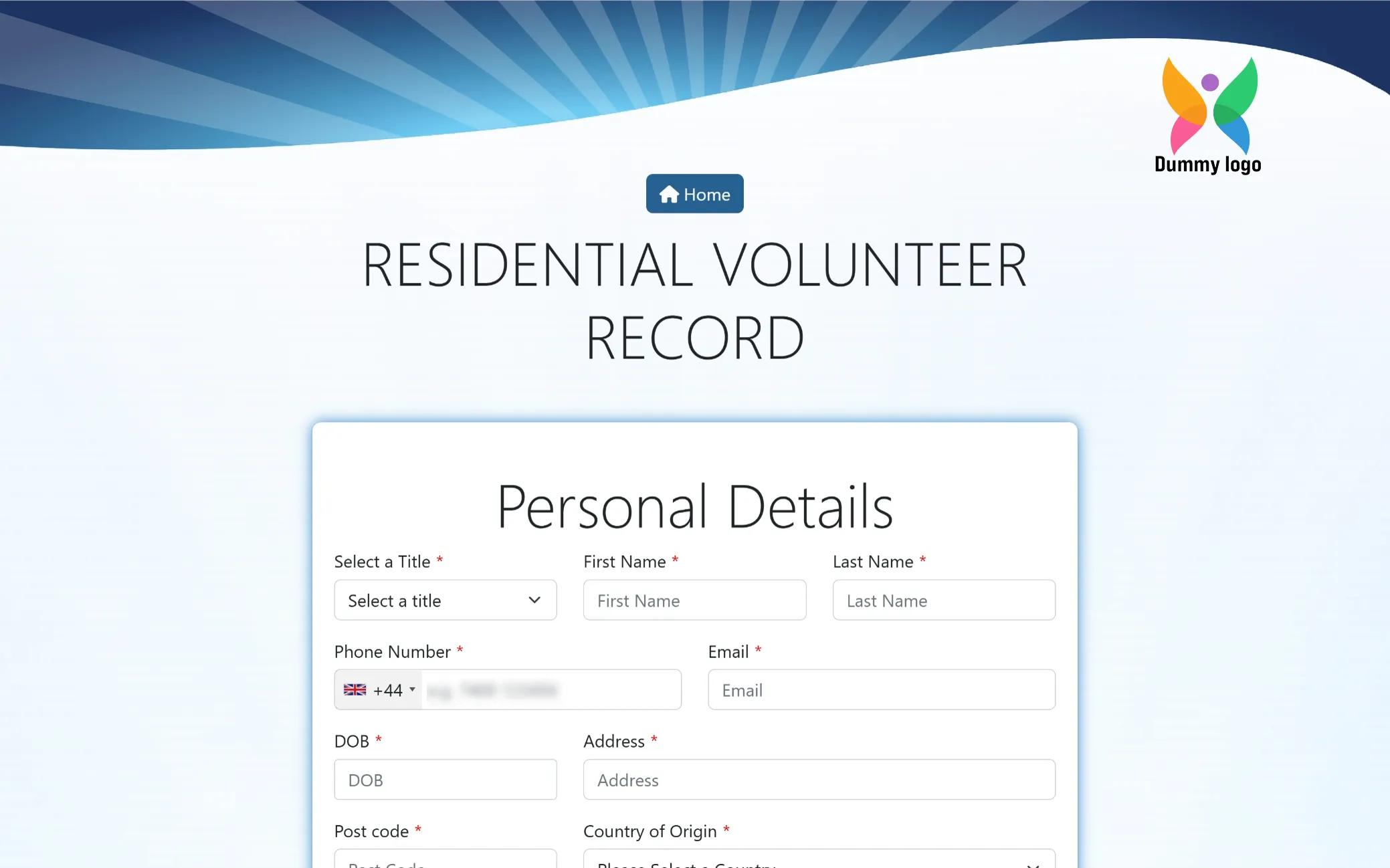
Resident Volunteer Details
Begin your registration by sharing your basic information. This step helps us get to know you better and smoothly move forward with your journey as a resident volunteer.
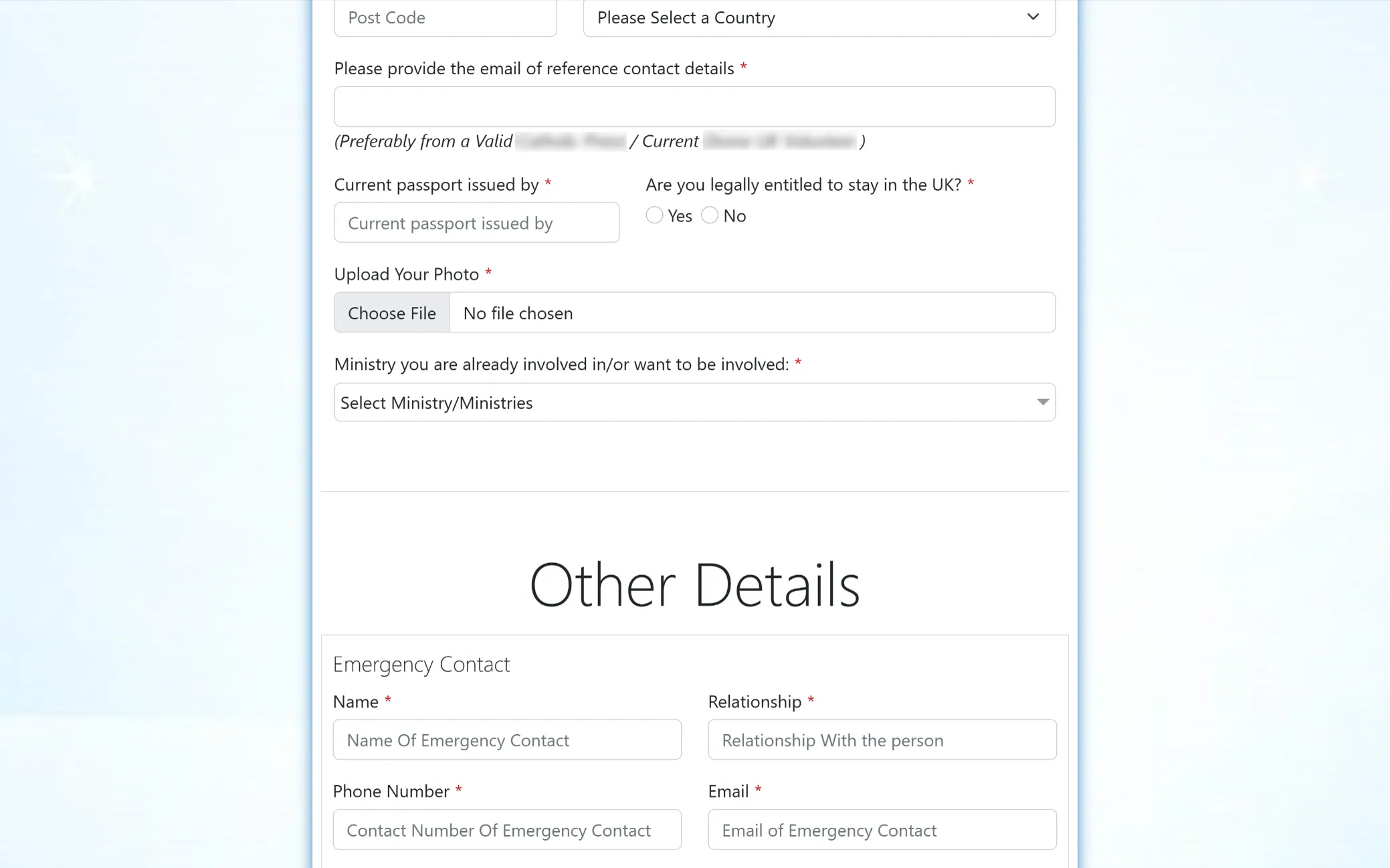
Continue Your Details
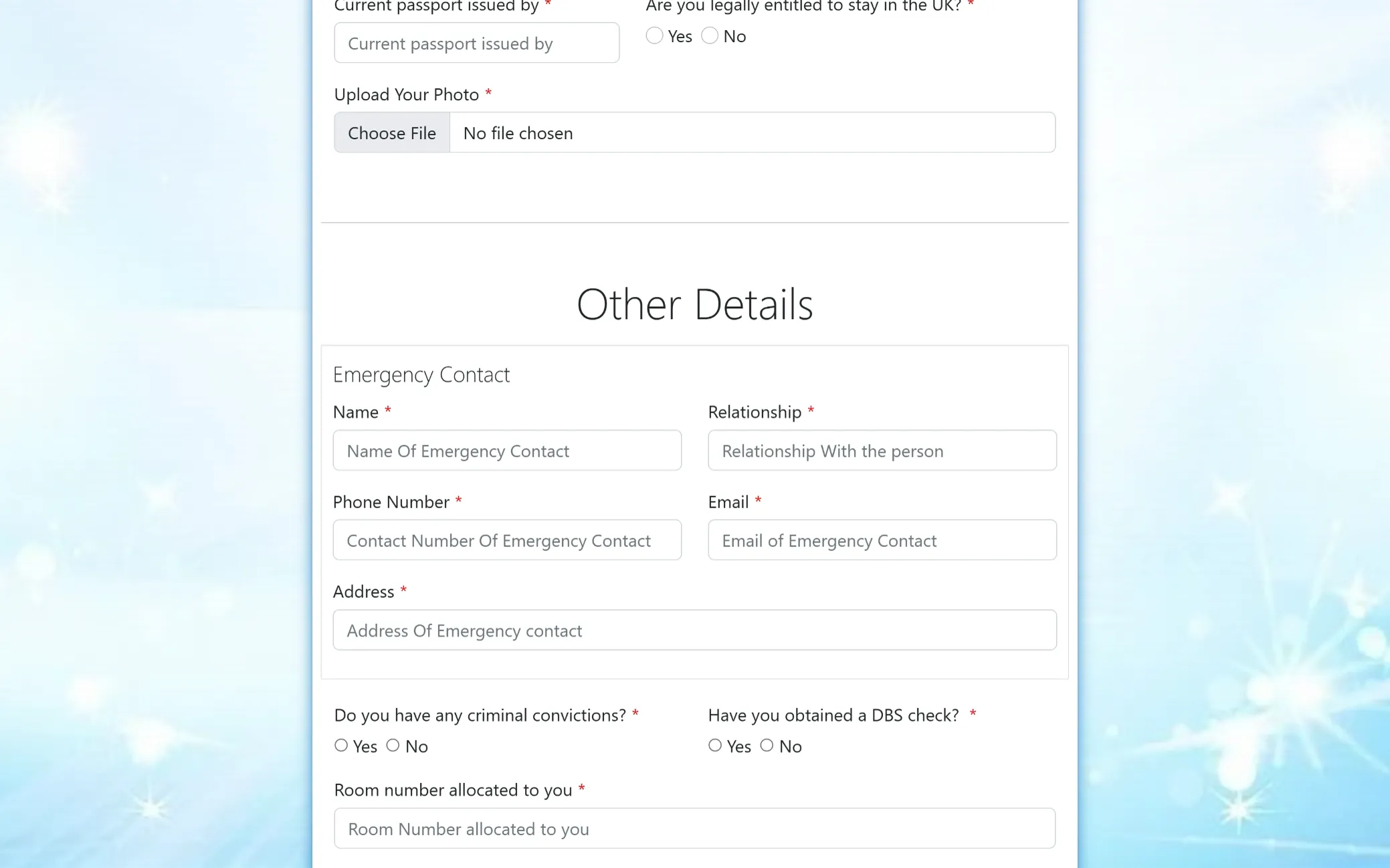
Add your reference contact, passport, and eligibility details, choose your ministry involvement, and share emergency contact information to proceed further with your volunteer registration.
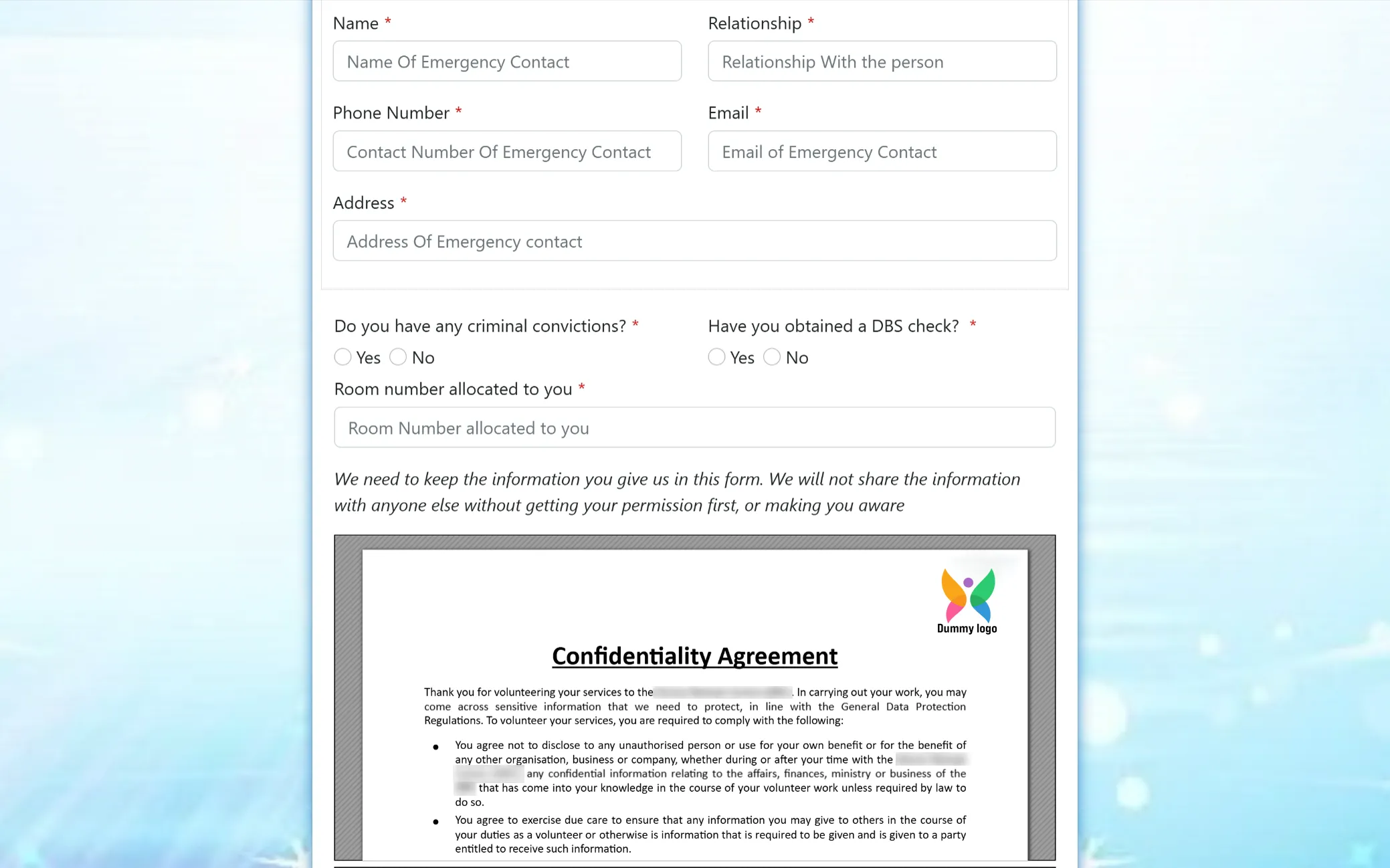
Review & Safety Details
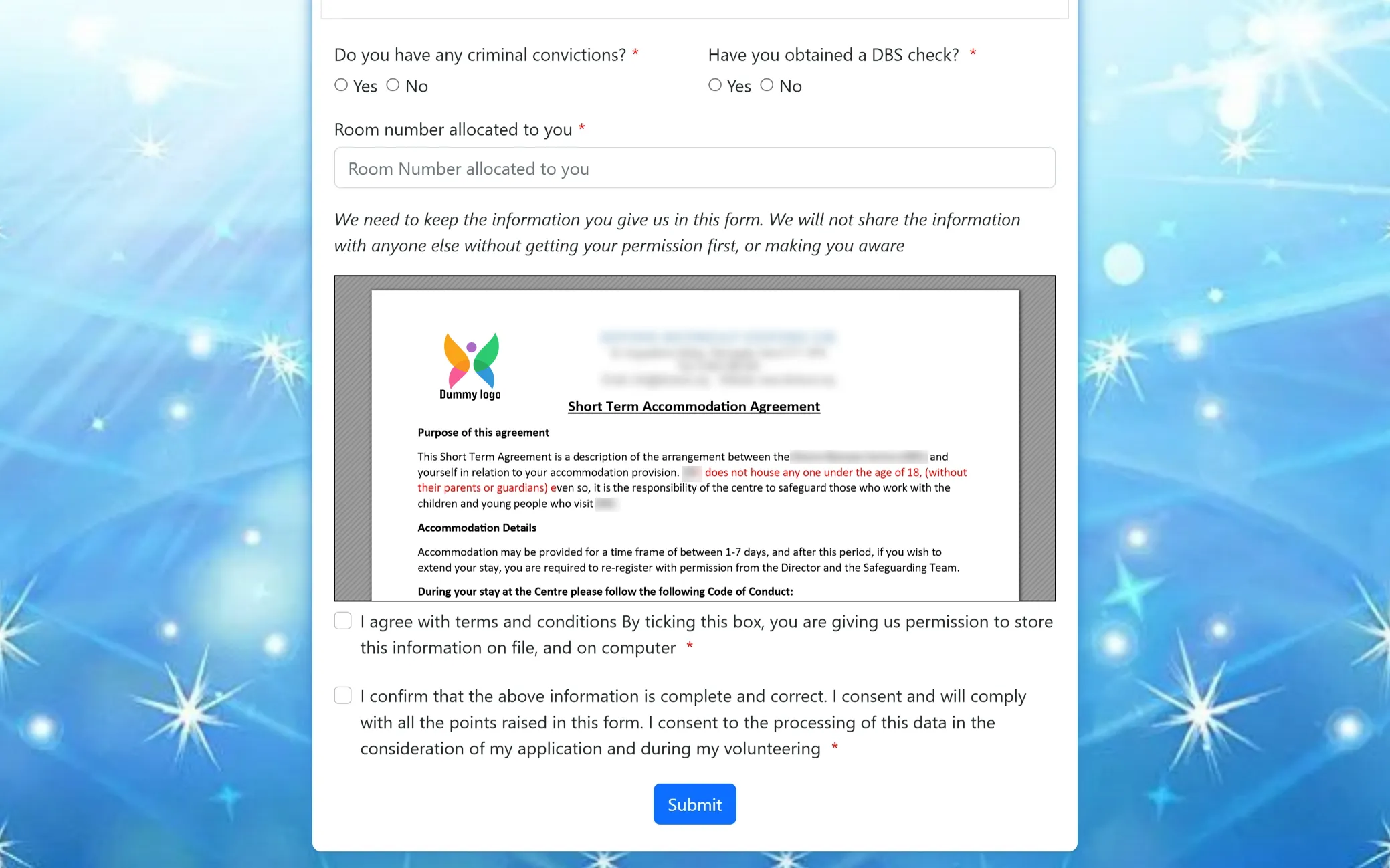
Complete the remaining fields, including emergency contact information, background checks, and room allocation. You will also go through important confidentiality guidelines to ensure a safe and responsible volunteering experience.
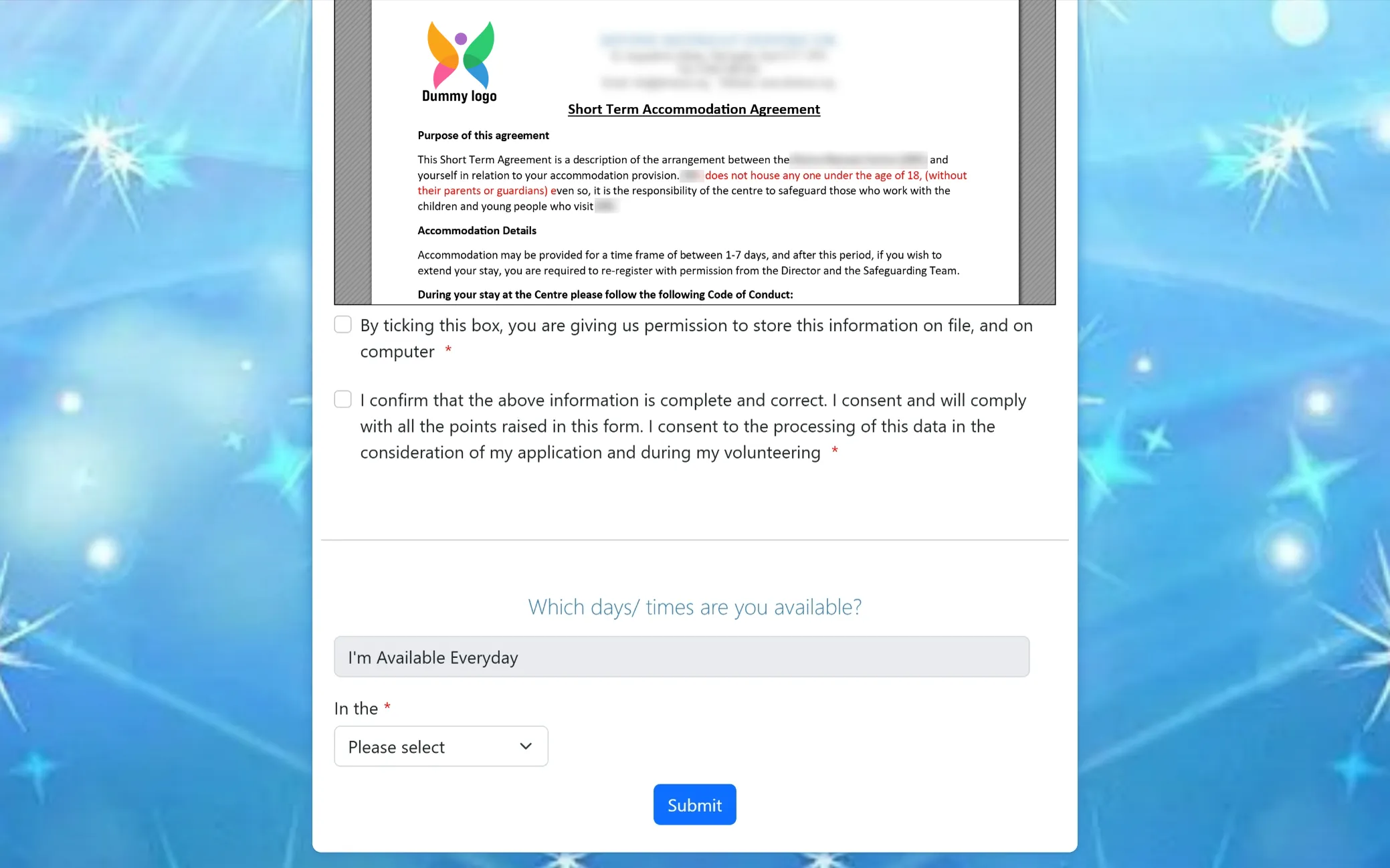
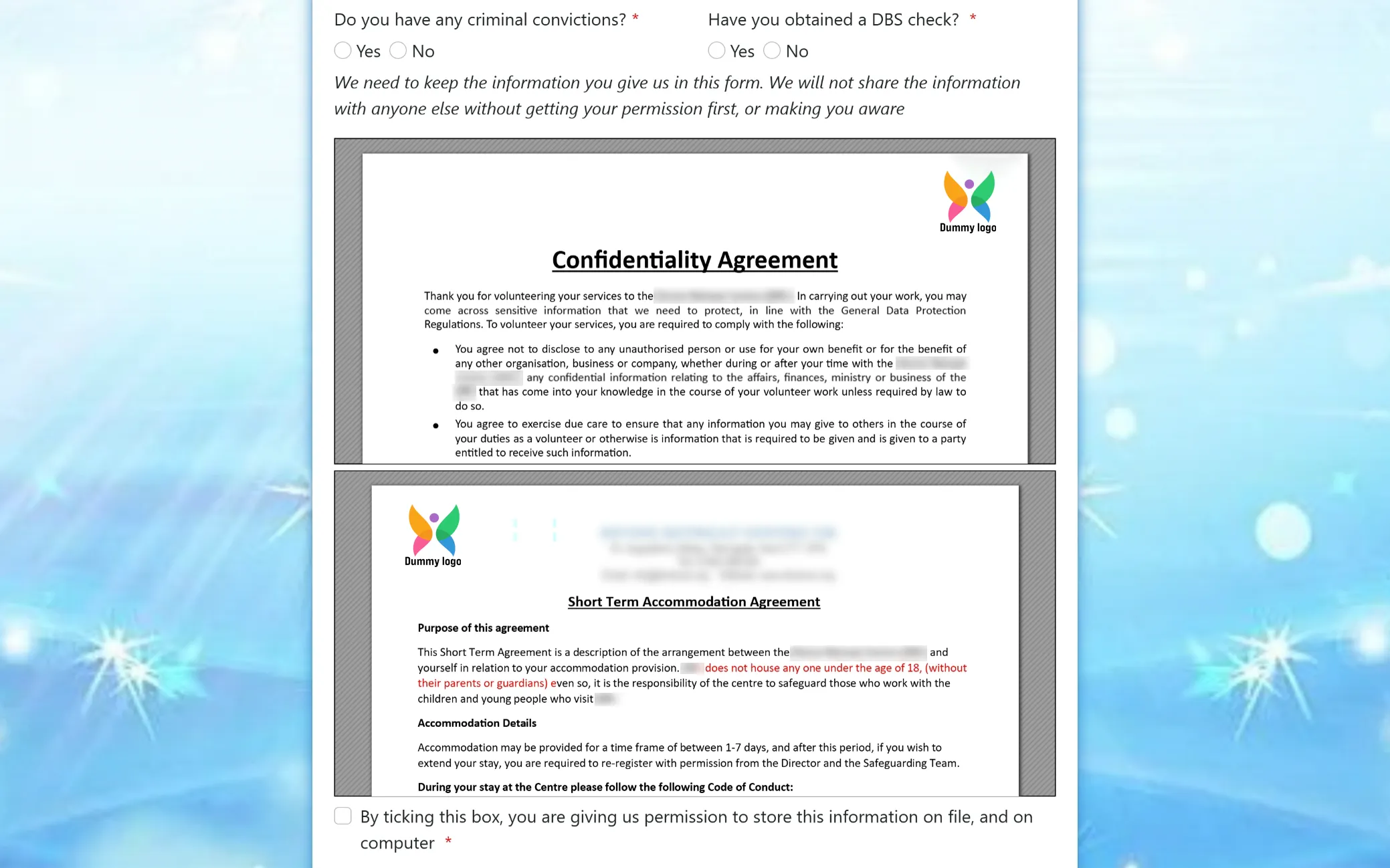
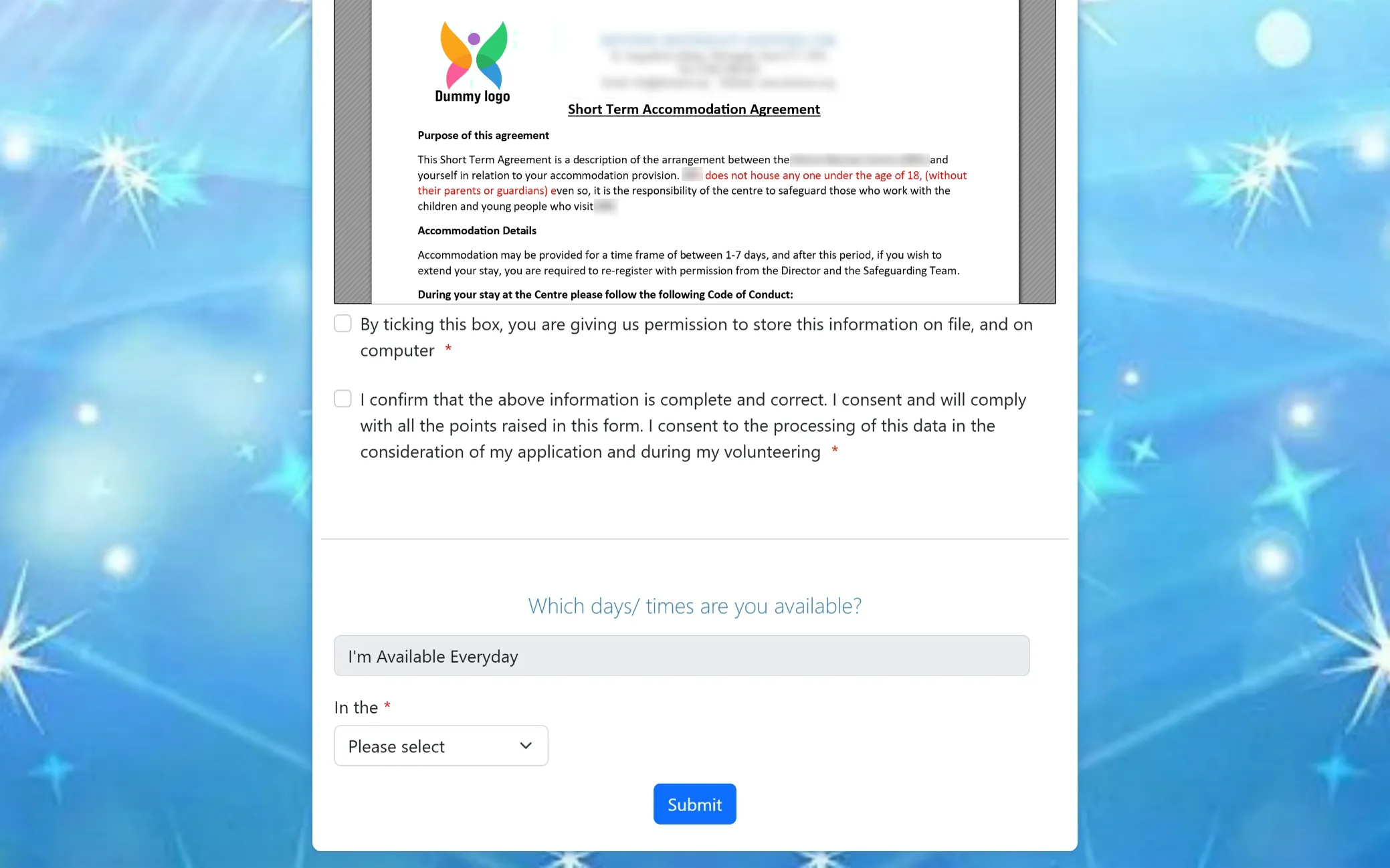
Terms, Stay Guidelines & Availability
Review the accommodation agreement and code of conduct for your stay, then confirm your consent to proceed. You can also share your availability to help us plan and coordinate your volunteering schedule smoothly.
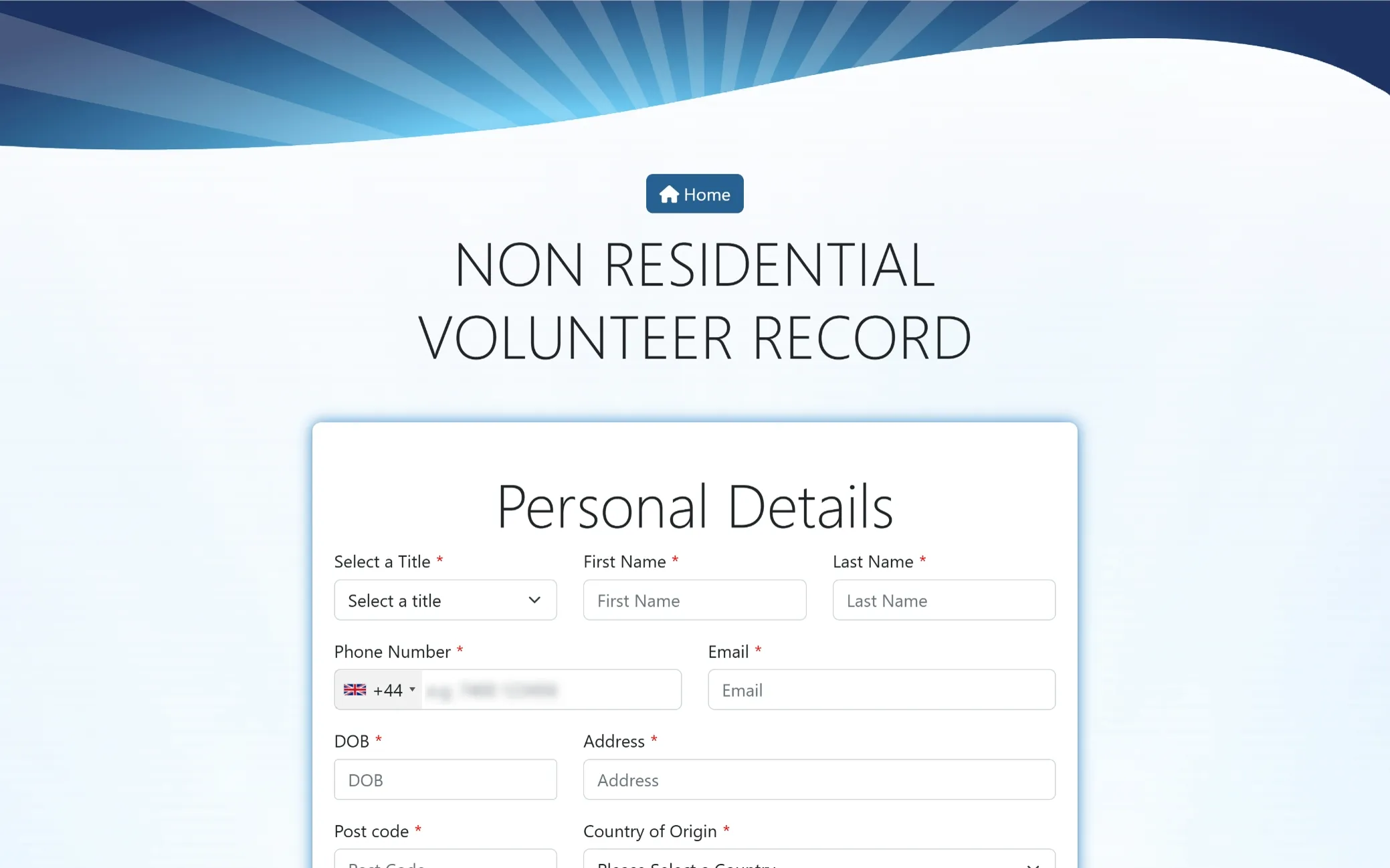
Non-Resident Volunteer Details
Fill in your basic personal information to begin your non-resident volunteer registration. This helps us record your details accurately and move forward with your application smoothly.
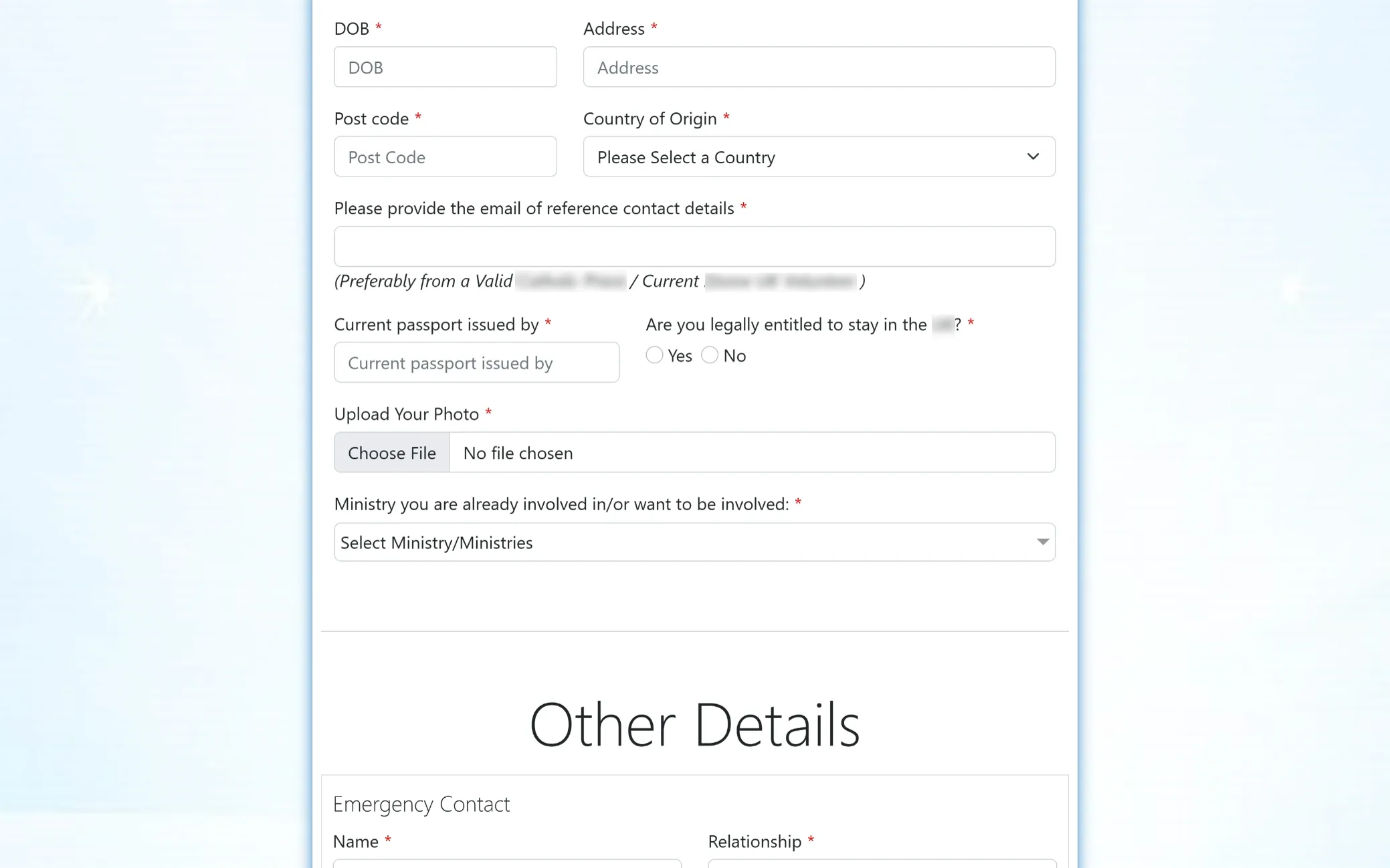
Volunteer Profile Details
Continue providing your information, including reference contact, passport details, legal eligibility, photo upload, and ministry preferences. These details help us better understand your background and align your volunteering role accordingly.
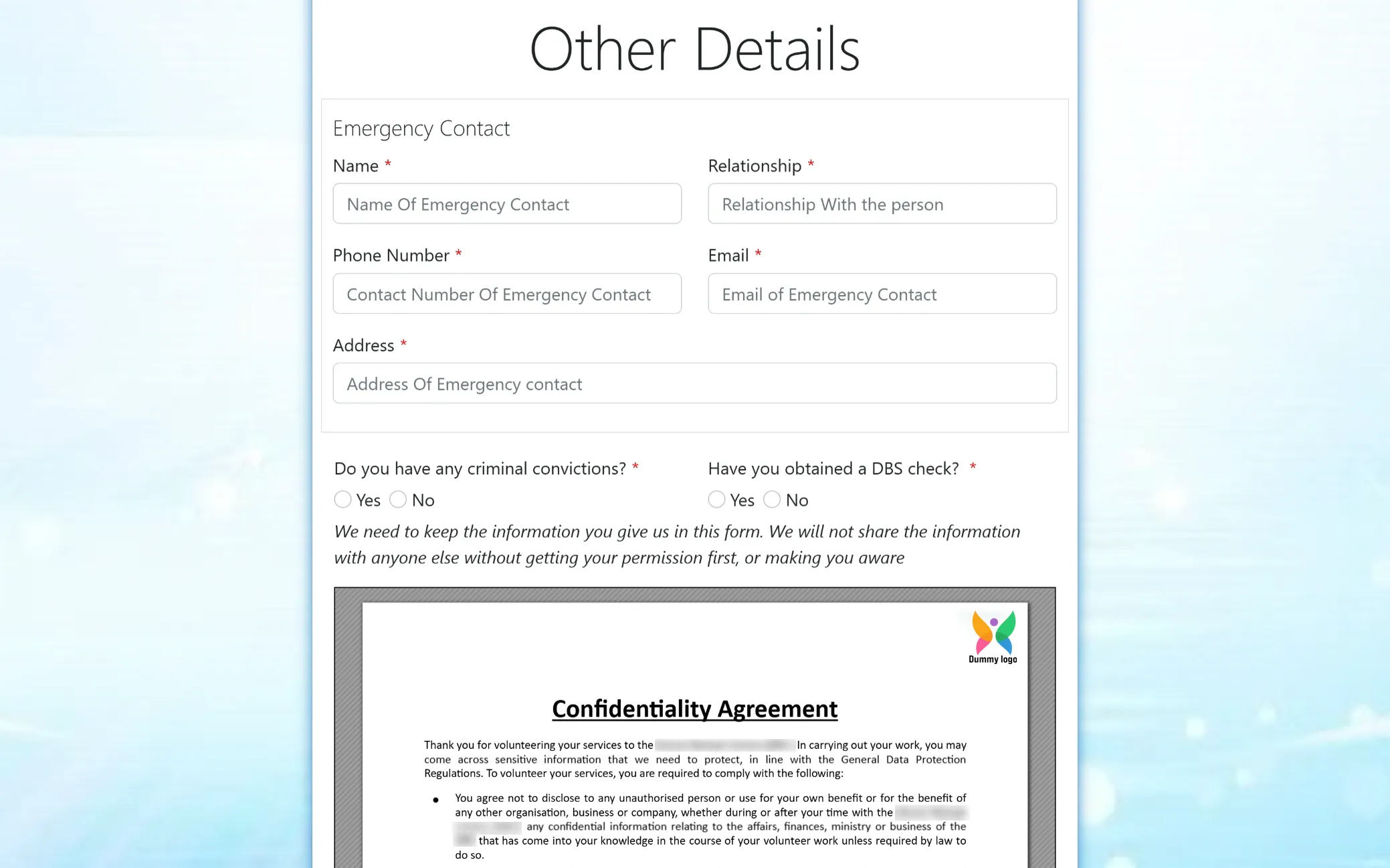
Emergency & Background Details
Provide your emergency contact information along with background check details to ensure a safe and well-supported volunteering experience. This helps us maintain proper records and take care of your well-being during your time with us.
Declaration & Agreement
Please confirm your background information and review the confidentiality and accommodation agreements carefully. By proceeding, you acknowledge and accept the guidelines that ensure a safe, respectful, and well-regulated volunteering environment.
Final Declaration & Embedded Agreements
This part of the form includes your final confirmations along with inbuilt sections for confidentiality and accommodation agreements. It is designed to gather your consent and ensure all guidelines are acknowledged before submission.
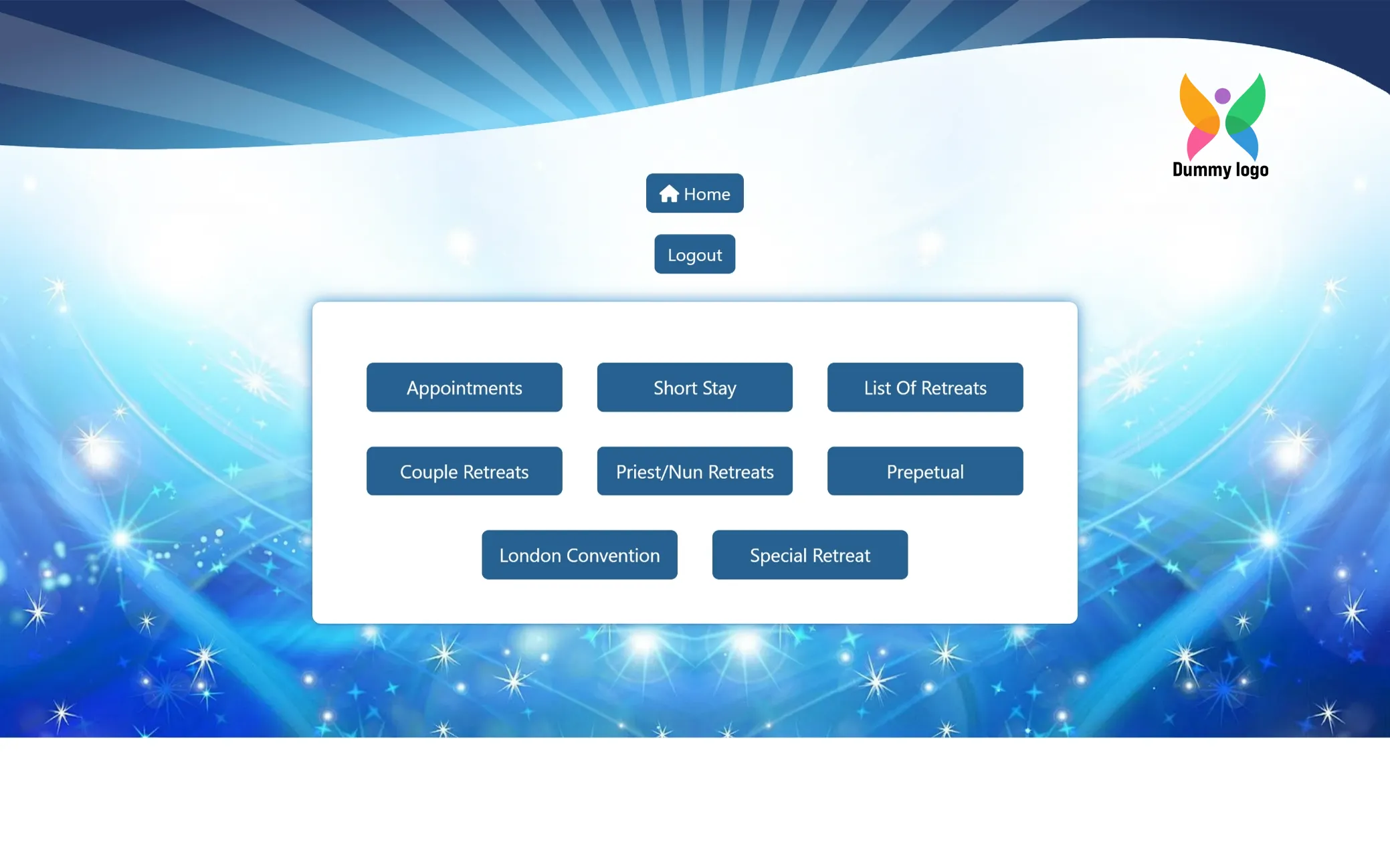
Dashboard Navigation Panel
This section provides quick access to key areas of the system, including appointments, retreat categories, and stay management. It is designed to help you navigate, manage, and monitor different modules with ease from one place.
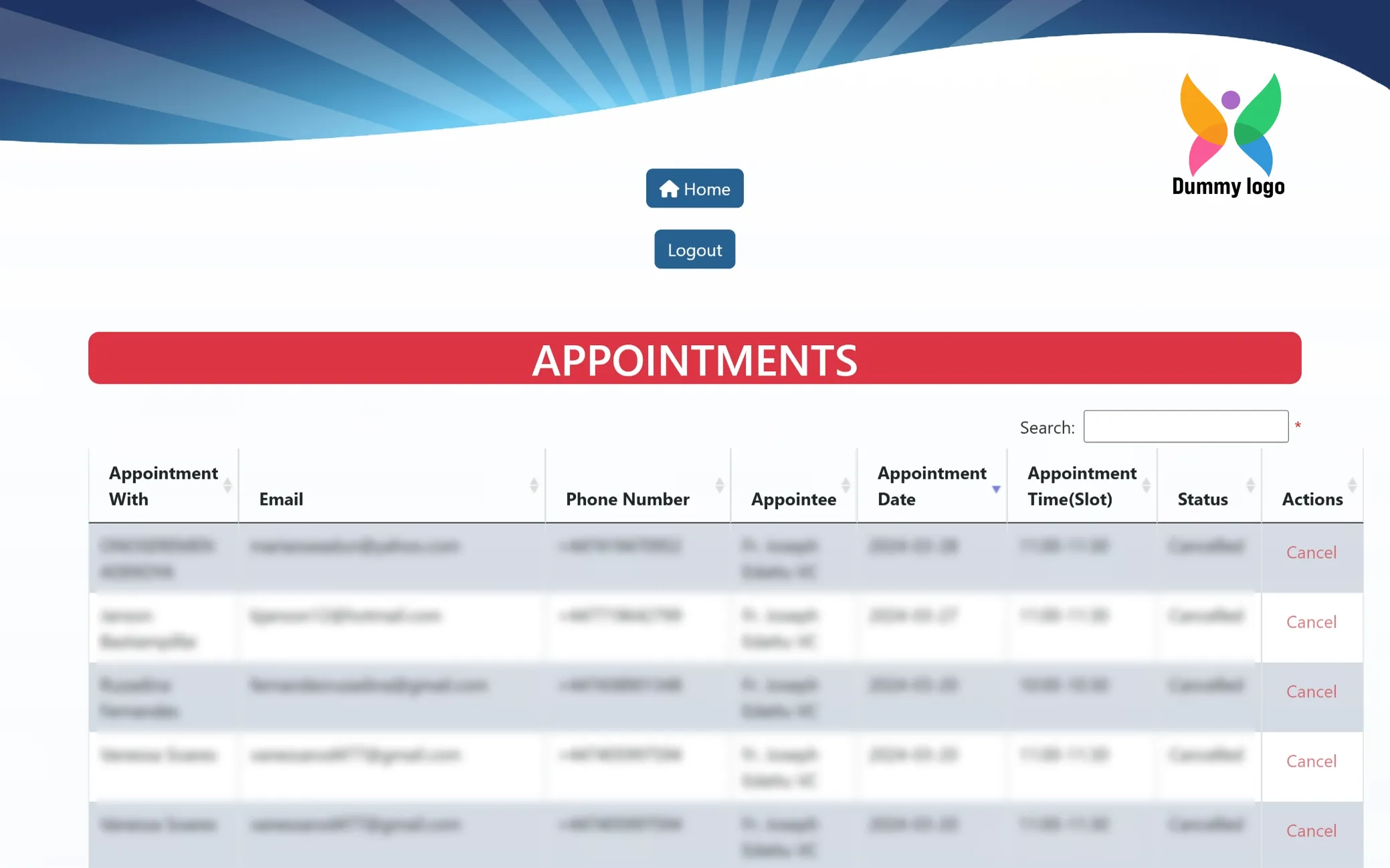
Appointments Management
This section displays a structured list of all scheduled appointments, including participant details, assigned appointee, date, time slots, and status. With a built-in search option it allows quick access, easy tracking, and efficient management of appointments in one place.
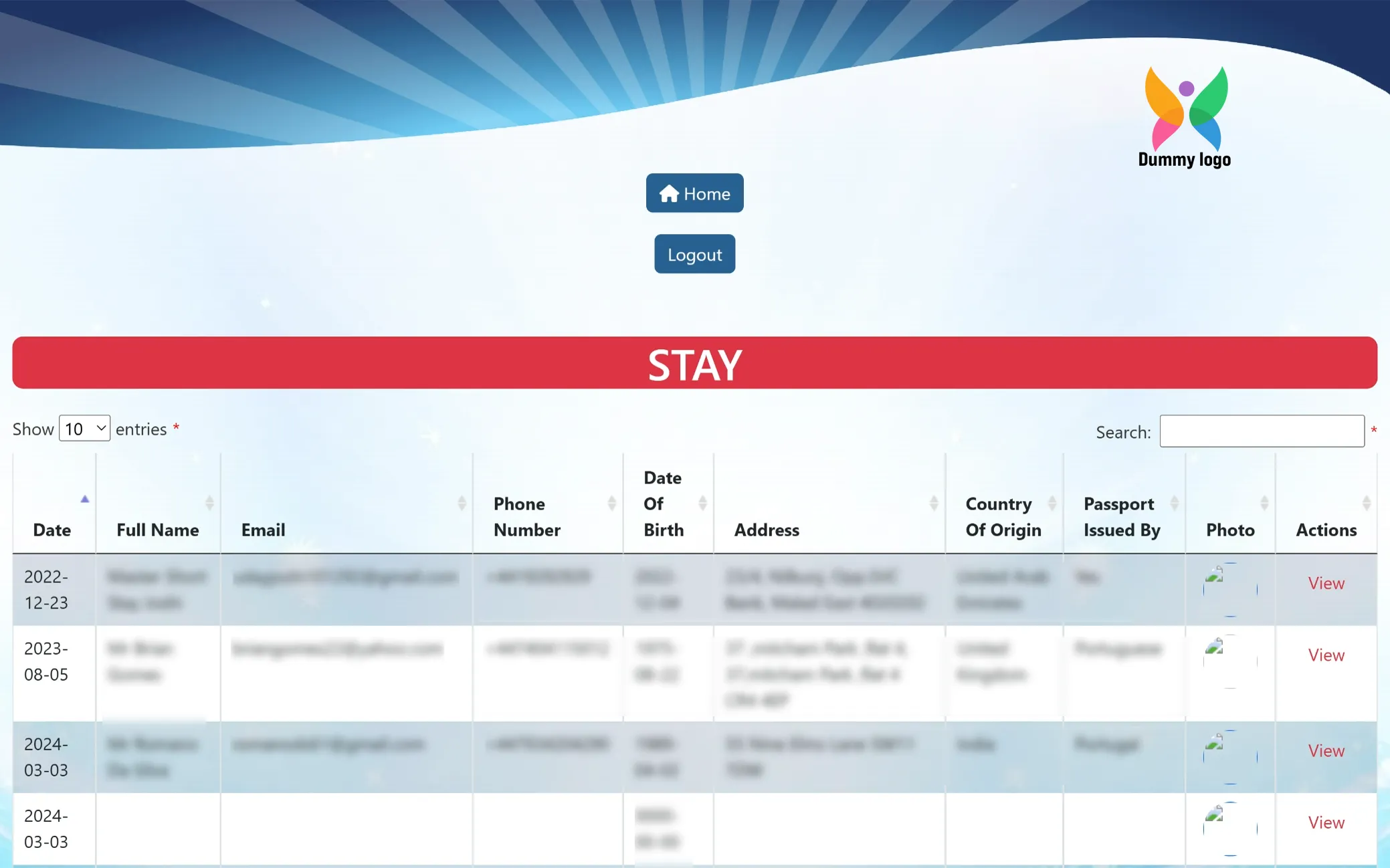
Stay Records Management
This section presents a detailed list of all stay entries, including personal details, contact information, and identification records. With search and filter options available, it allows easy tracking, review, and management of stay data in a clear and organized format.
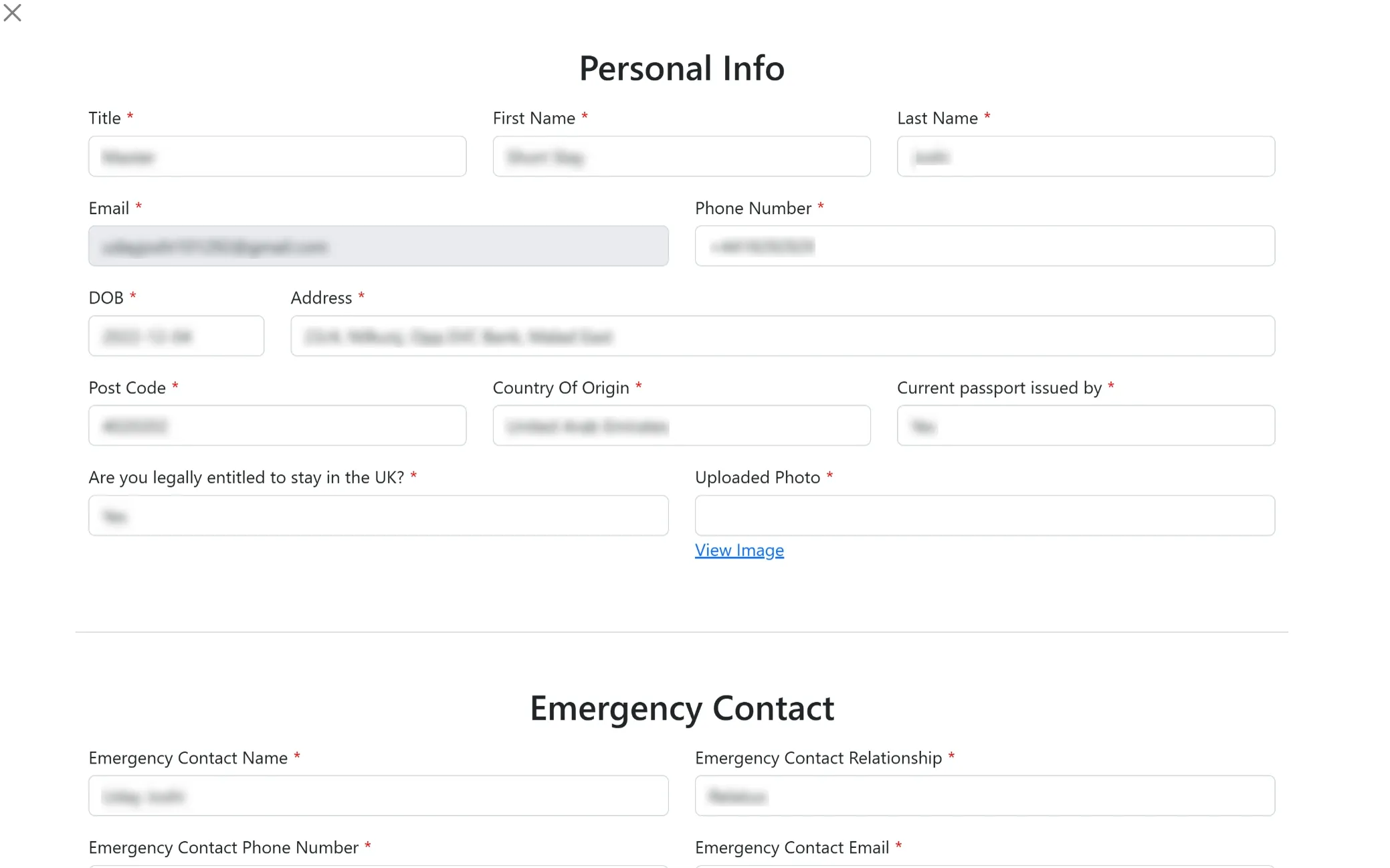
Stay Details View
This screen displays the complete information of an individual stay entry, including personal details, contact information, identification, and emergency contact records. It is designed to give a clear and detailed overview for quick review and verification.
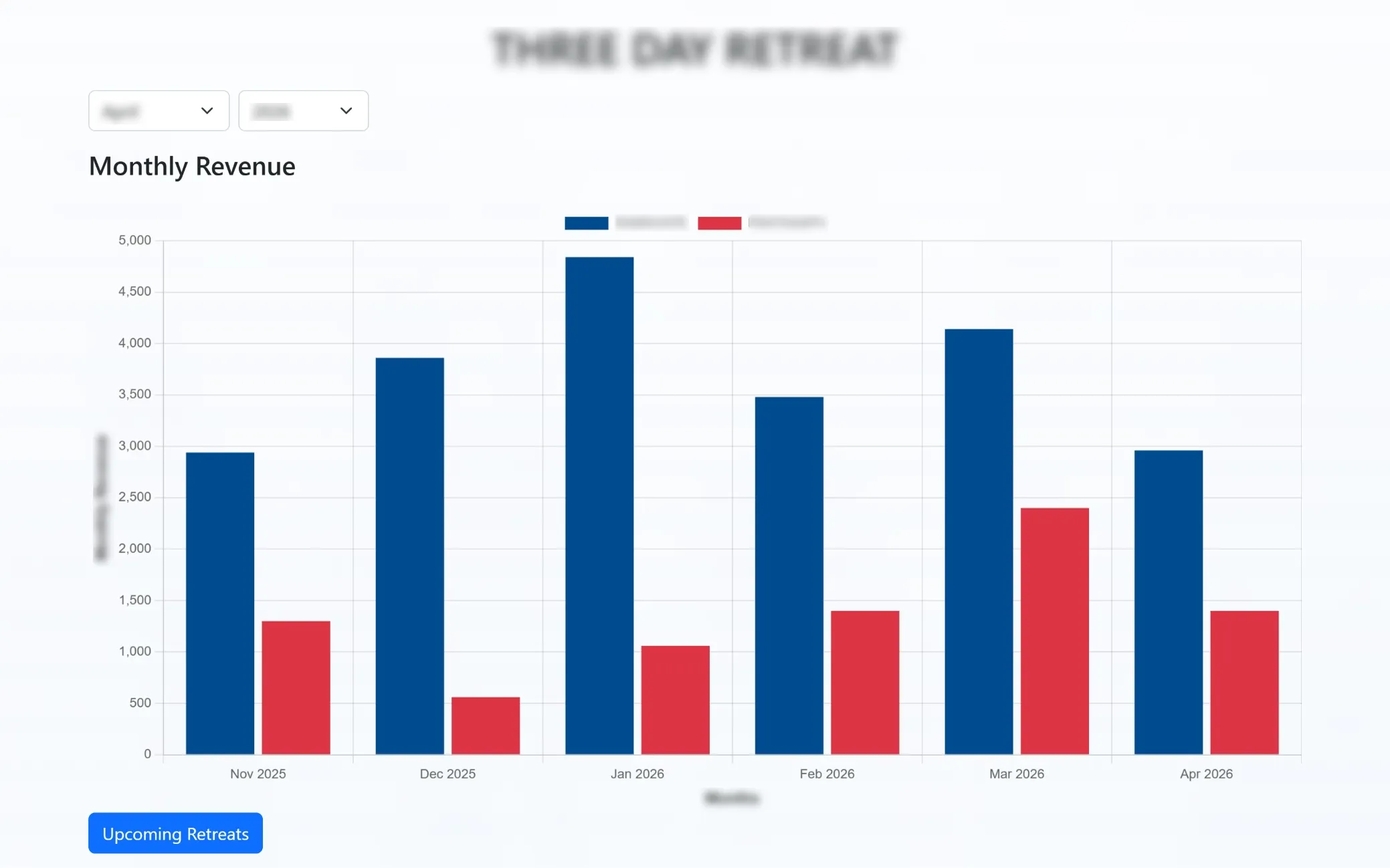
Retreat Revenue Overview
This section displays a visual bar graph representing monthly revenue across different retreat locations. It helps in comparing performance, tracking trends, and gaining quick insights into revenue distribution over time.
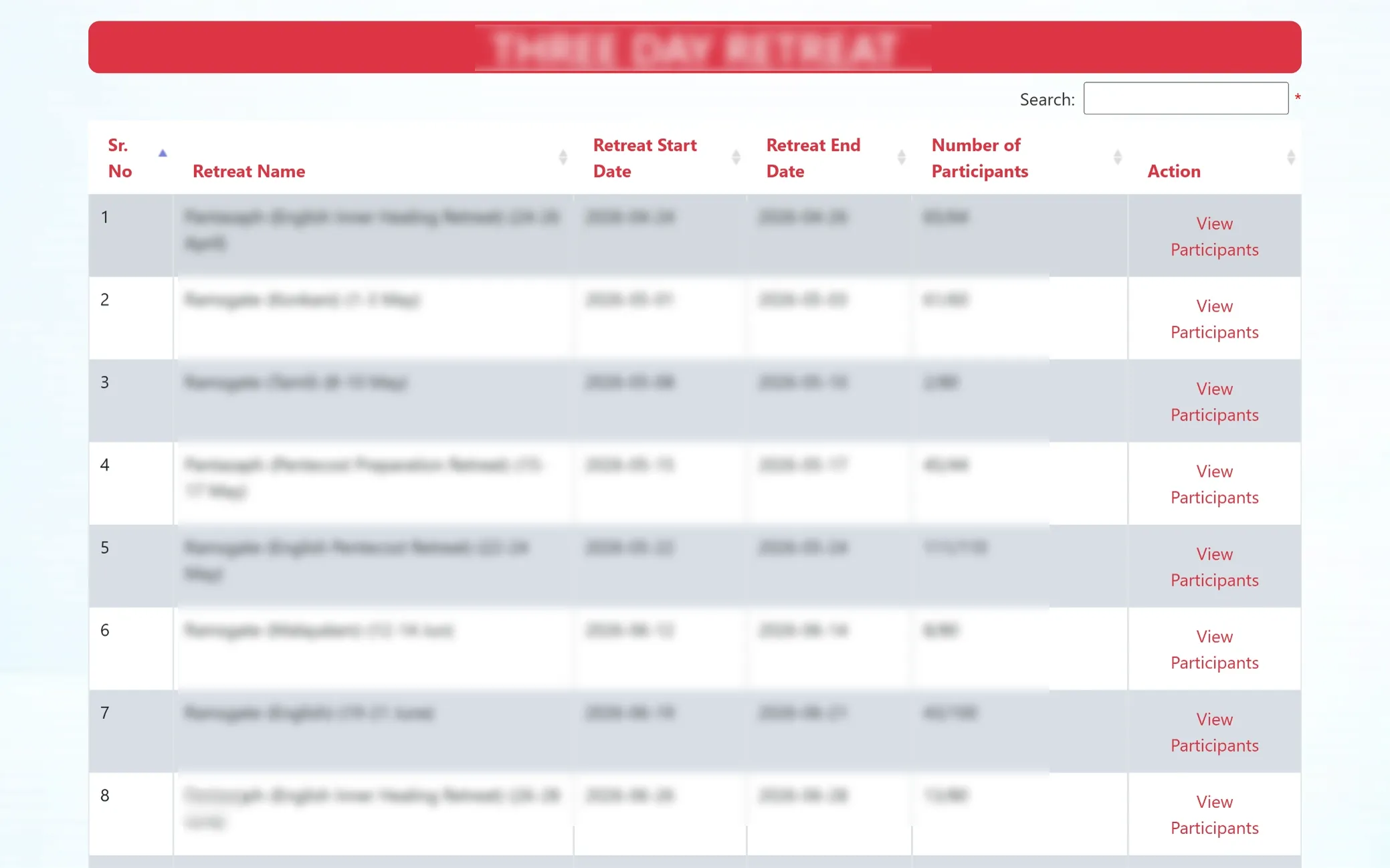
Three-Day Retreat Listings
This section displays a detailed list of upcoming retreats, including names, schedules, and participant capacity. It helps in tracking registrations, monitoring availability, and managing retreat planning efficiently in one place.
Participant Details & Payments
This page displays a detailed list of participants for the selected retreat, including personal details, additional participants, country, and payment information. With search and export options available, it allows easy tracking, data management, and seamless record handling in multiple formats.
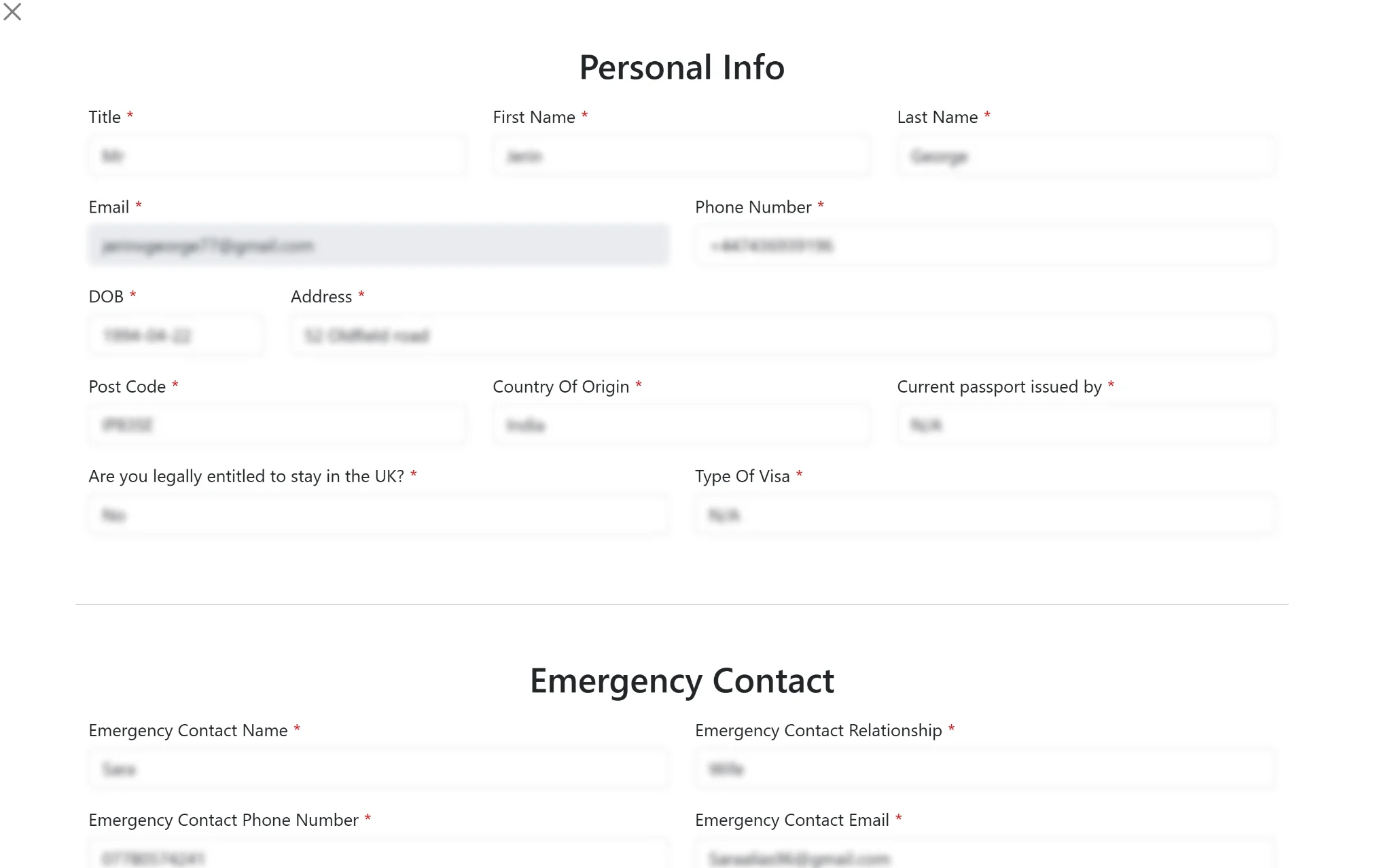
Participant Details View
This screen presents a complete overview of an individual participant’s information, including personal details, contact information, emergency contact, and consent confirmations. It is designed to provide clear visibility for review, verification, and record management in one place.
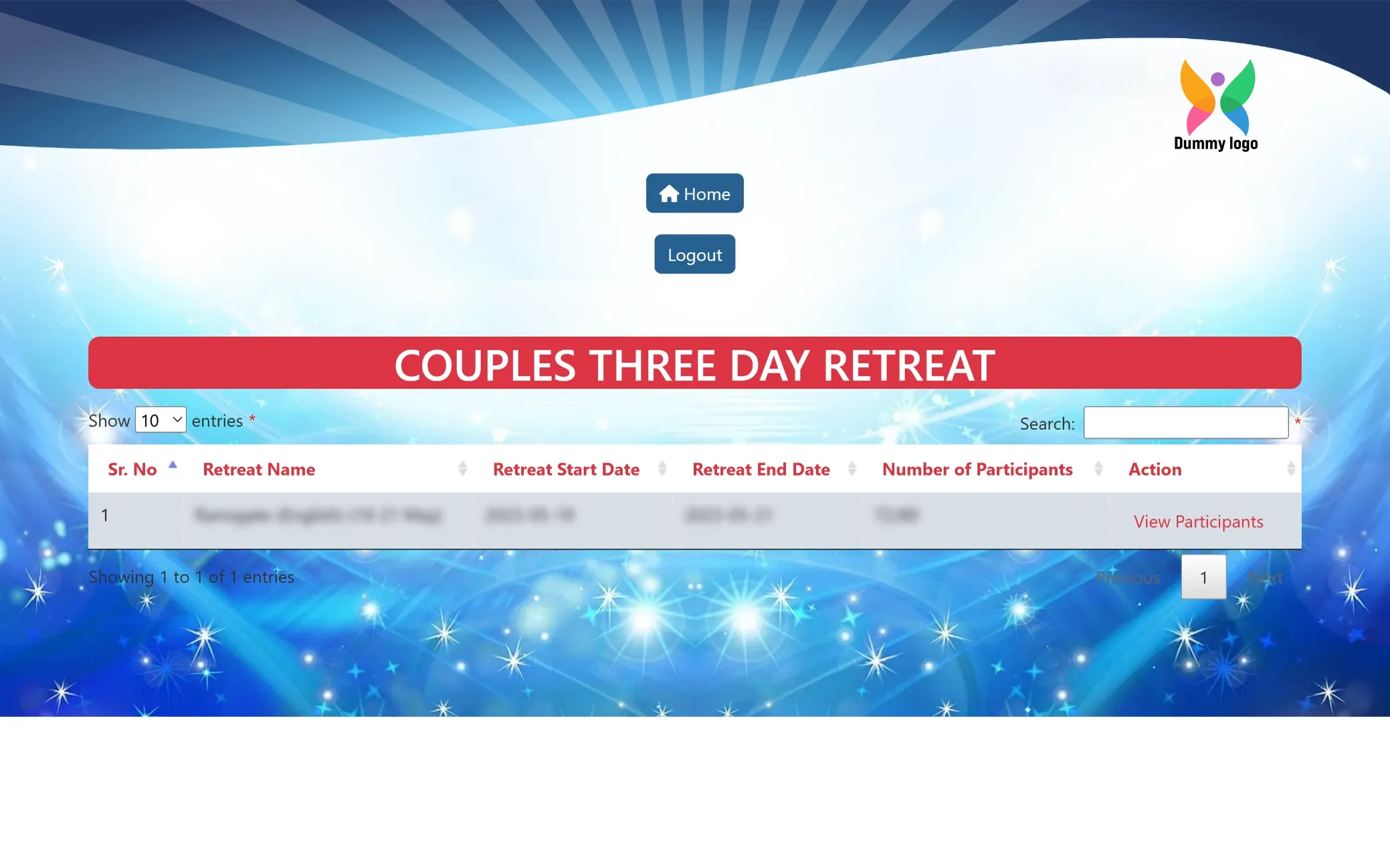
Couples Retreat Listings
This section displays a list of scheduled couples retreats, including retreat details, dates, and participant capacity. It helps in tracking registrations, monitoring availability, and managing retreat planning specifically for couples.
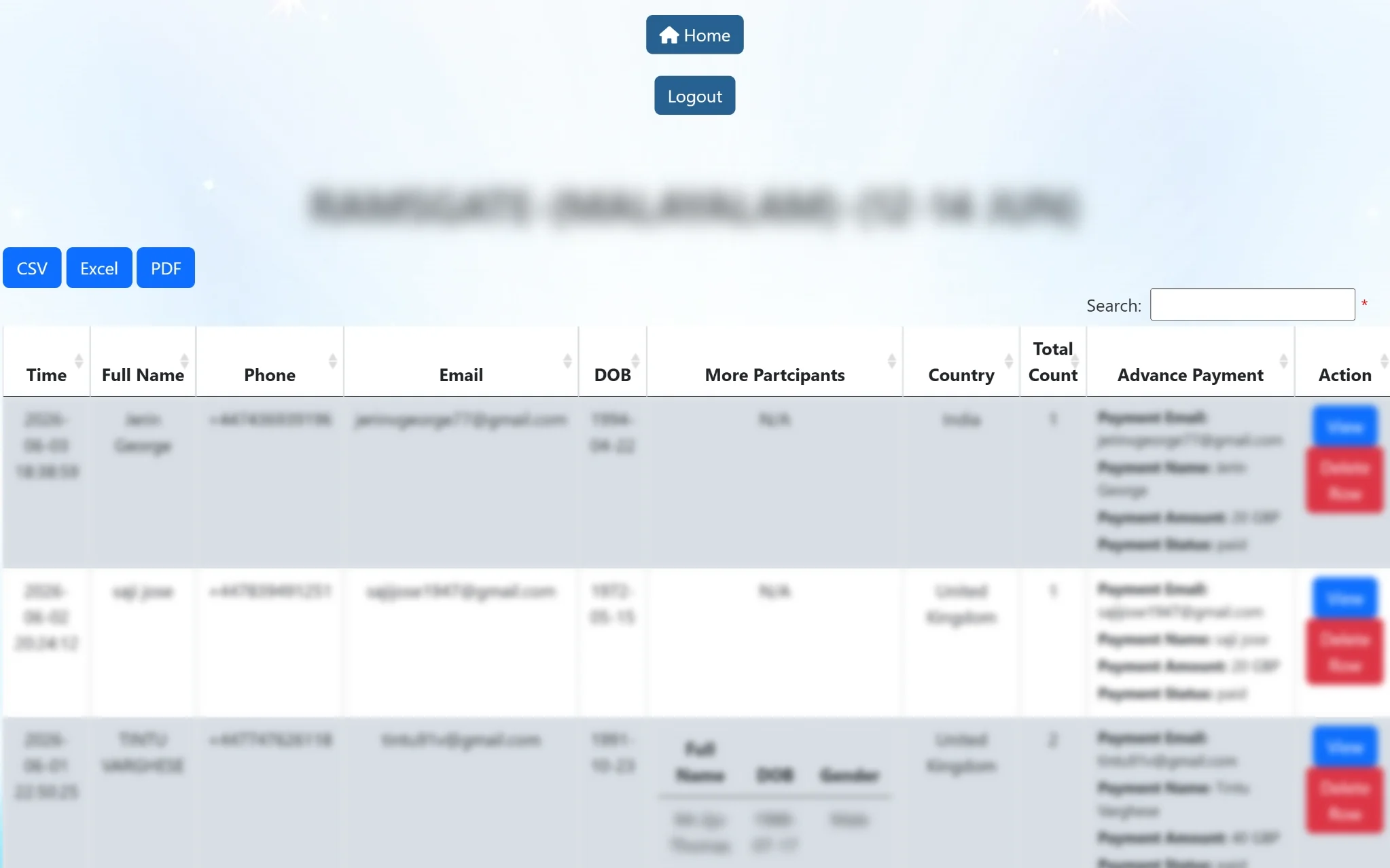
Couples Retreat Participant Records
This section displays a detailed list of participants for the selected couples retreat, including primary and additional participant details, contact information, and country. It allows easy monitoring, quick access to records, and efficient management with view and delete actions.
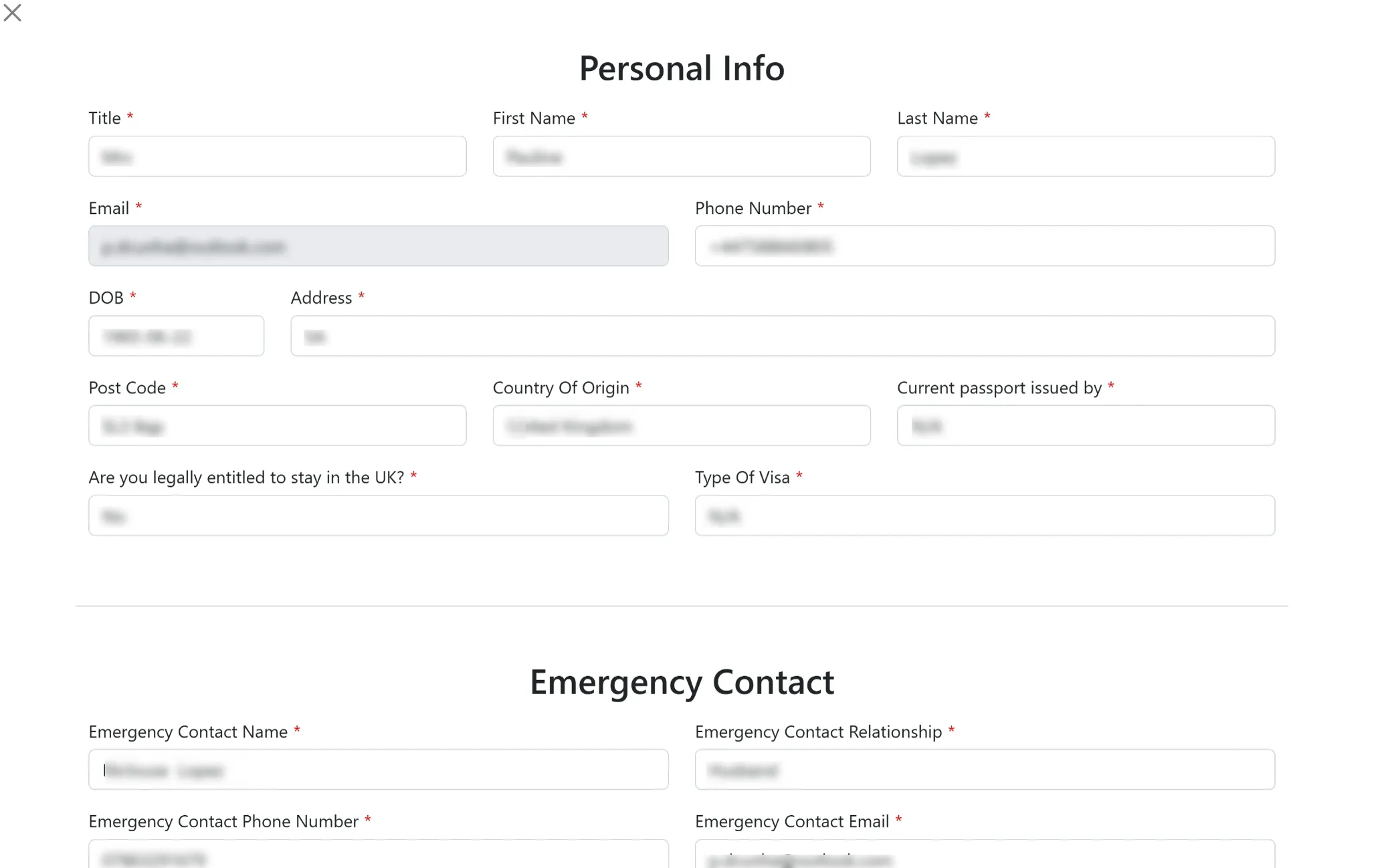
Couple Participant Details View
This screen provides a complete overview of the selected participant’s information, including personal details, contact information, identification, and emergency contact. It helps in quick review and efficient management of individual records.
Priests & Nuns Retreat Listings
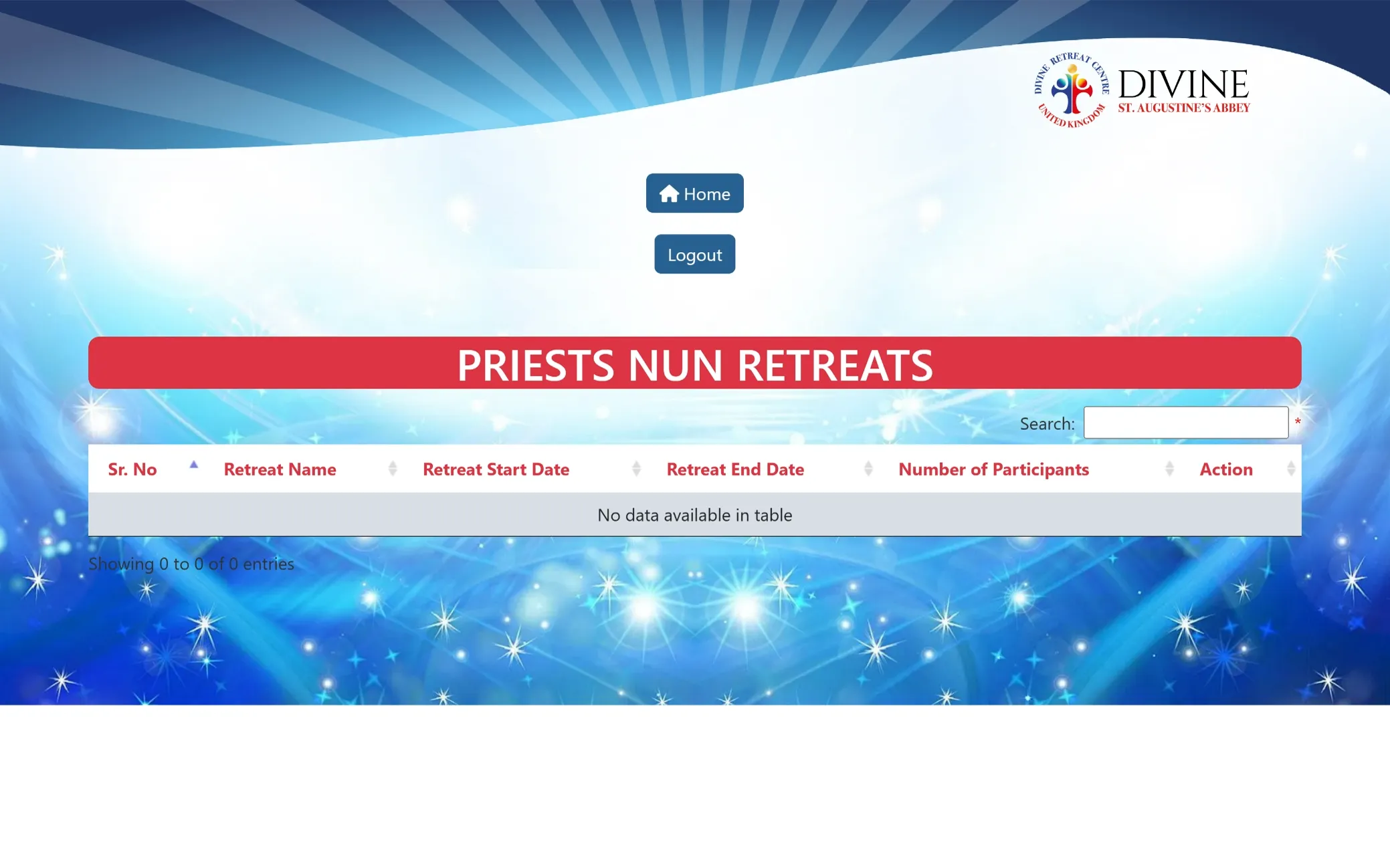
This section is designed to display scheduled retreats for priests and nuns, along with their details and participant information. It helps in organizing and managing these specific retreats, with data appearing here once available.
Perpetual Intercession Bookings
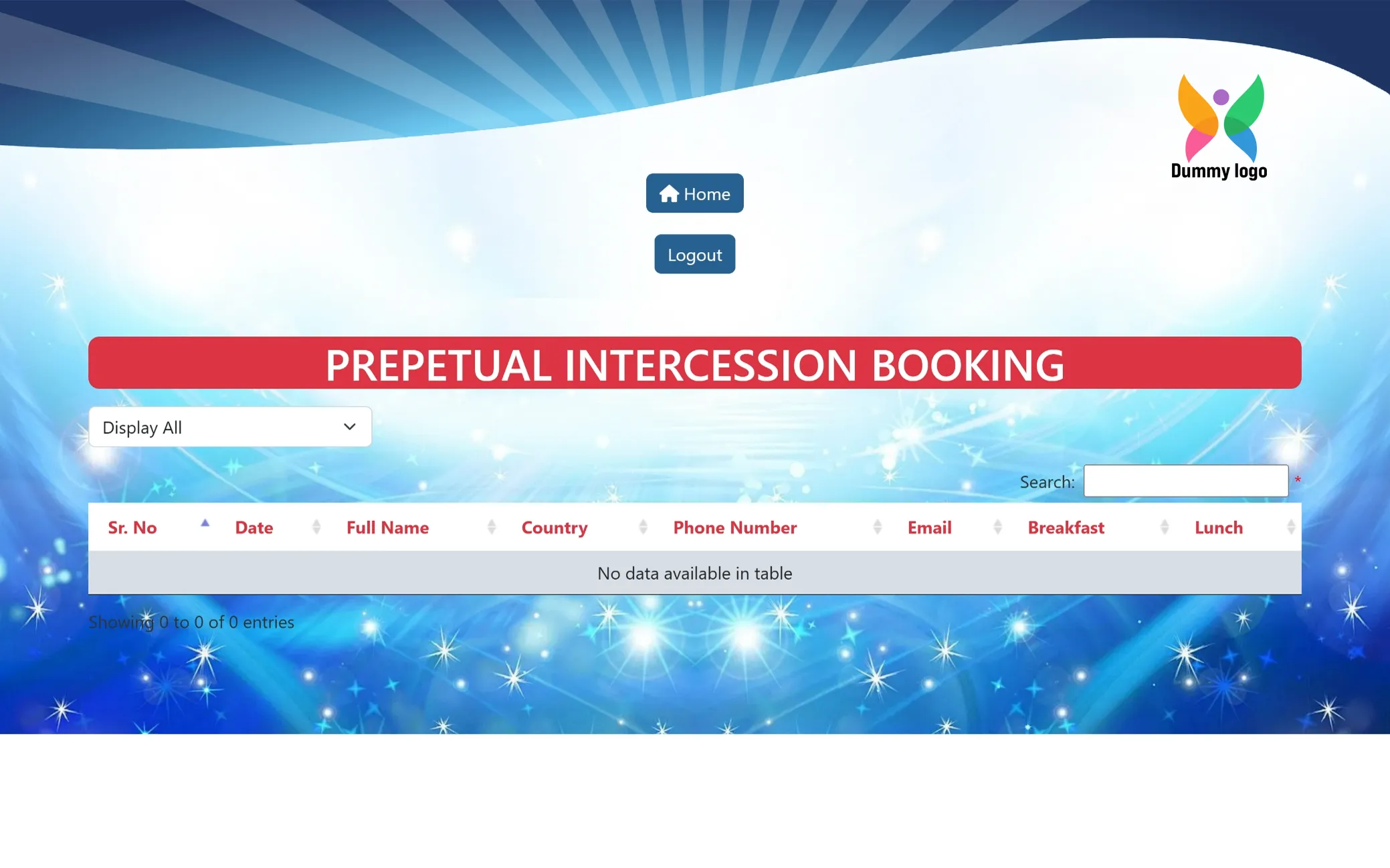
This section is designed to manage and display intercession booking records, including participant details and meal preferences. It provides a structured view for tracking entries, with data appearing here once bookings are made.
London Convention Overview
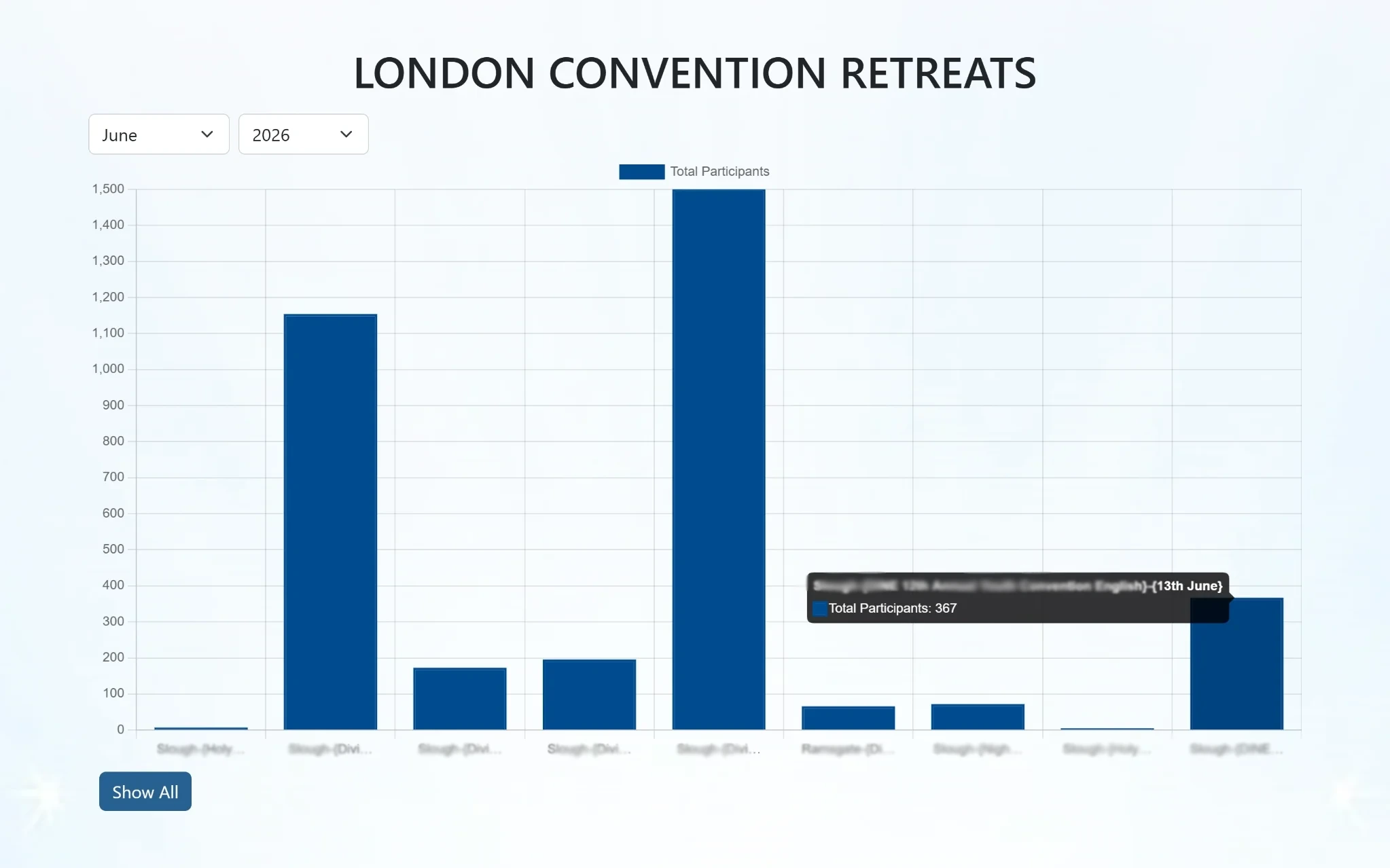
This section presents a visual overview of convention retreats with a bar graph showing participation trends for the selected month and year. It also highlights the total number of participants, helping in quick analysis and tracking of overall engagement.
London Convention Retreat Listings
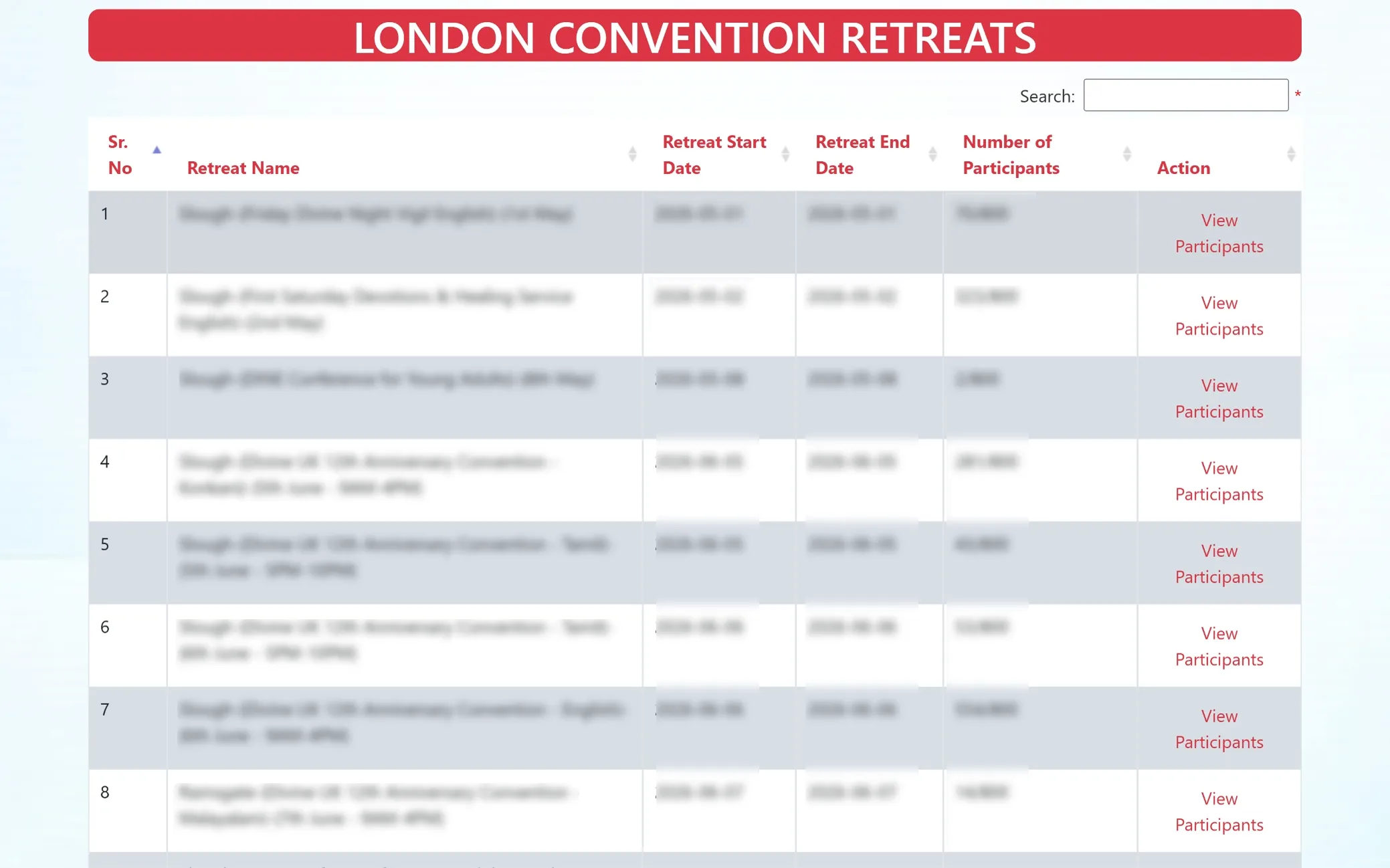
This section displays a detailed list of convention retreats, including event names, schedules, and participant capacity. The option to view participants for each entry, it allows easy tracking, monitoring, and management of registrations for every event.
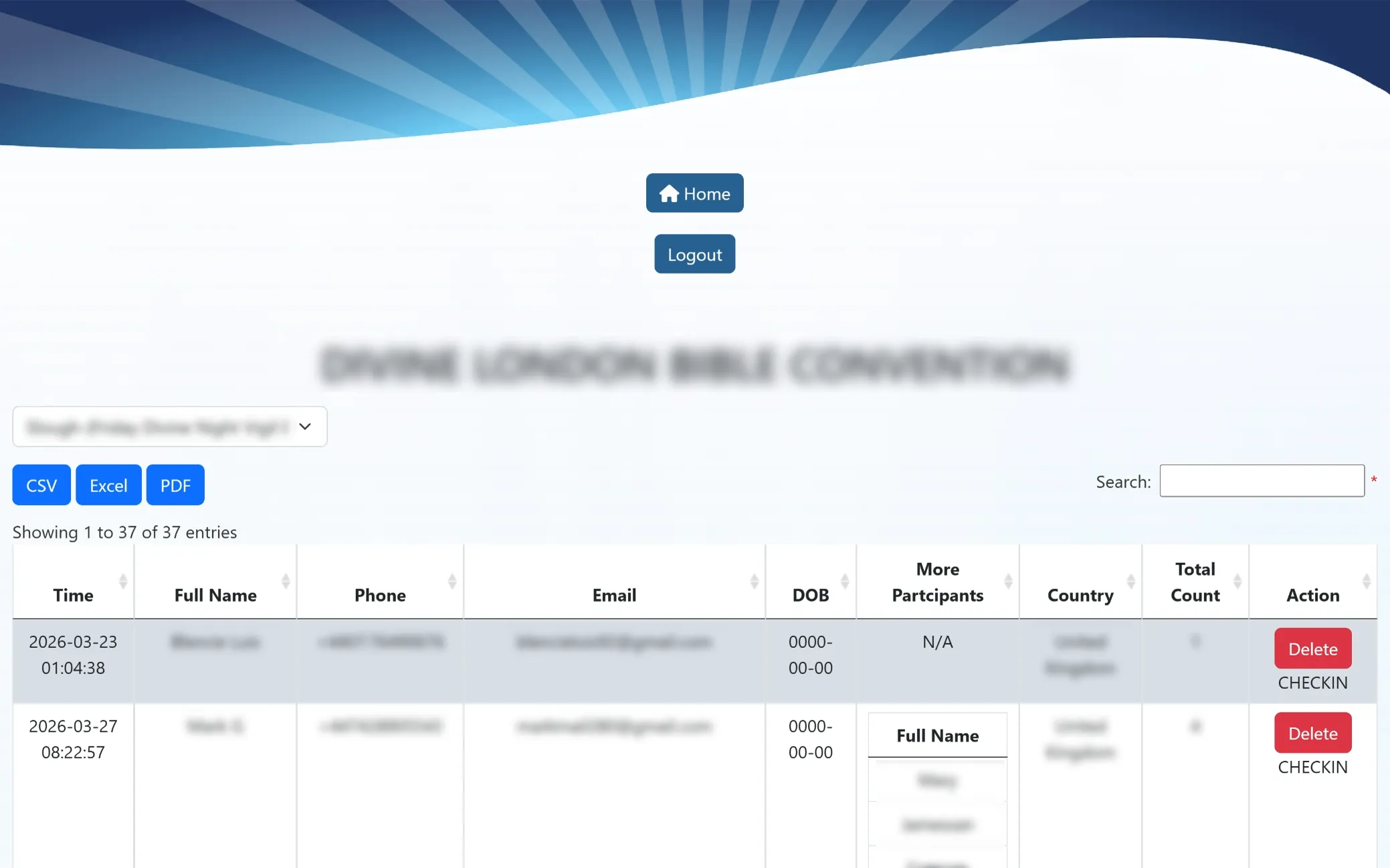
Convention Participant Records
This screen displays the list of participants for selected convention retreats, with options to switch between locations using the dropdown. It allows easy check-in, record viewing, and deletion, making it simple to manage attendee flow and maintain organized event records.
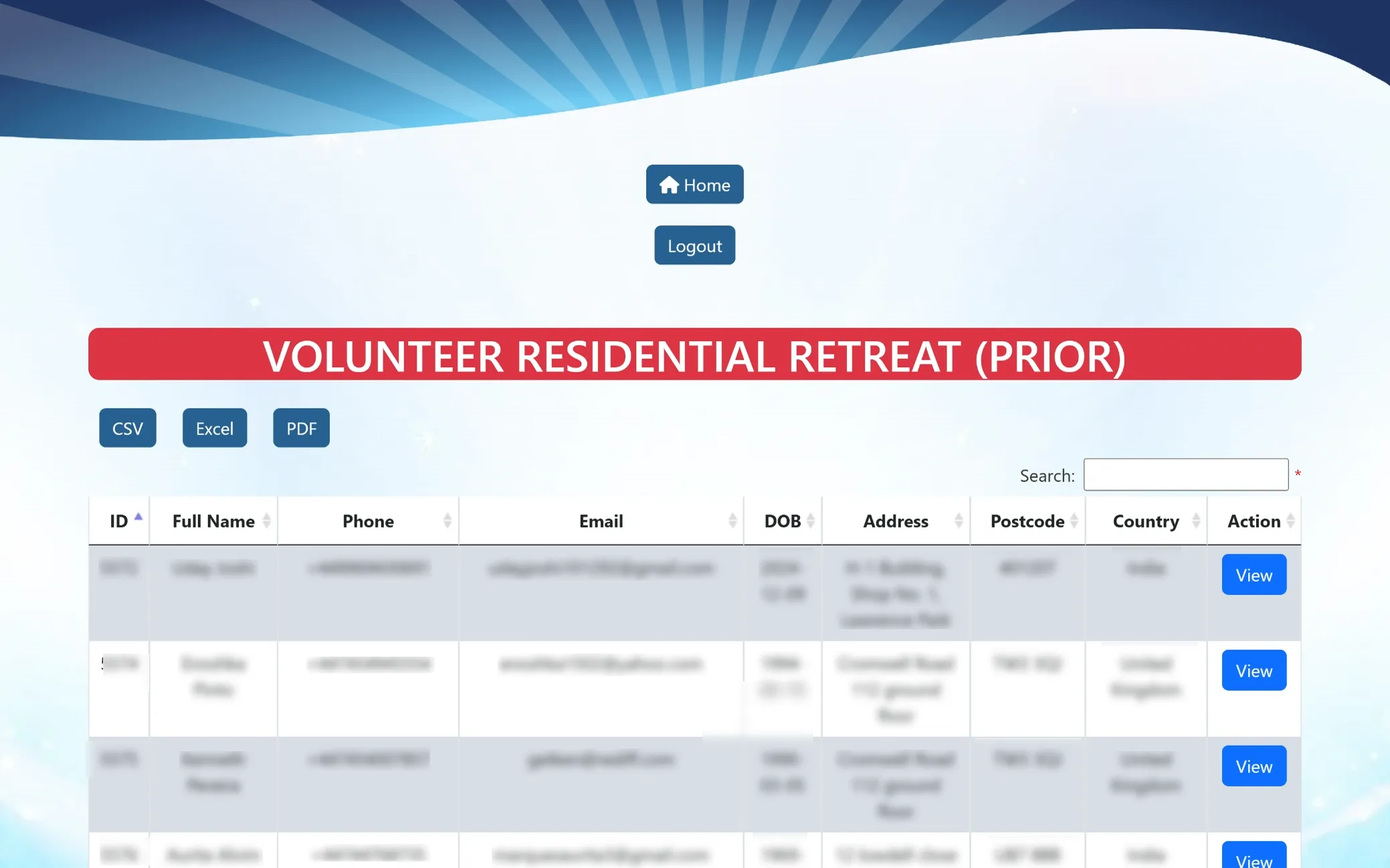
Residential Volunteer Records (Prior)
This section displays previously registered residential volunteers along with their personal and contact details. It helps in reviewing past records, managing data efficiently, and keeping track of volunteer history in an organized manner.
Residential Volunteer Details View
This screen provides a complete overview of a selected residential volunteer’s information, including personal details, contact information, emergency contact, and background checks. It is designed for clear review, verification, and efficient record management.
Purpose
Built to streamline retreat registrations, volunteer management, and stay coordination, this web application reduces manual processes and improves overall accuracy. It enables users to select their purpose, submit forms, and manage bookings with ease, while ensuring smooth coordination and an enhanced user experience.
Modules
Organized into structured sections, the platform includes Entry & Purpose Selection for guided navigation, Retreat & Stay Forms for registrations, Volunteer Management for residential and non-residential onboarding, Appointments for scheduling, Retreat Listings for event tracking, and Admin Dashboard for complete control and monitoring. Together, these modules create a seamless and well-connected workflow.
Features
Equipped with efficient tools, it allows users to register for retreats, manage stays, and apply as volunteers effortlessly. Search, filter, and export options simplify data handling, while detailed records, participant tracking, and check-in features enhance management. Admin controls, reports, and visual insights ensure smooth operations and better decision-making.


