
Inventory Management System
Inventory Management System
A smart and efficient inventory platform designed to manage stock, sales, and warehouse operations seamlessly. It allows businesses to track products, handle transactions, and monitor inventory in real time, ensuring smooth operations with minimal errors. Built to simplify stock management, reduce discrepancies, and provide a clear overview of business activities.
Technology Used
-

PHP
-

mySQL
-

HTML
-

CSS
-

Javascript

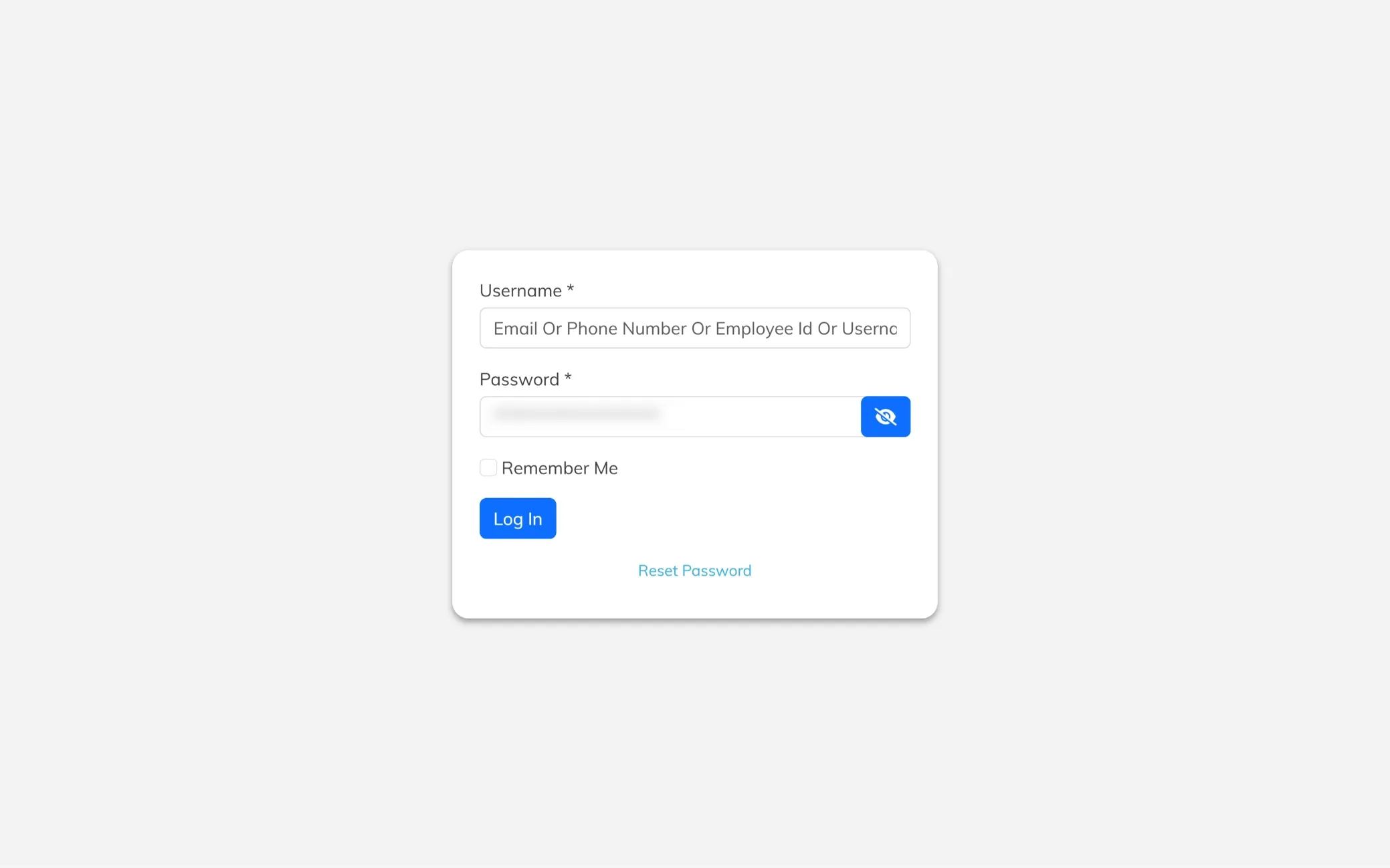
Secure Login Panel
A simple and user-friendly login interface with fields for username and password, ensuring quick and secure access. Built to streamline the sign-in process, allowing users to enter the system smoothly and start managing operations without delays.
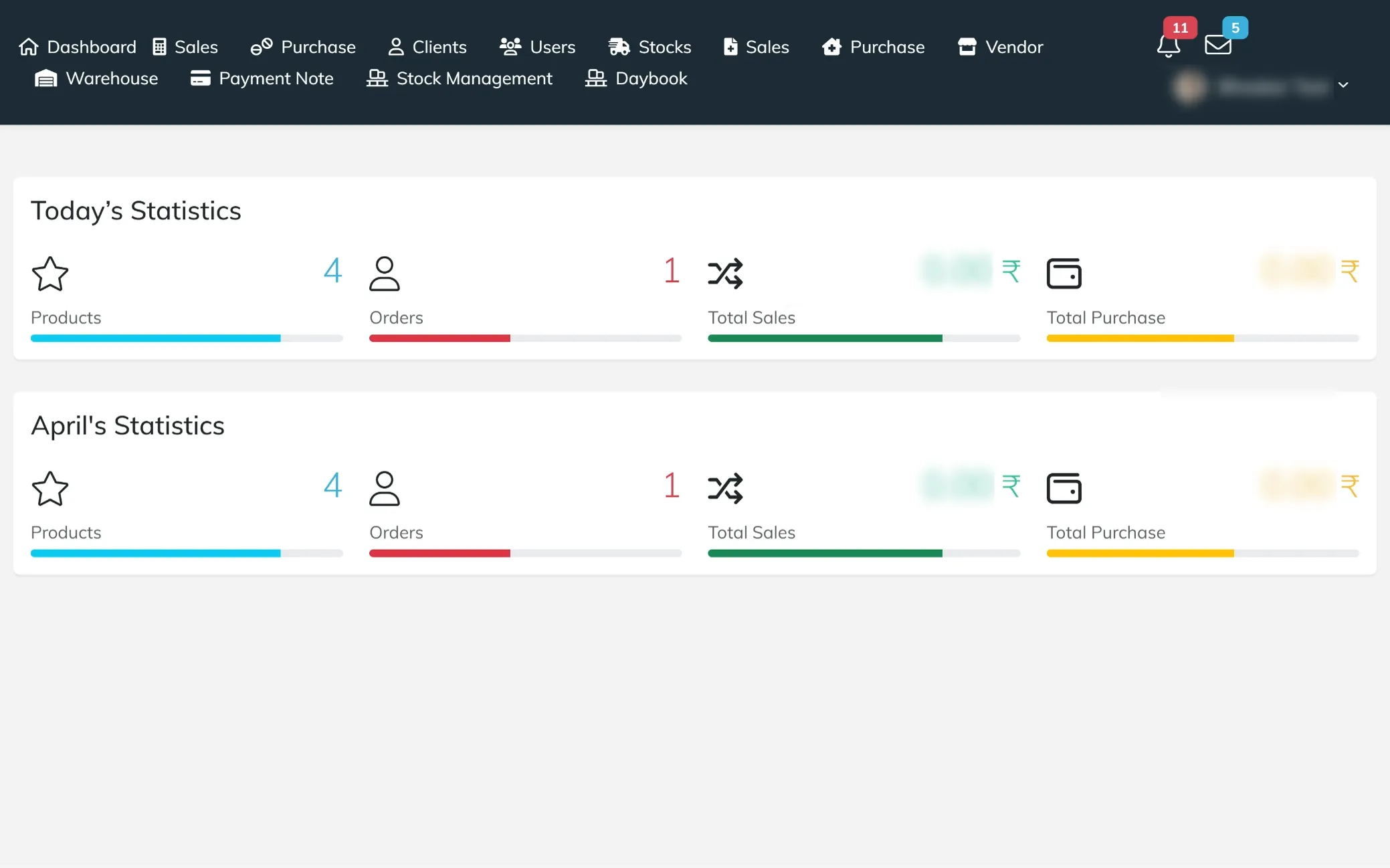
Smart Inventory Dashboard
A clean and intuitive dashboard that provides a complete overview of inventory and business activities in one place. Designed for quick access and real-time updates, allowing users to track stock levels, monitor sales and purchases, view notifications, and manage operations efficiently without any confusion.
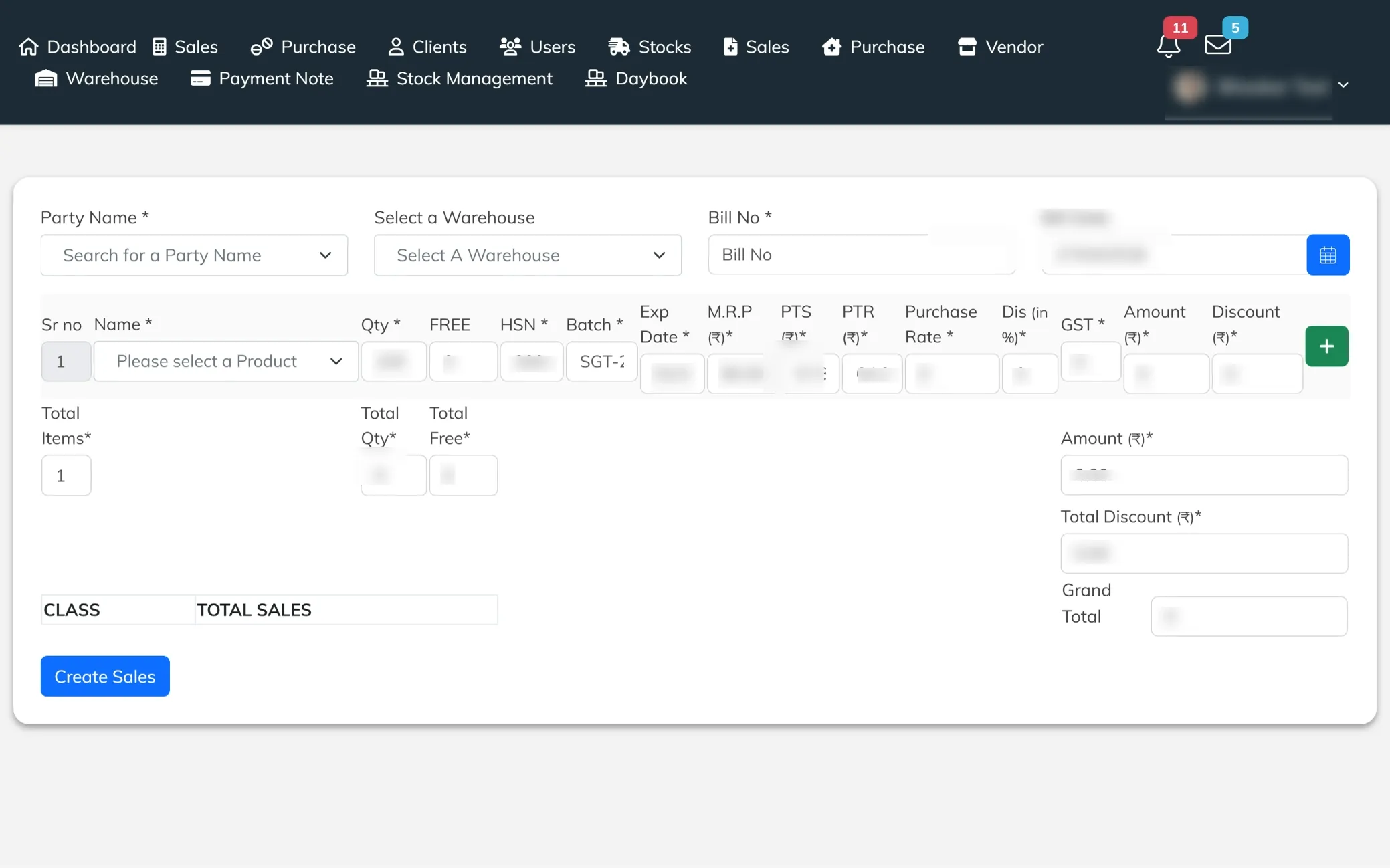
Create Sales Entry
A detailed sales entry screen designed to capture all essential billing and product information in one place. It allows users to select the party and warehouse, enter bill details, and add product-specific data like quantity, batch, expiry, pricing, and GST. With automatic calculations for totals, discounts, and final amount, it ensures accurate billing and smooth sales processing without manual errors.
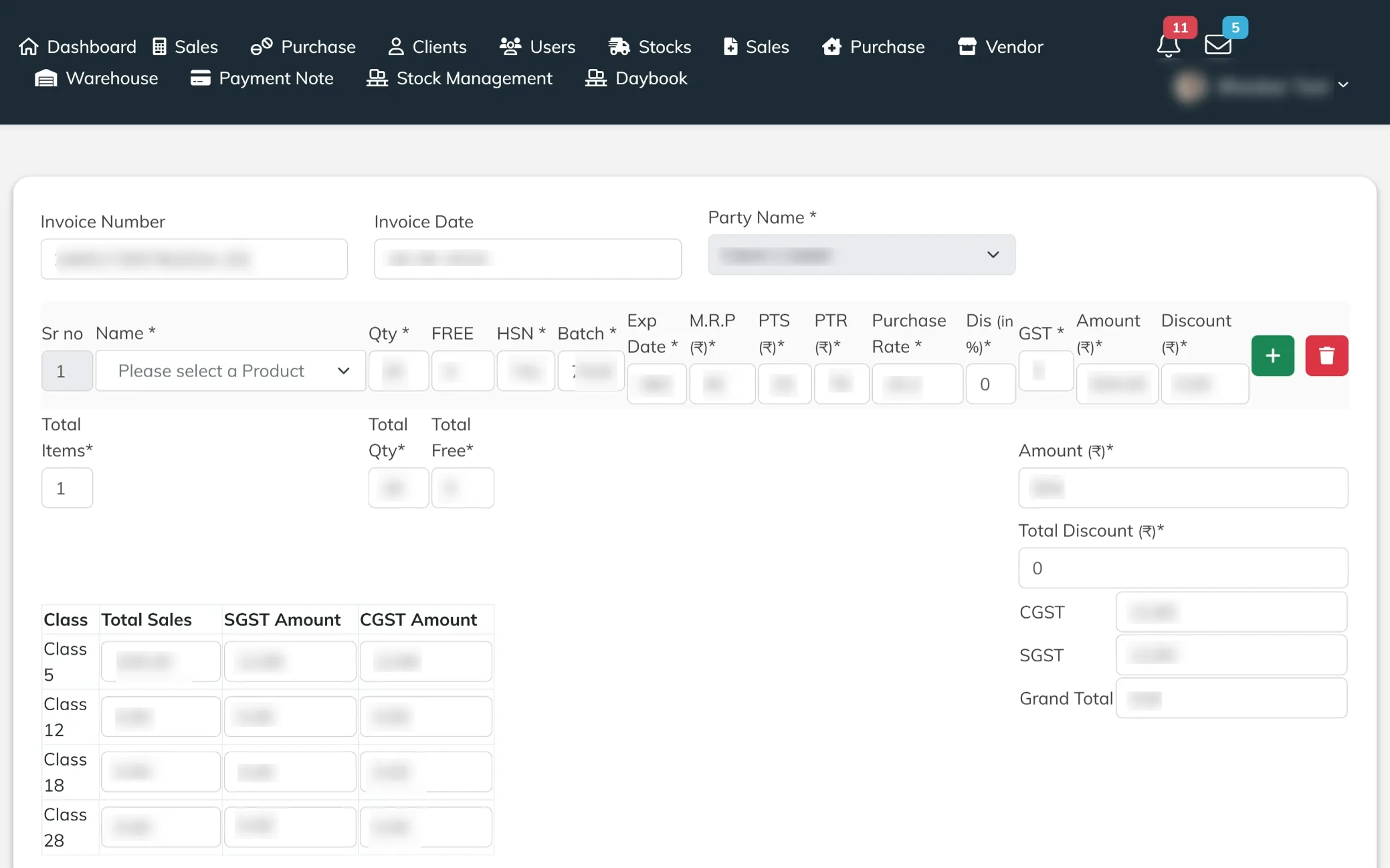
Edit Sales Details
An interactive sales editing screen that allows users to update invoice details, party information, and product entries with ease. It includes fields for quantity, pricing, batch, expiry, GST, and discounts, along with auto-calculated totals and tax breakdowns. Designed to ensure accuracy and flexibility, enabling quick modifications and seamless updates to existing sales records.
Create Purchase Entry
A dedicated purchase entry screen that allows users to record supplier details, select the warehouse, and enter bill information with ease. It simplifies the process of adding new purchases, ensuring accurate record-keeping and smooth inventory updates right from the start.
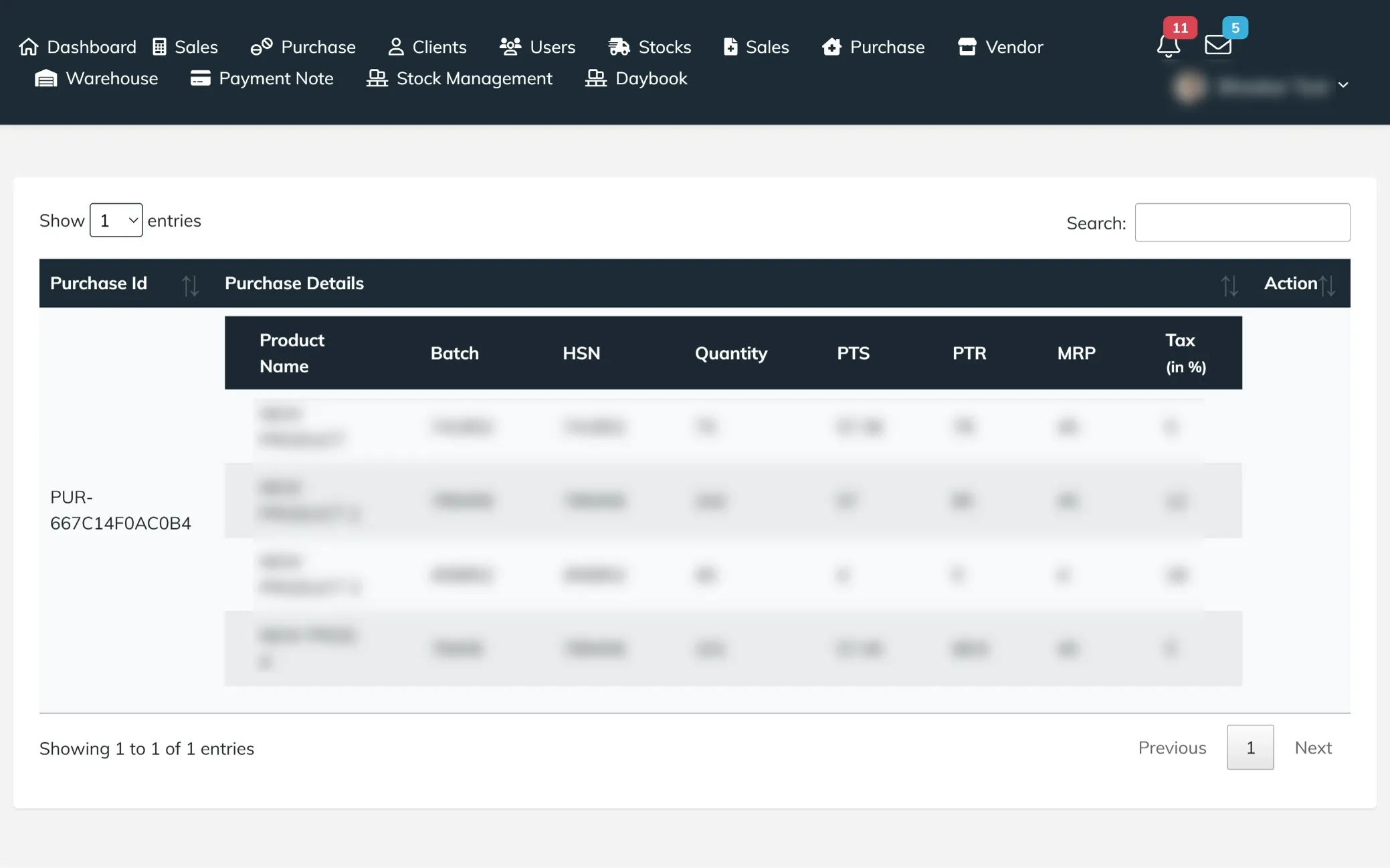
Purchase Overview
A structured view of all purchased products, displaying key details like product name, batch, HSN, quantity, pricing, and tax rates. It helps users quickly review purchase entries, track inventory additions, and ensure accurate data across all incoming stock records.
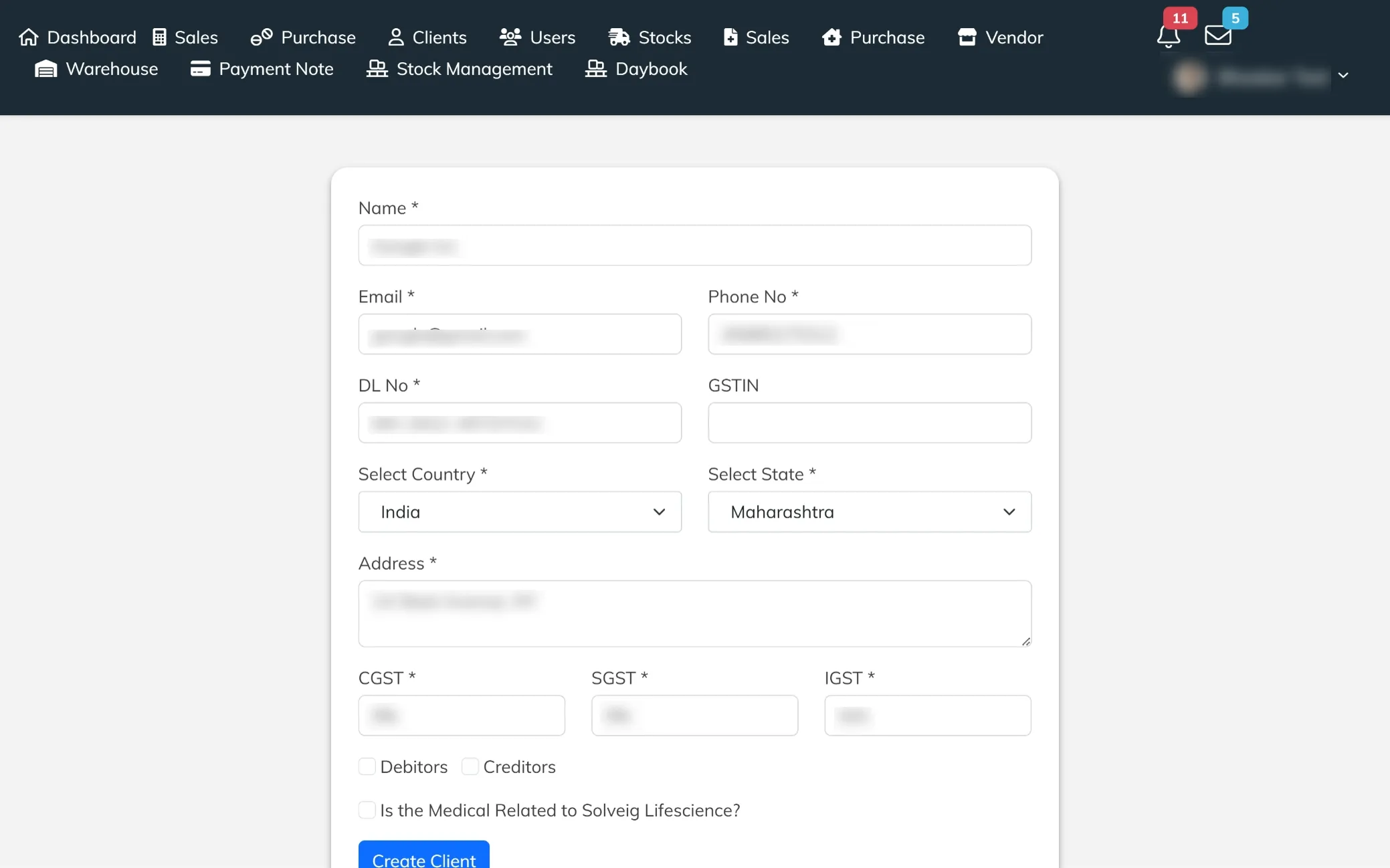
Client Creation Panel
A comprehensive client entry screen designed to capture all essential details, including contact information, tax credentials, and address. It allows users to assign GST rates, define debtor or creditor status, and categorize clients based on business relevance. Built to ensure organized client management and accurate record-keeping for smoother transactions.
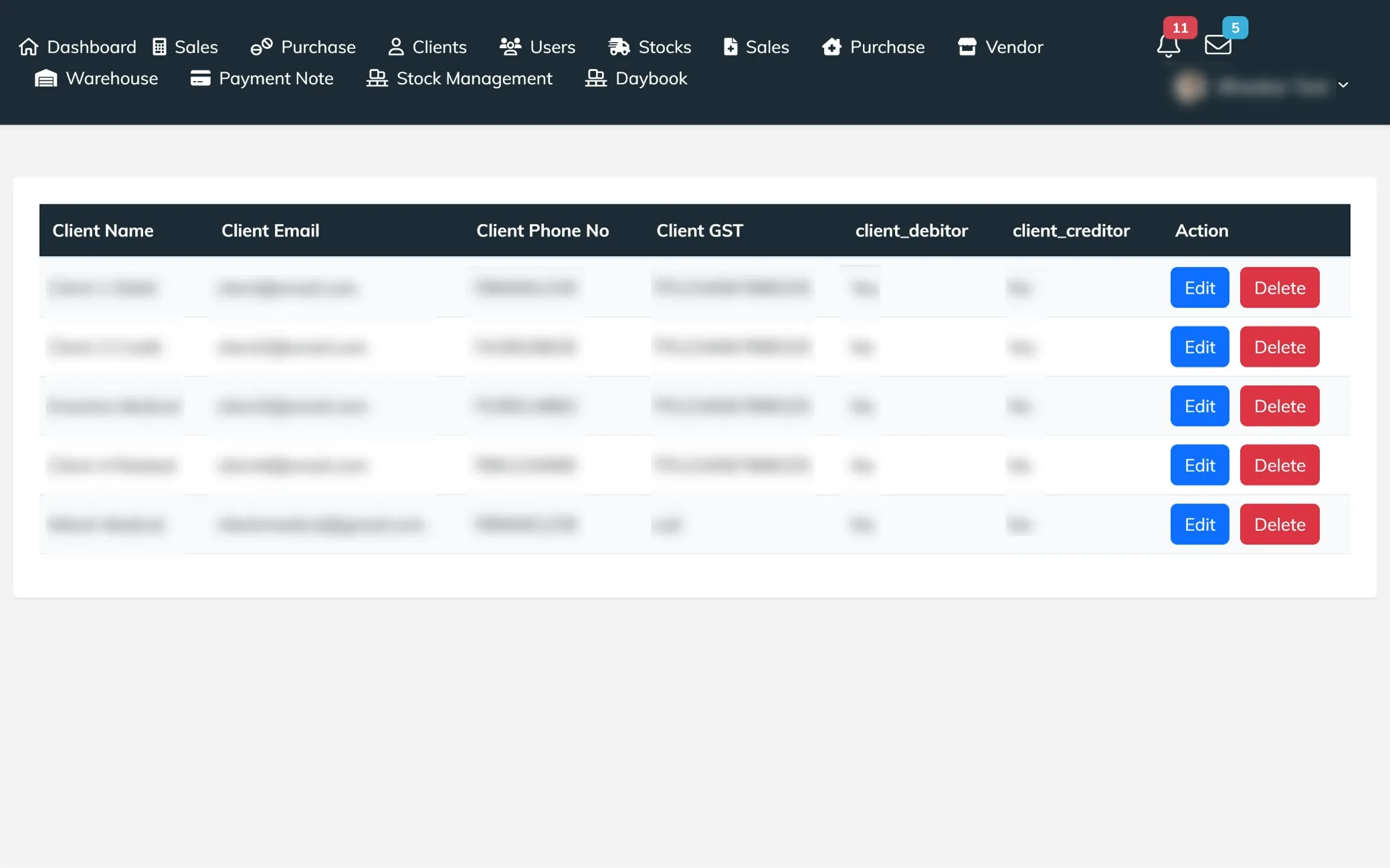
Clients Overview
A well-organized view of all client records, displaying key details like name, email, phone number, GST information, and debtor or creditor status. It allows users to quickly access, review, or remove client entries with dedicated action options, making client management simple and efficient.
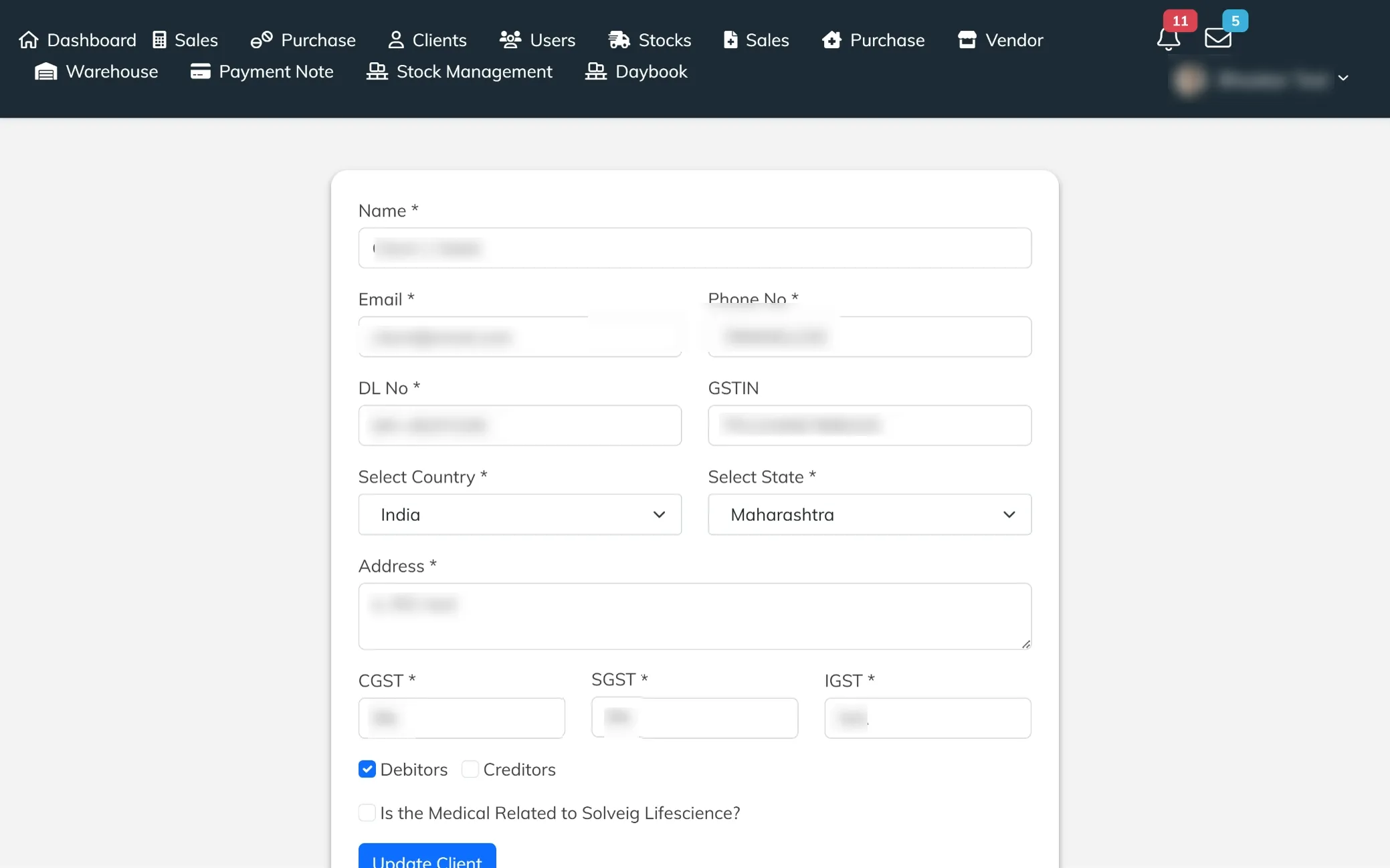
Edit Client Details
An editable client information screen that allows users to update contact details, GST credentials, and address with ease. It includes options to modify tax rates, assign debtor or creditor status, and manage client classification, ensuring accurate and up-to-date records for smooth business operations.
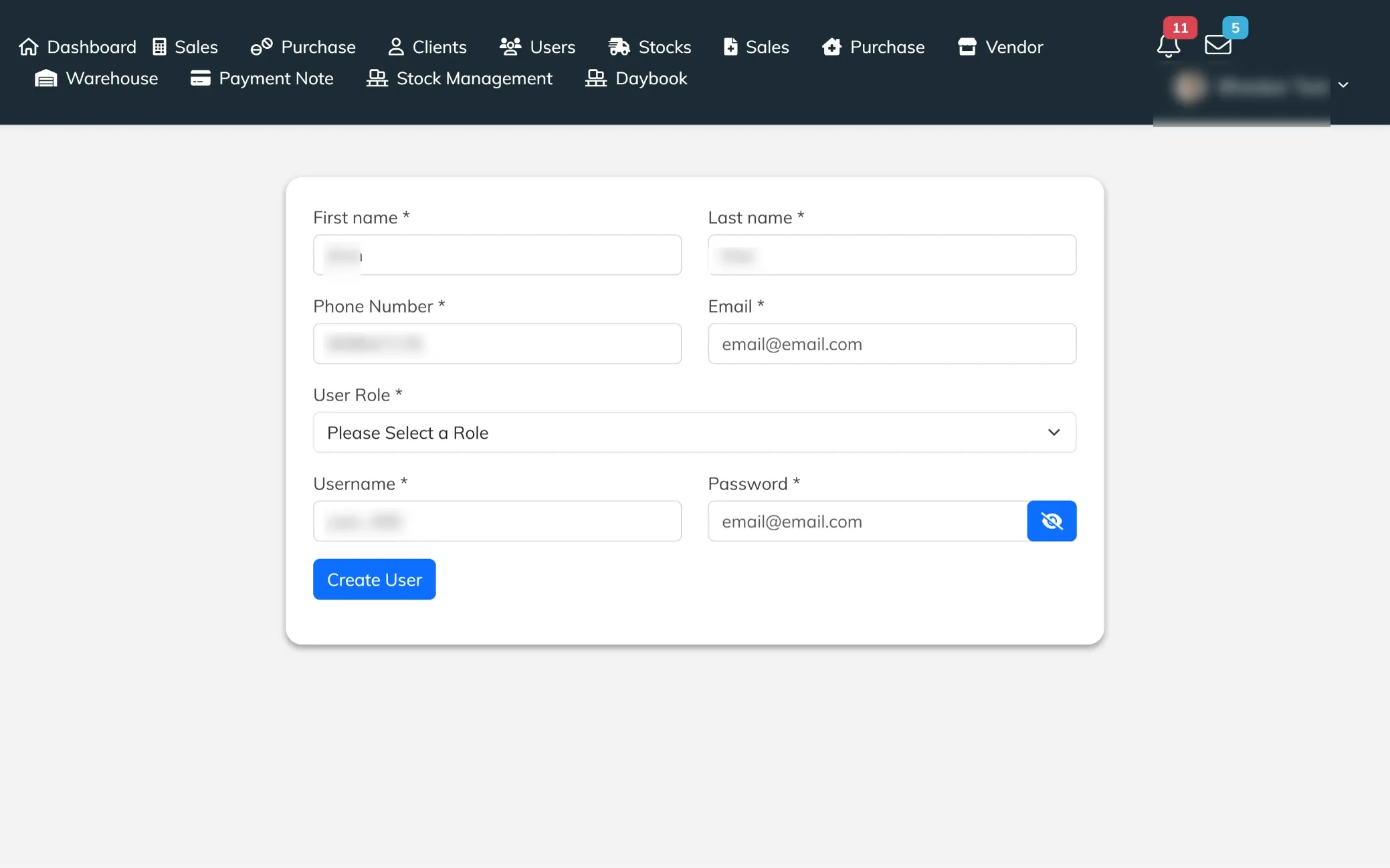
Create User Profile
A user creation screen designed to add new system users with essential details like name, contact information, login credentials, and role assignment. It ensures proper access control by allowing roles to be defined, making team management secure and organized.
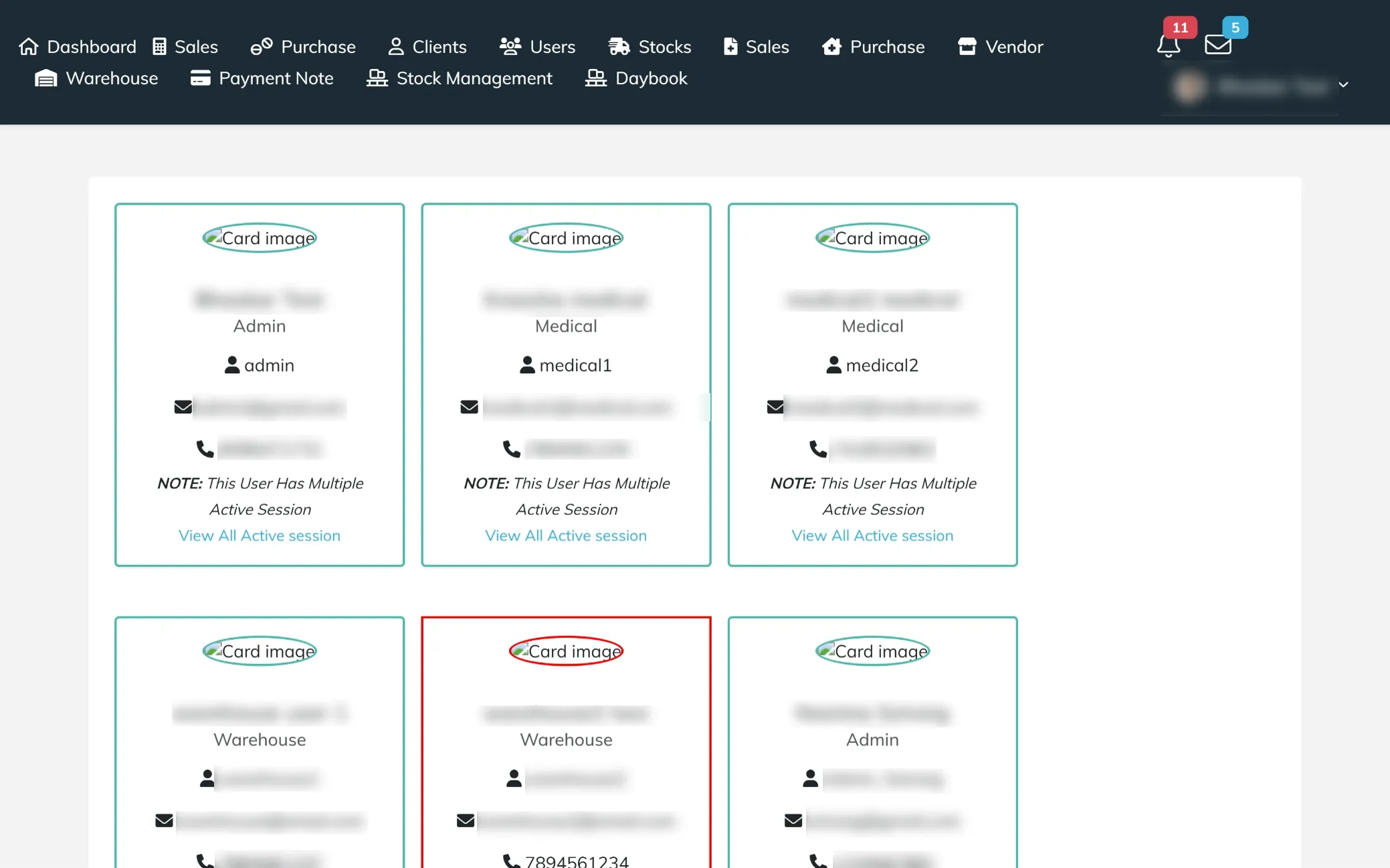
Users Overview
A card-based view of all system users, showcasing key details like name, role, username, email, and contact number. It highlights active session status with alerts for multiple logins and provides quick access to view session activity, making user monitoring and management more transparent and efficient.
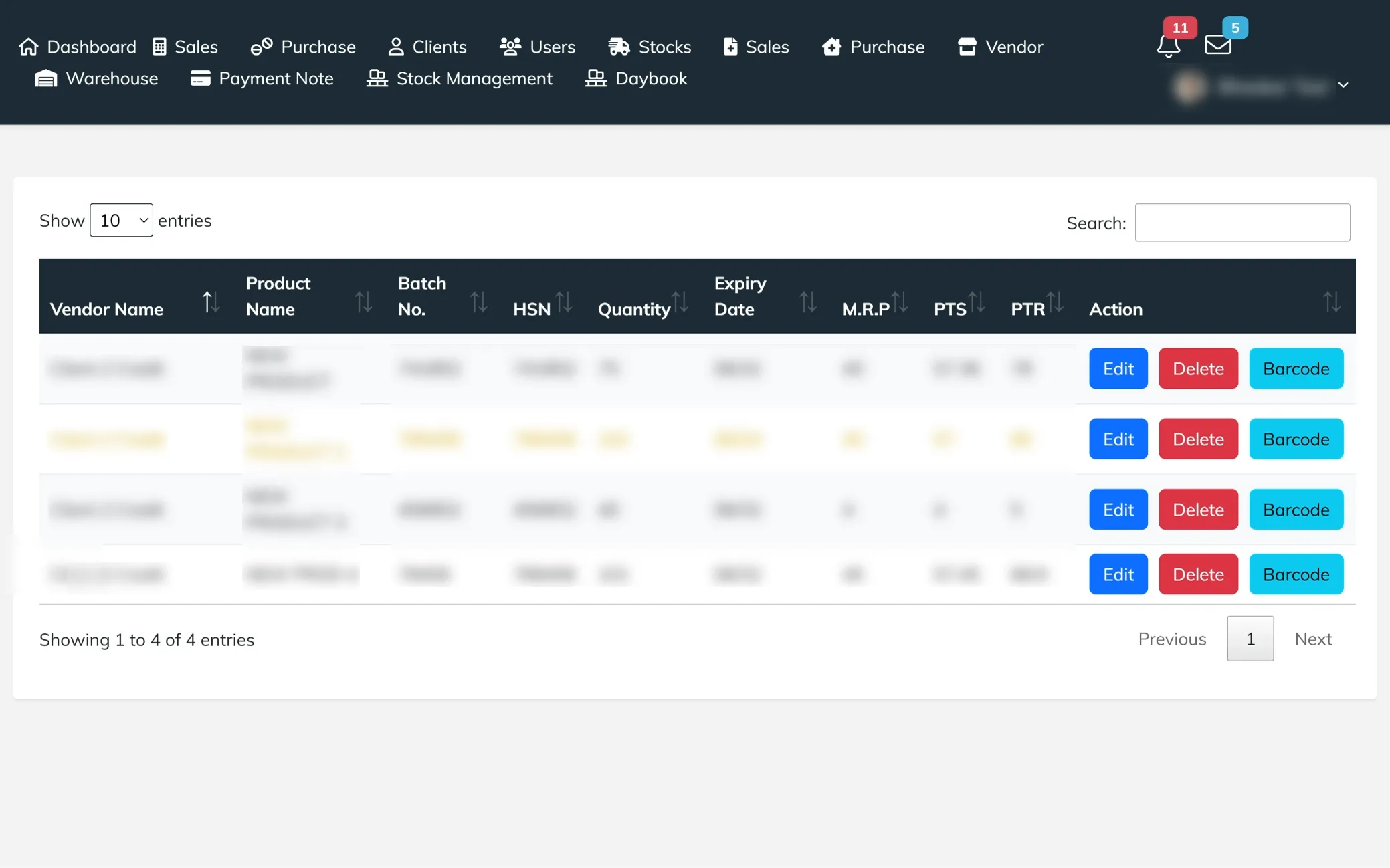
Stock Overview
A detailed stock listing screen that provides a complete view of all available inventory across vendors. It displays essential information like product name, batch number, HSN, quantity, expiry date, and pricing details, including MRP, PTS, and PTR. Designed to help users monitor stock levels, track product validity, and maintain accurate inventory records with ease.
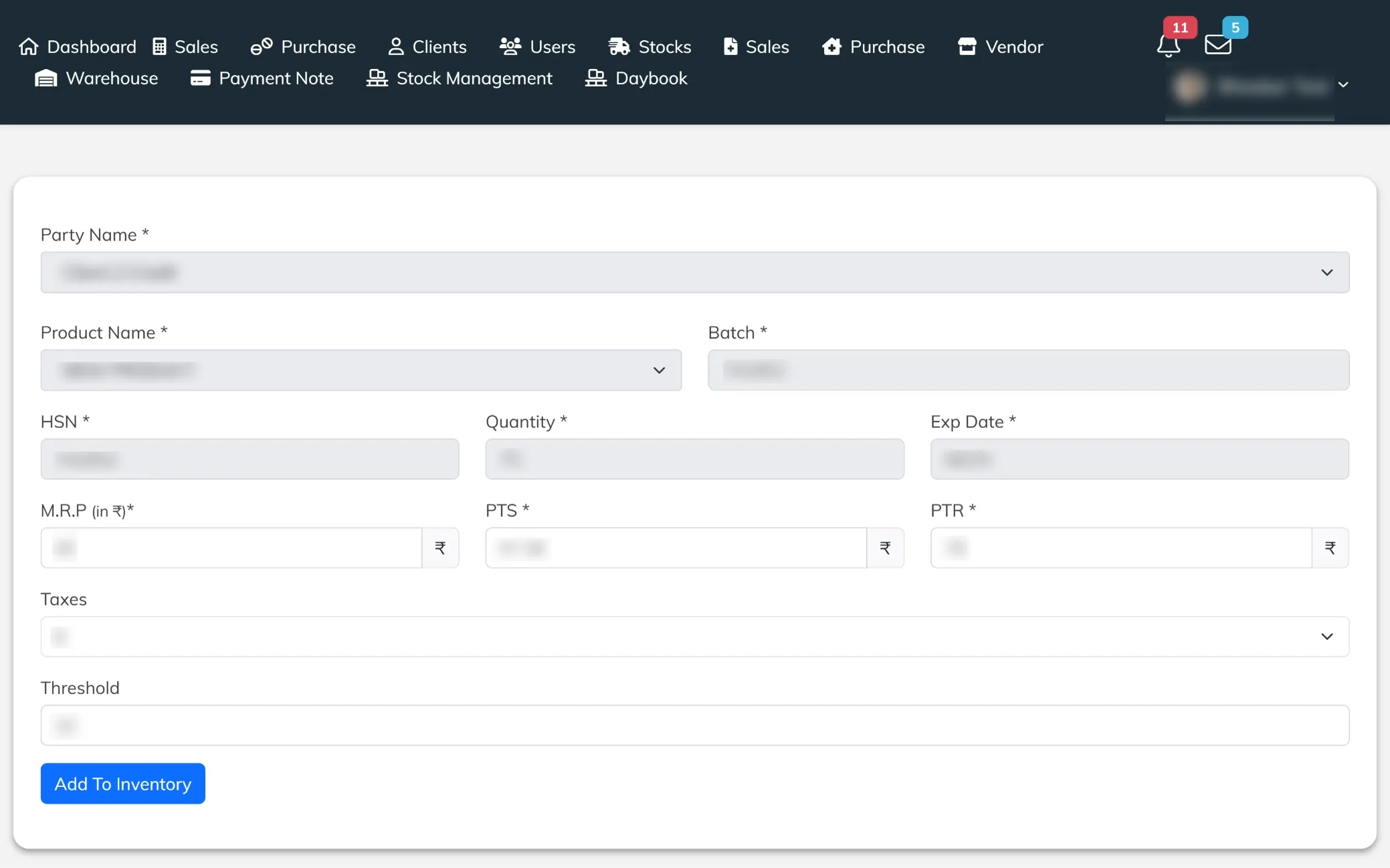
Edit Stock Details
A focused stock editing screen that allows users to update product and vendor information with precision. It includes fields for batch, HSN, quantity, expiry date, pricing, and tax details, along with threshold settings for better stock control. Designed to ensure accurate inventory updates and maintain consistency across stock records.
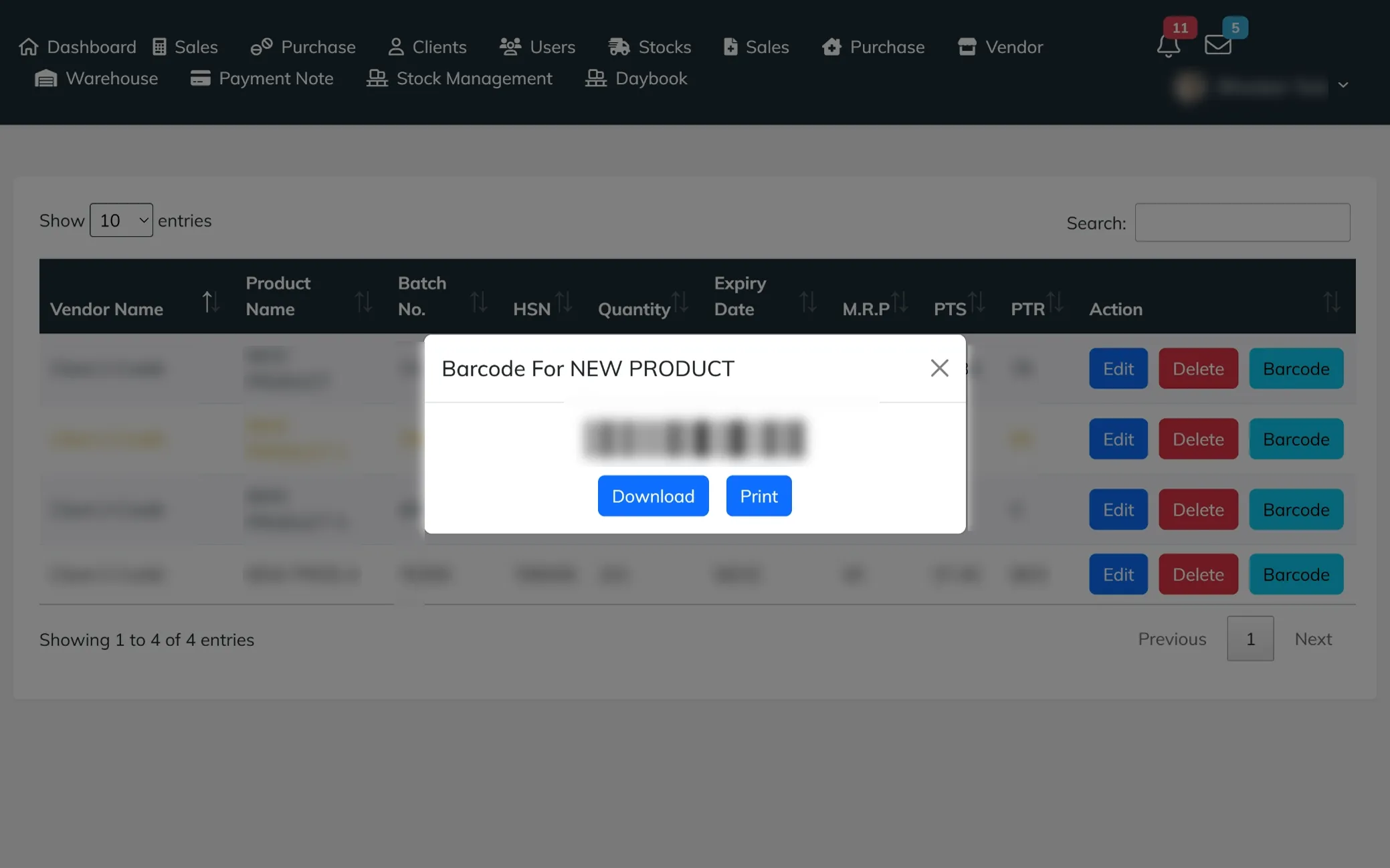
Barcode Generation
A dedicated barcode view that generates a unique barcode for selected products, making identification and tracking effortless. It includes quick options to print or download the barcode, helping streamline inventory handling, labeling, and product management.
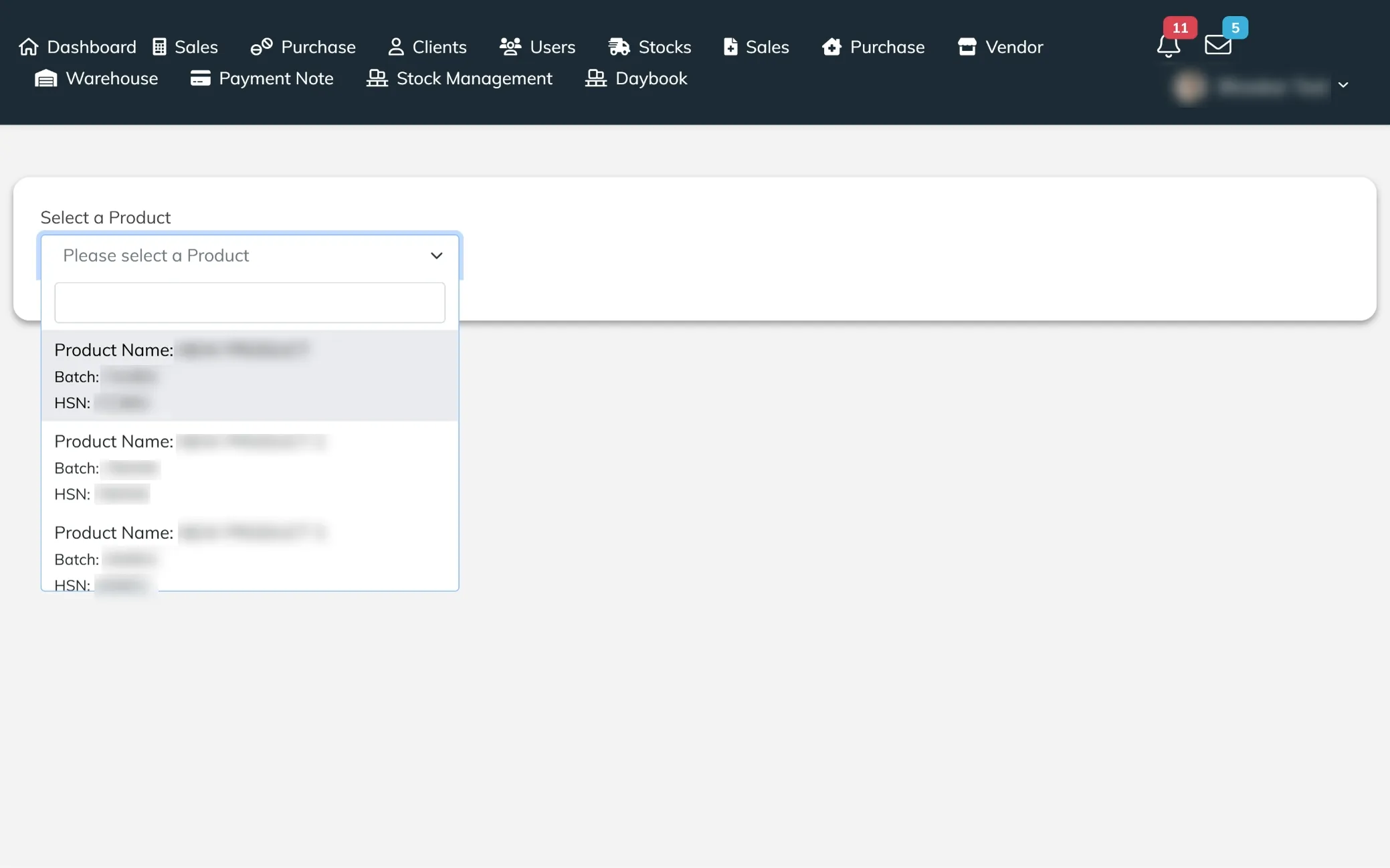
Stock by Product View
A focused stock view that allows users to filter and check inventory based on specific products. It displays key details like product name, batch number, and HSN, making it easy to track individual items, review stock information, and manage inventory with better clarity.
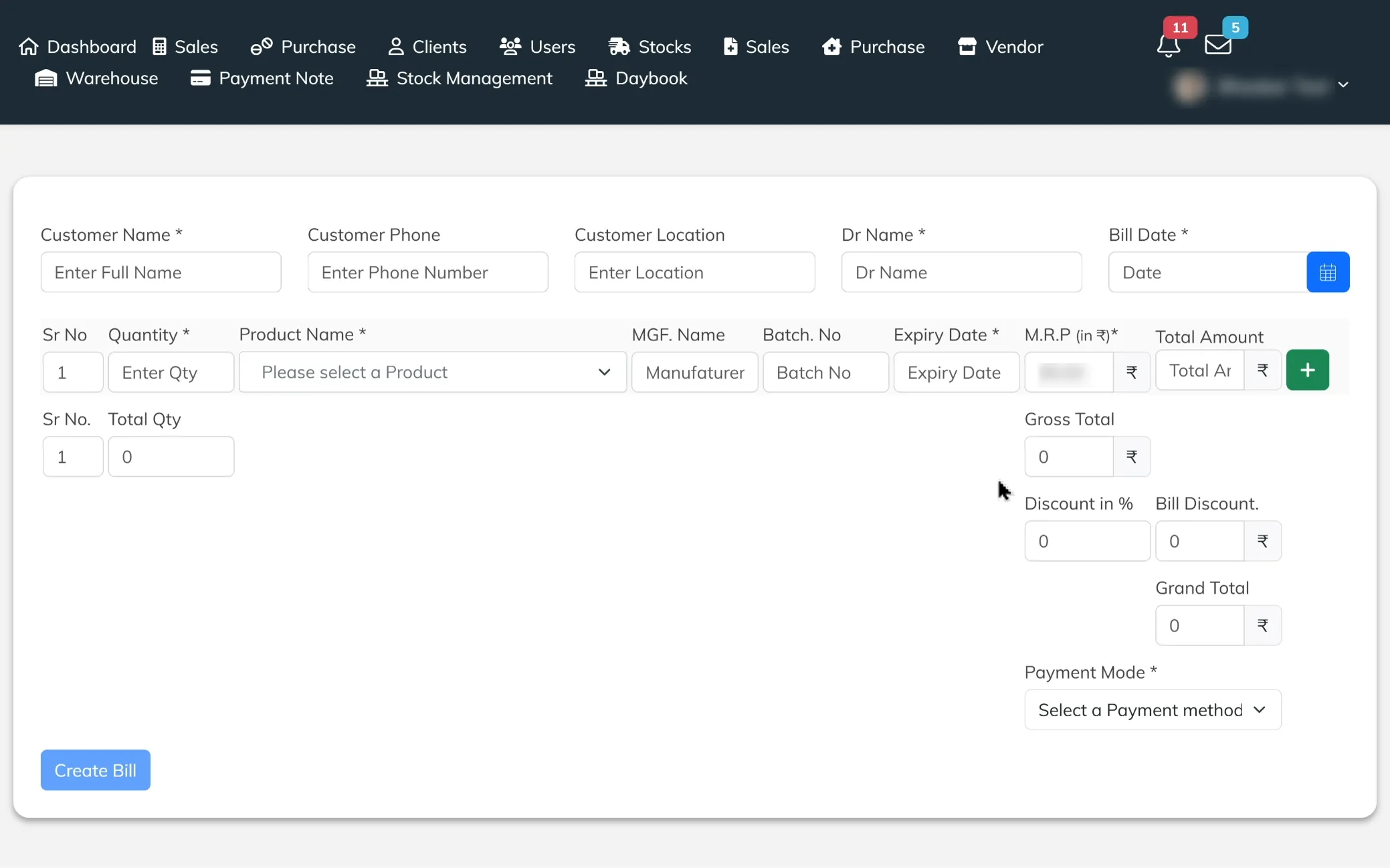
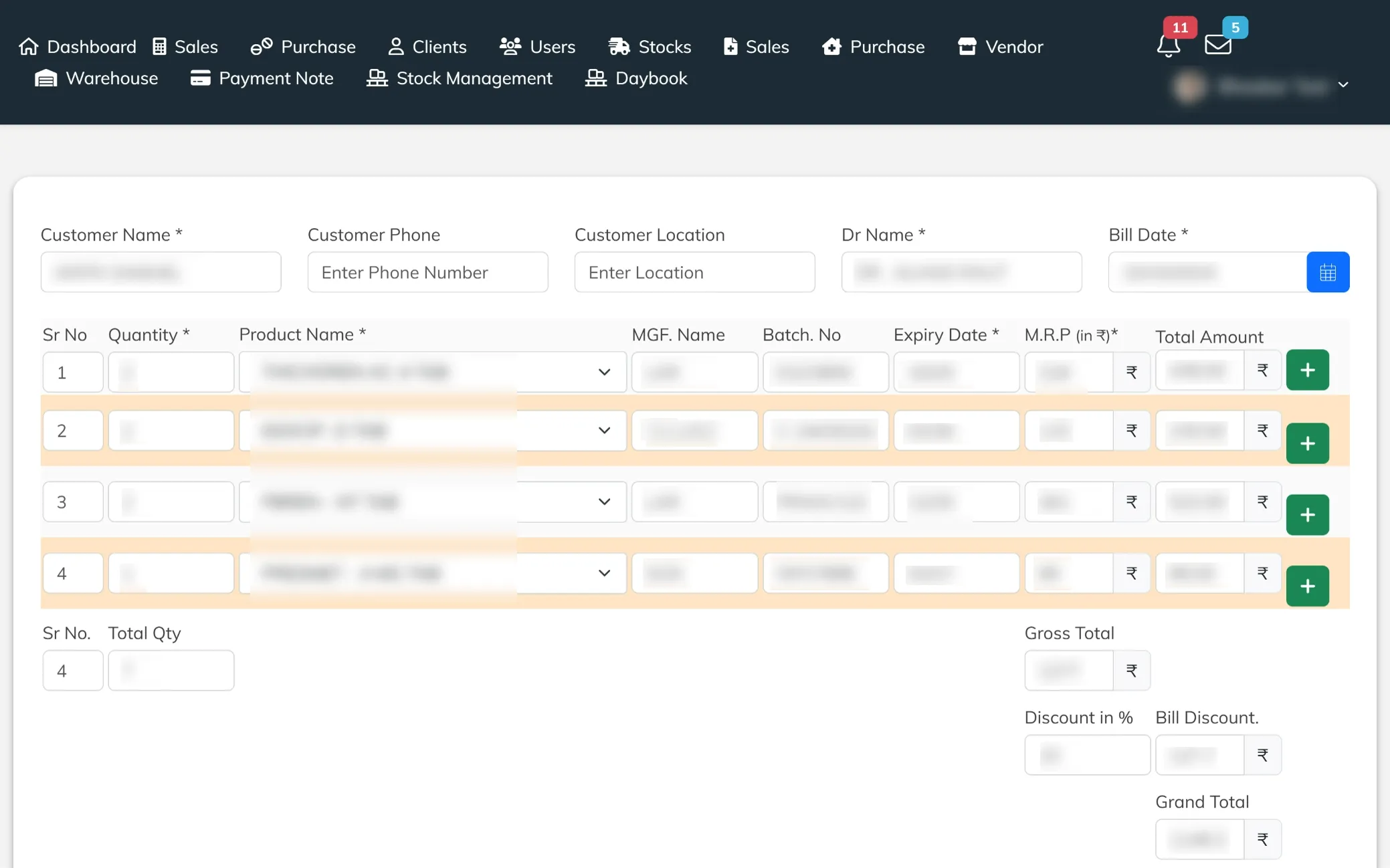
Create Billing Entry
A comprehensive billing screen designed to capture customer details, doctor information, and complete product entries in one place. It includes fields for quantity, batch, expiry, pricing, and discounts, along with automatic calculations for totals and grand amount. Built to streamline the billing process, ensuring accurate transactions and smooth checkout management.
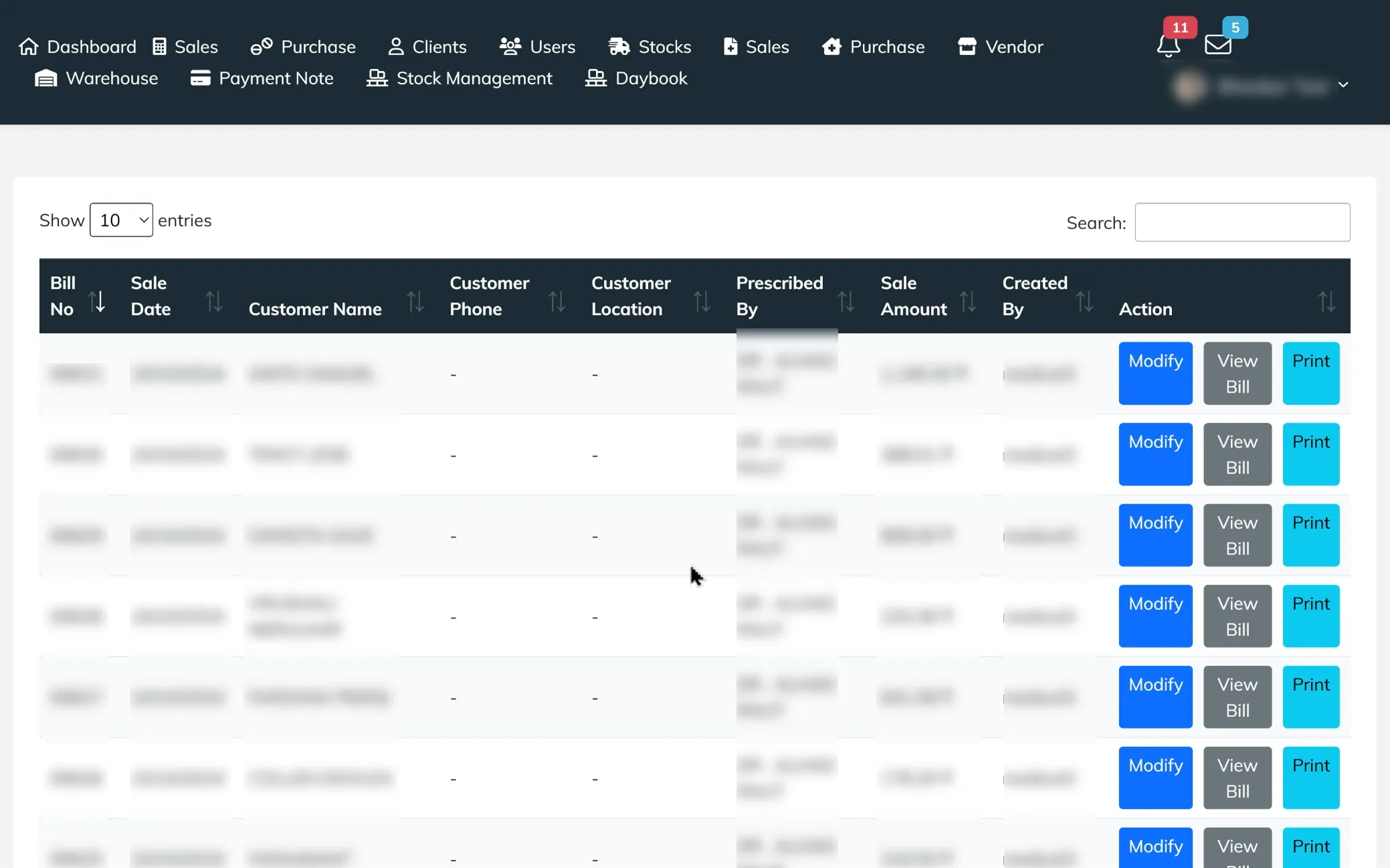
Billing Records Overview
A detailed view of all generated bills, displaying key information like bill number, date, customer details, prescribed doctor, and total sale amount. It provides quick action options to modify entries, view complete bills, or print invoices, making billing management fast, organized, and easily accessible.
Modify Billing Details
An editable billing screen that allows users to update customer information, doctor details, and product entries with ease. It includes multiple item rows with quantity, batch, expiry, and pricing, along with auto-calculated totals for accurate billing. Designed to make corrections and updates quickly, ensuring smooth and error-free billing management.
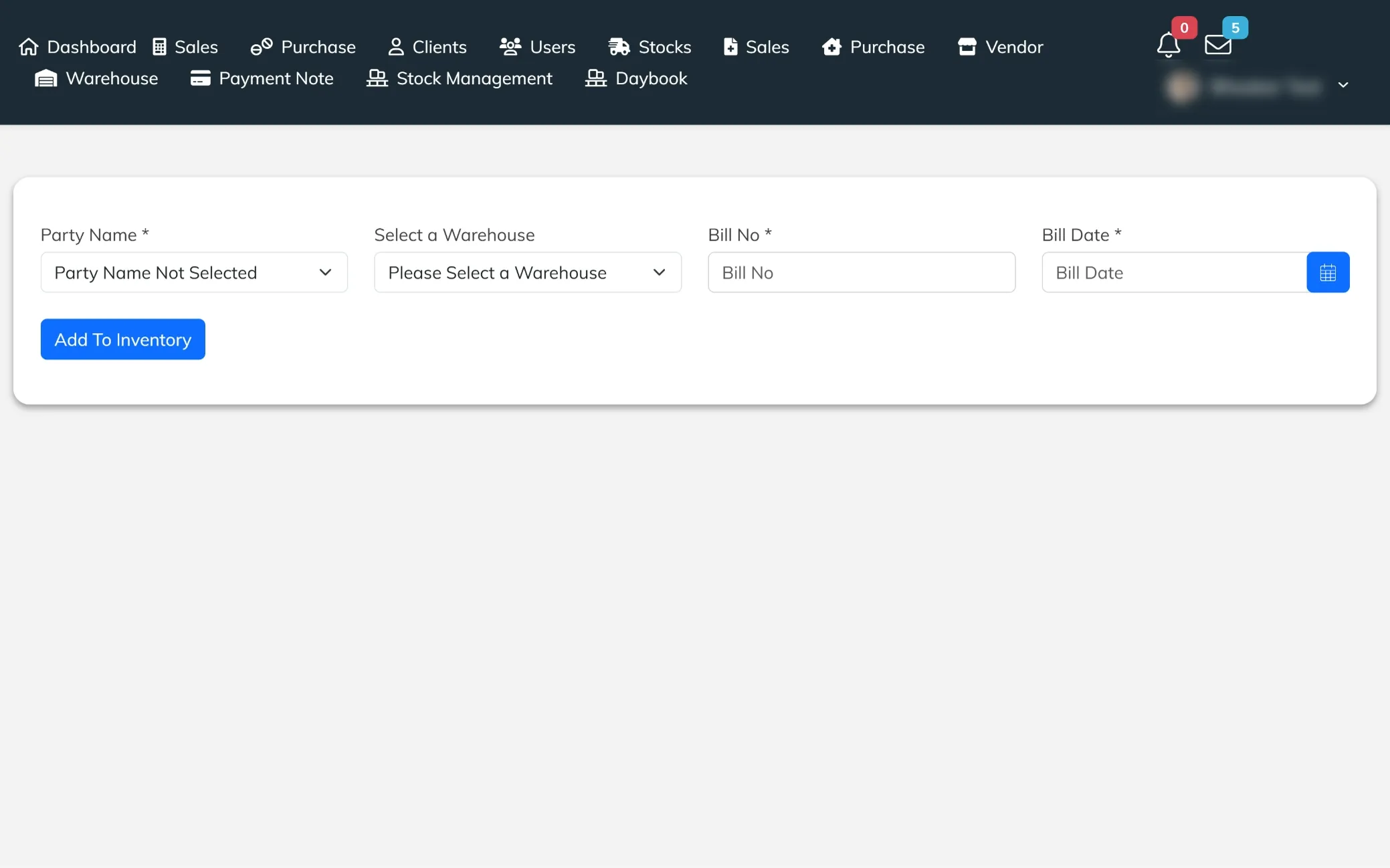
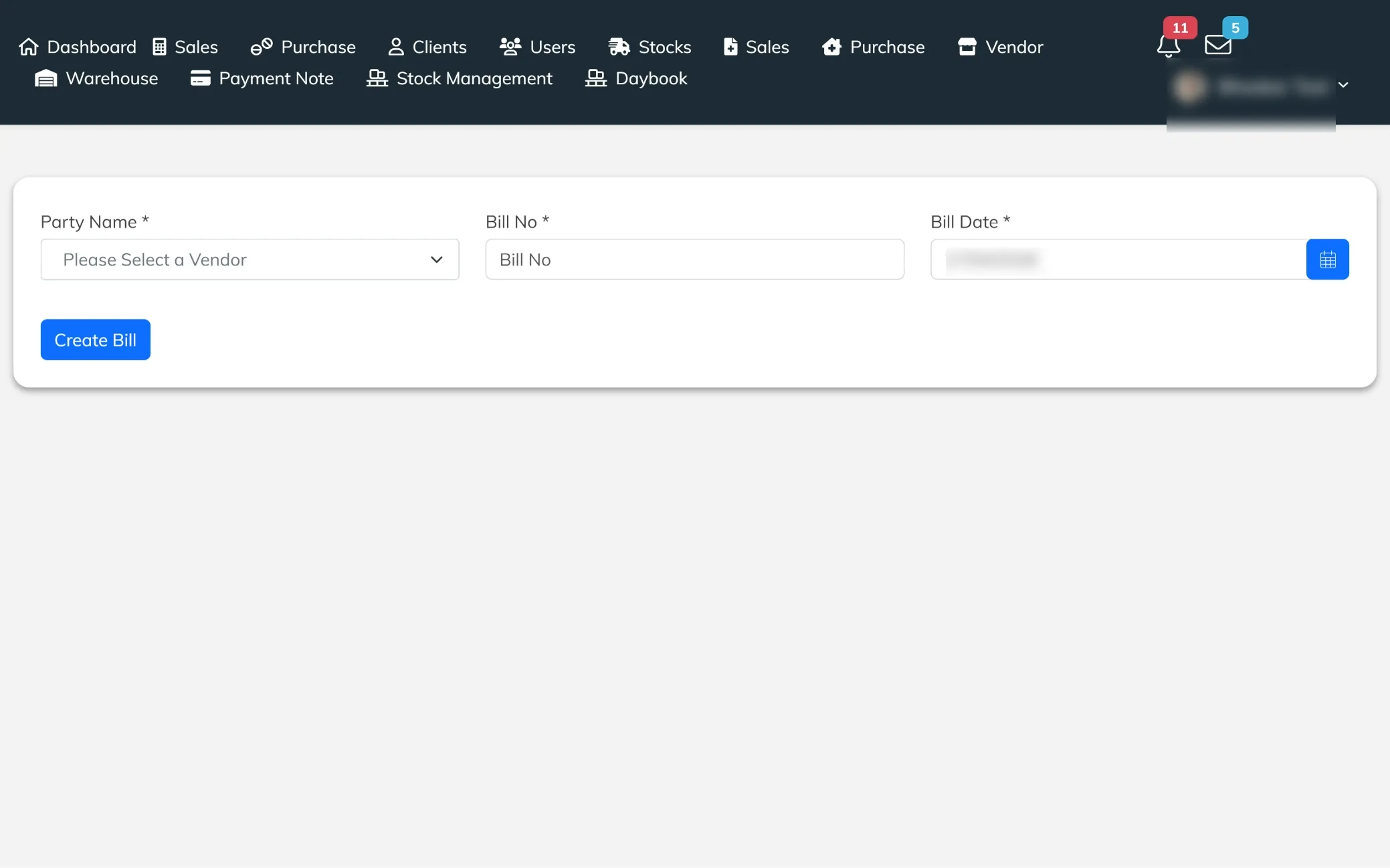
Add Inventory Entry
A straightforward inventory entry screen that allows users to record new stock by entering party details, bill number, and bill date. It helps initiate inventory updates quickly, ensuring every purchase is properly logged and tracked from the start.
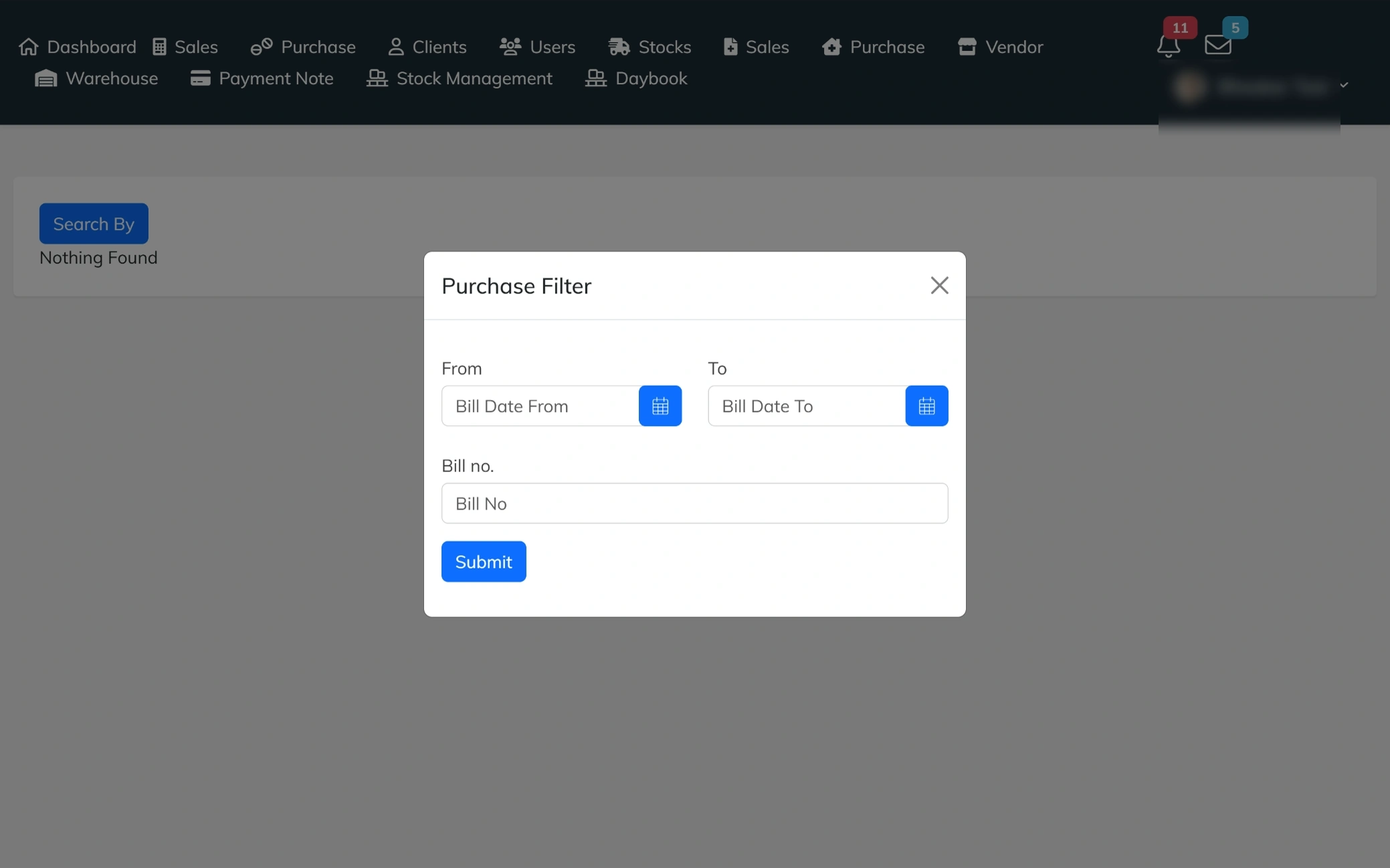
Purchase Filter
A search filter pop-up that allows users to find purchase records based on specific criteria. It includes options to filter by bill date range and bill number, making it easy to locate transactions quickly and manage purchase data more efficiently.
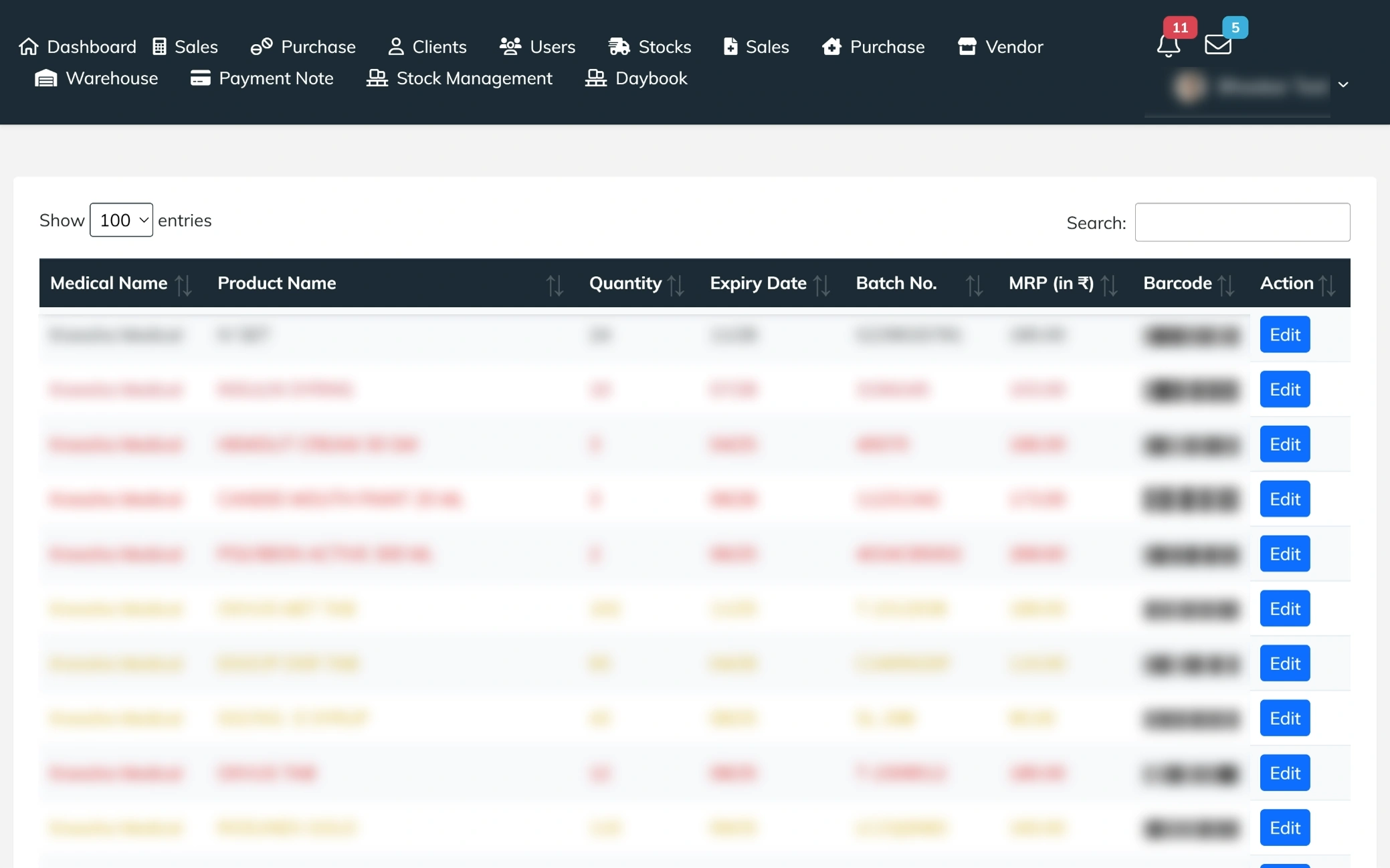
Inventory Overview
A comprehensive view of all available inventory, displaying details like medical name, product name, quantity, expiry date, batch number, and MRP. It helps users easily track stock availability, monitor product validity, and manage inventory records efficiently from a single place.
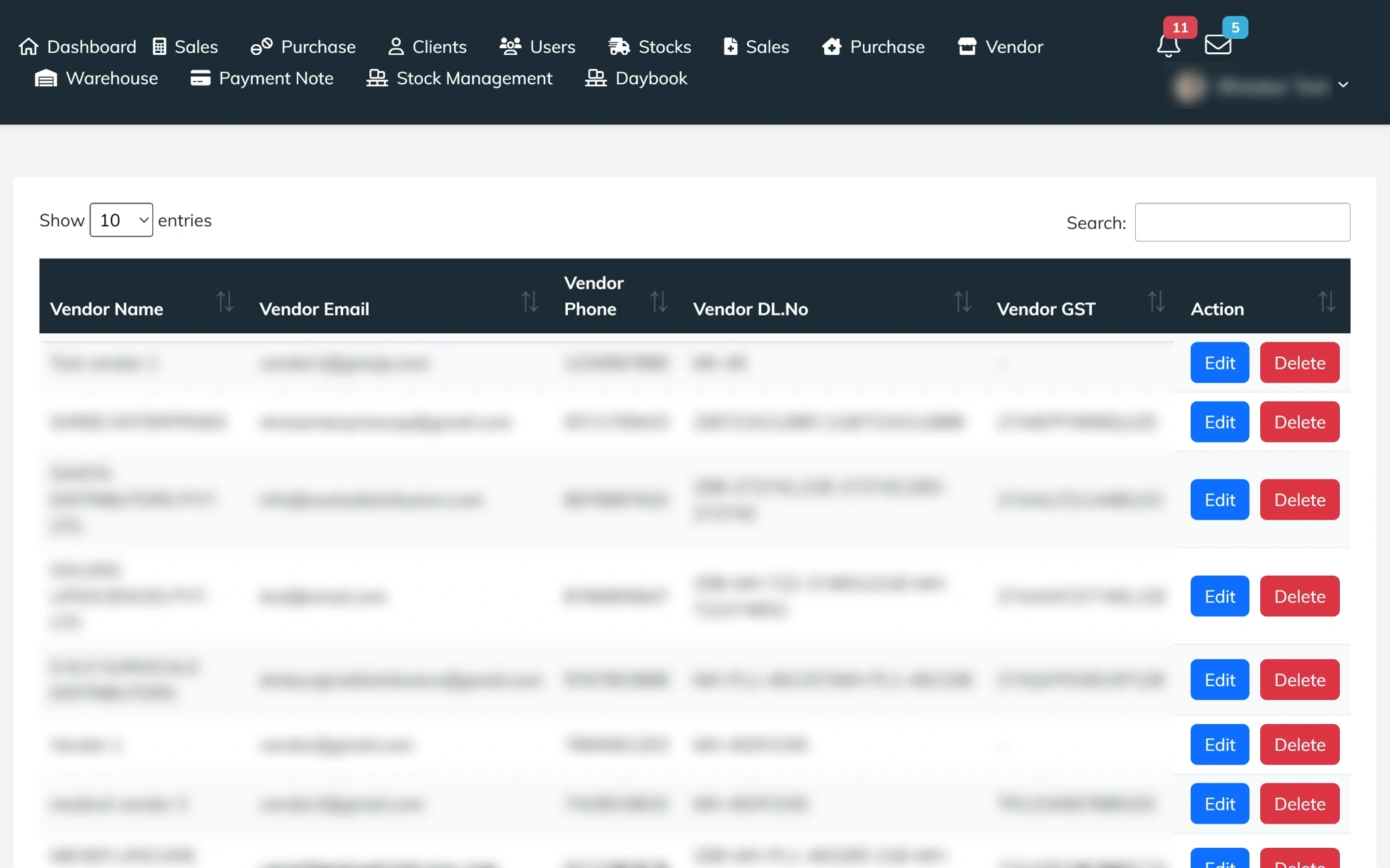
Vendors Overview
A structured list of all vendors, displaying essential details like vendor name, email, contact number, license information, and GST details. It enables users to quickly review supplier information, manage records, and maintain smooth coordination with vendors for inventory and purchase operations.
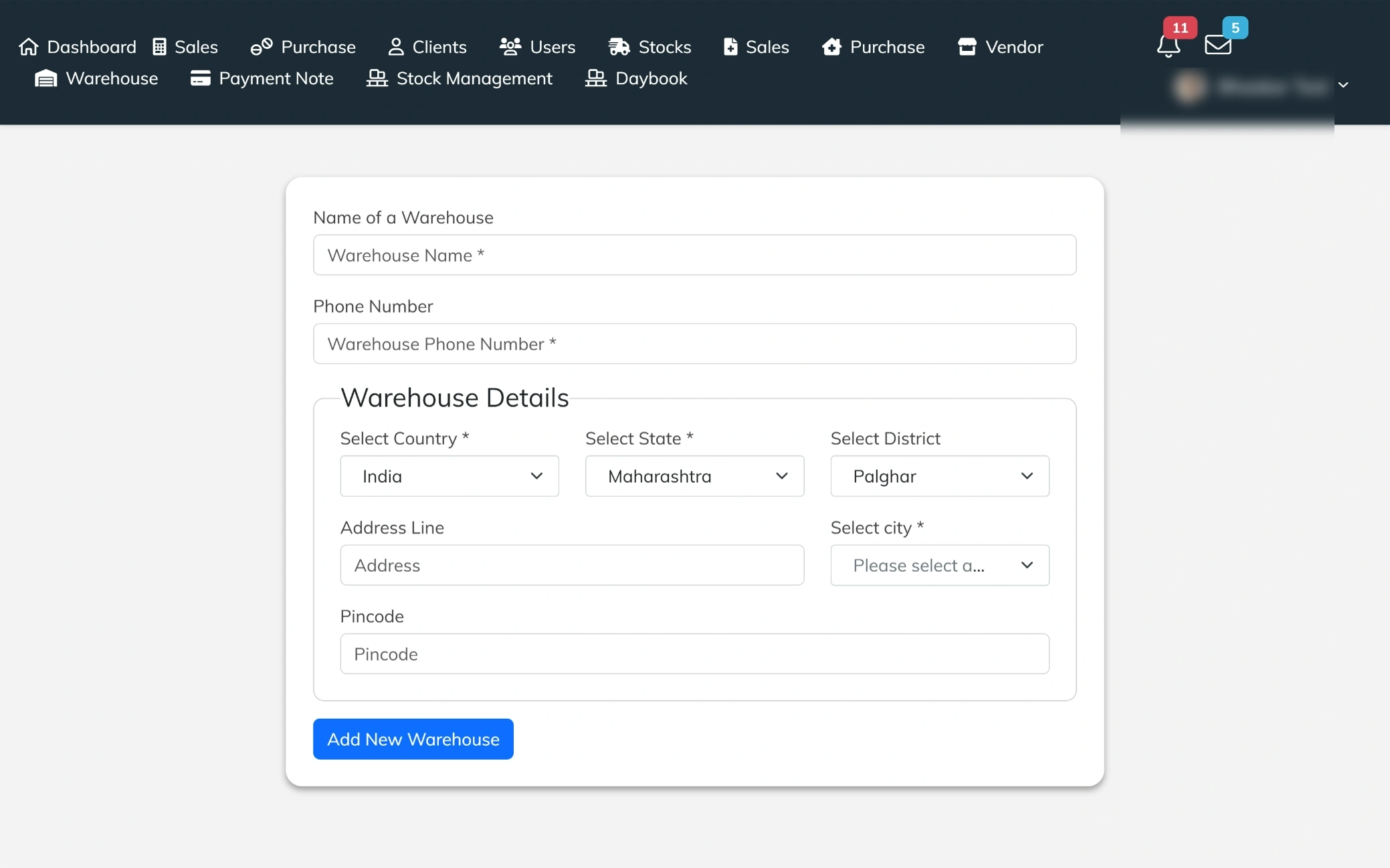
Create Warehouse
A dedicated setup screen to add and manage warehouse locations with complete details. It includes fields for warehouse name, contact number, and full address information like country, state, city, district, and pincode. Designed to organize storage locations efficiently and ensure smooth inventory handling across multiple warehouses.
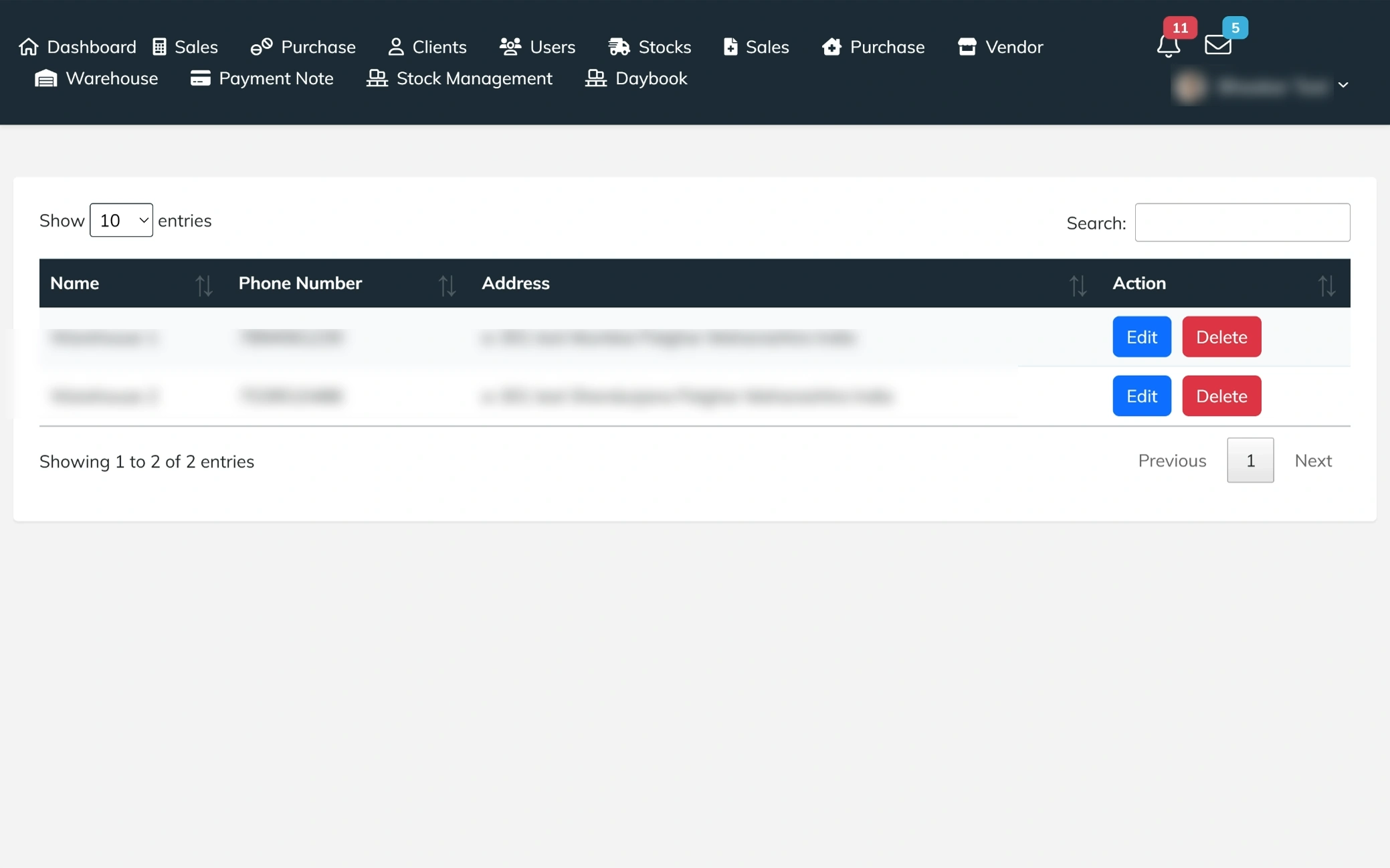
Warehouse Overview
A structured list of all warehouse locations, displaying key details like name, contact number, and complete address. It includes quick action options to edit or delete entries, making it easy to manage and update warehouse information efficiently.
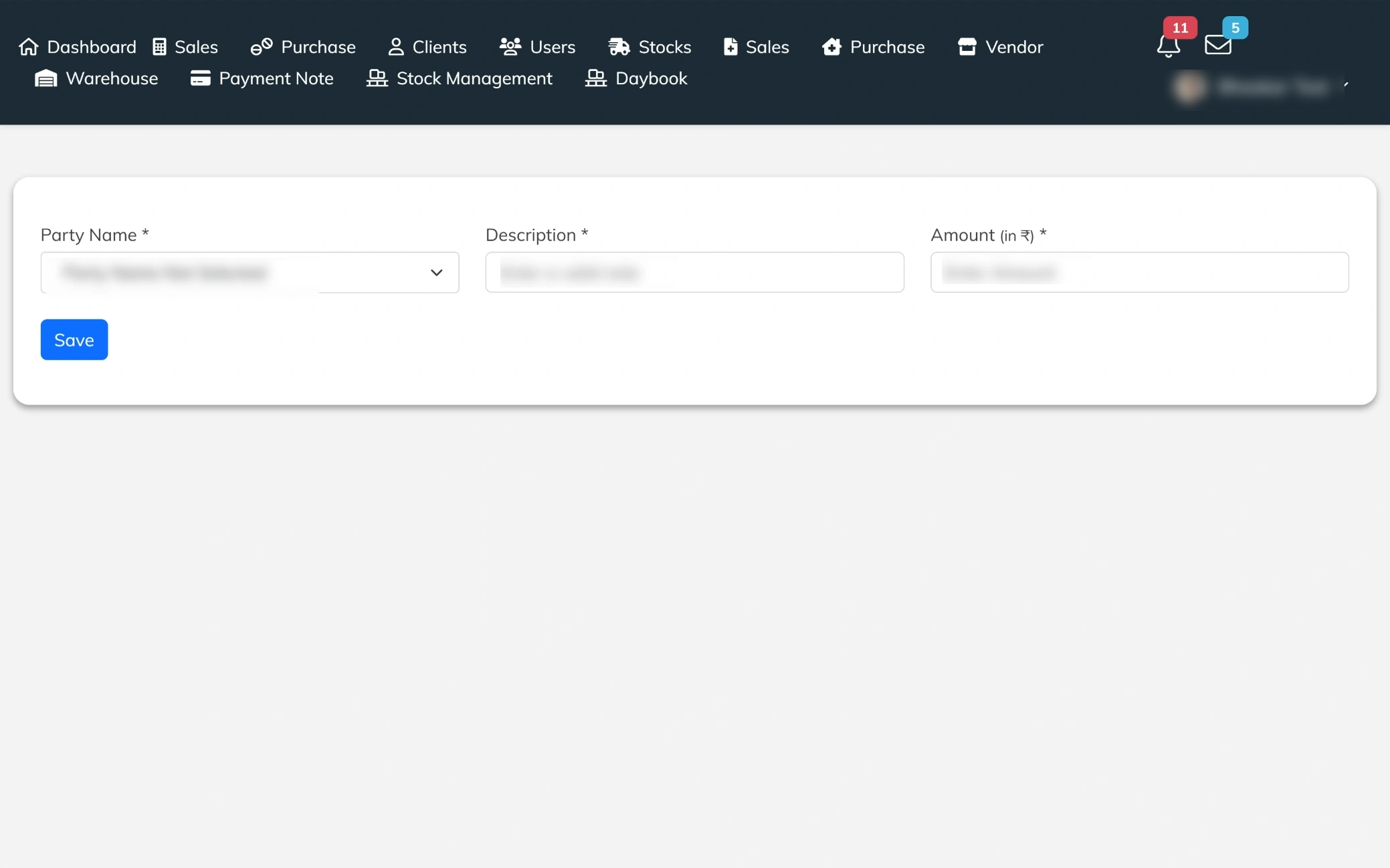
Create Payment Note
A simple entry screen to record payment notes with essential details like party name, description, and amount. It helps users document financial transactions clearly, ensuring better tracking and organized record-keeping of payments.
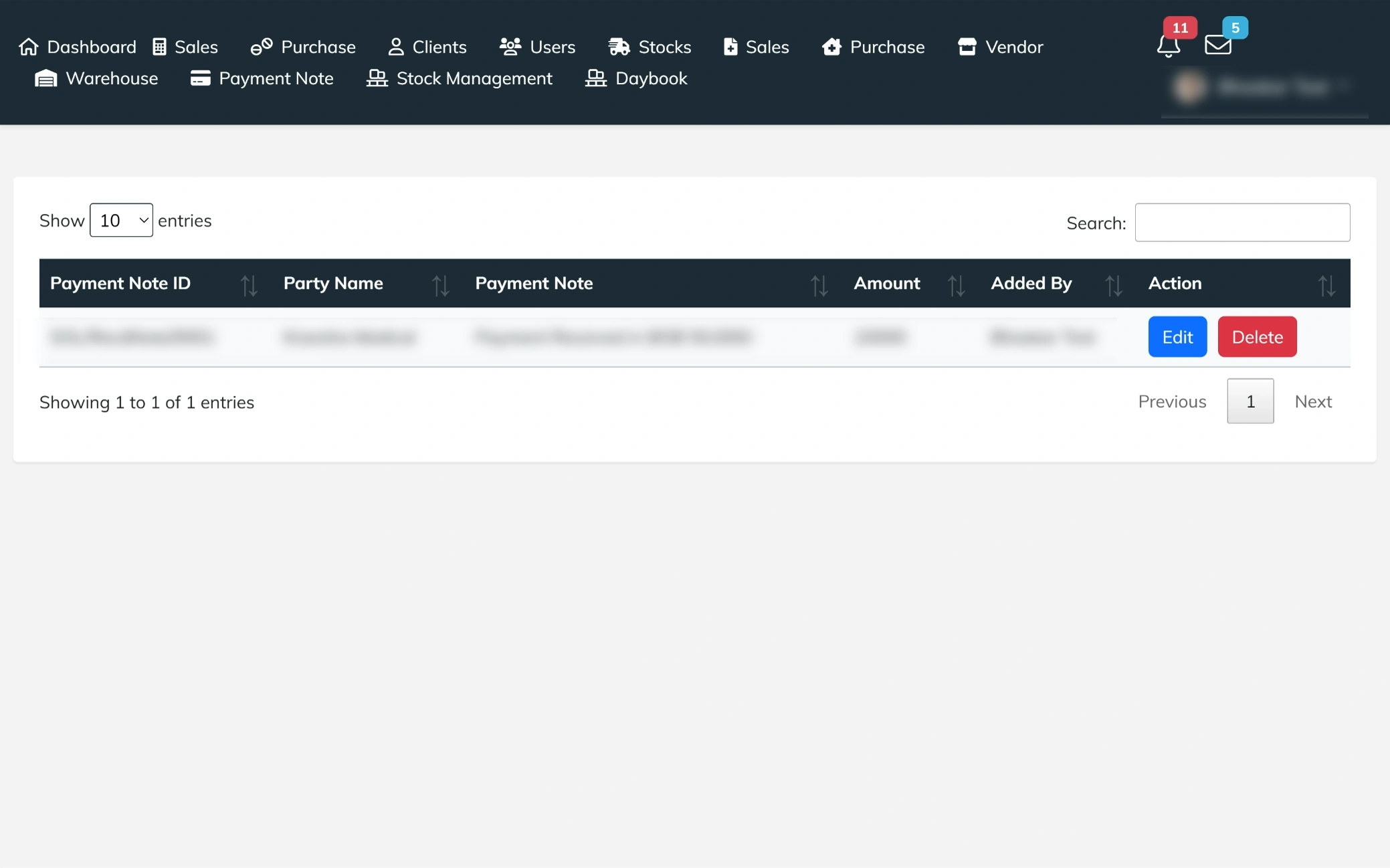
Payment Notes Overview
A clear view of all recorded payment notes, displaying details like note ID, party name, description, amount, and the user who added it. It includes quick options to edit or delete entries, making it easy to manage and track financial records efficiently.
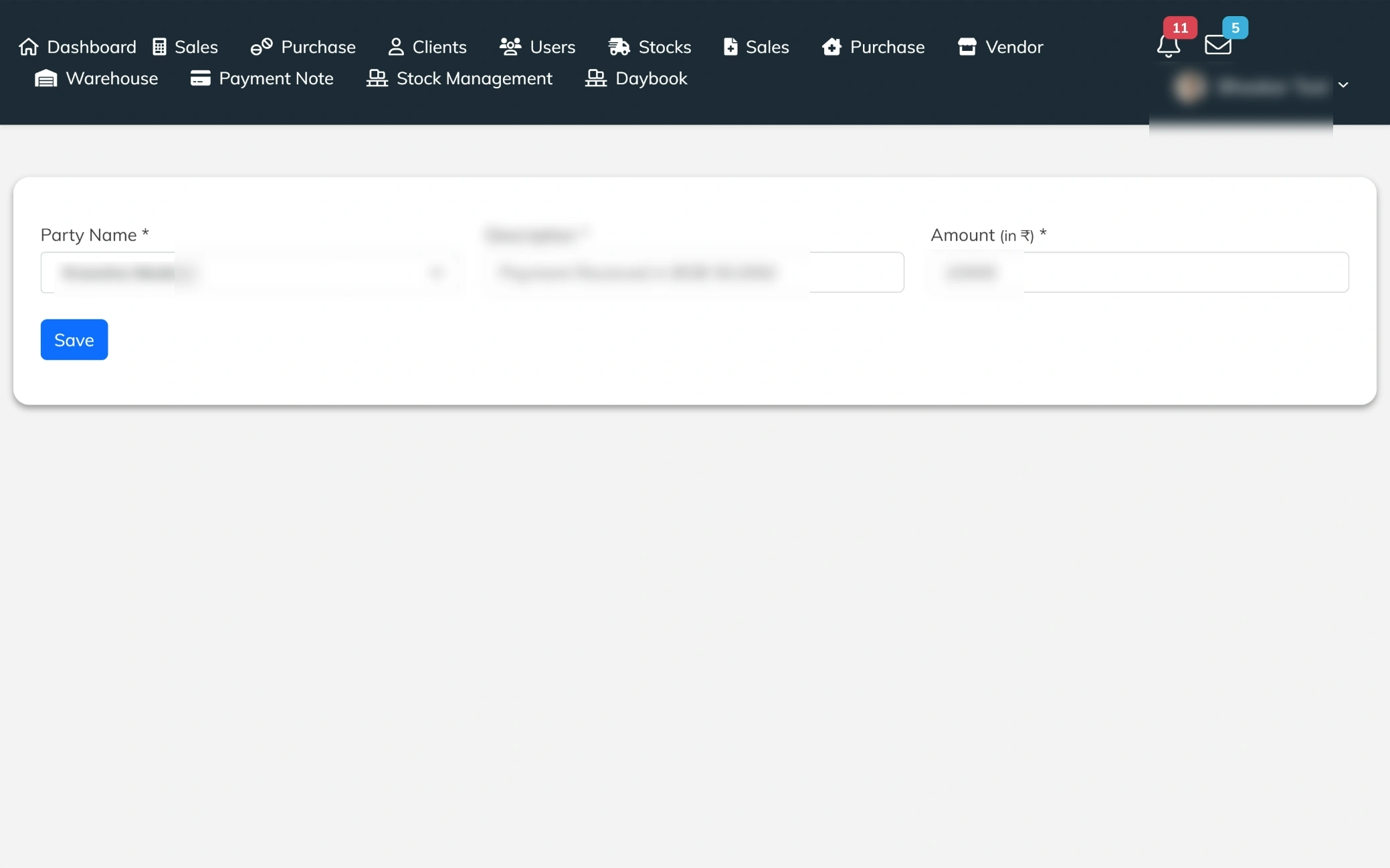
Edit Payment Note
An editable payment note screen that allows users to update party details, description, and amount with ease. It ensures quick corrections and accurate financial records, with a save option to instantly apply changes.
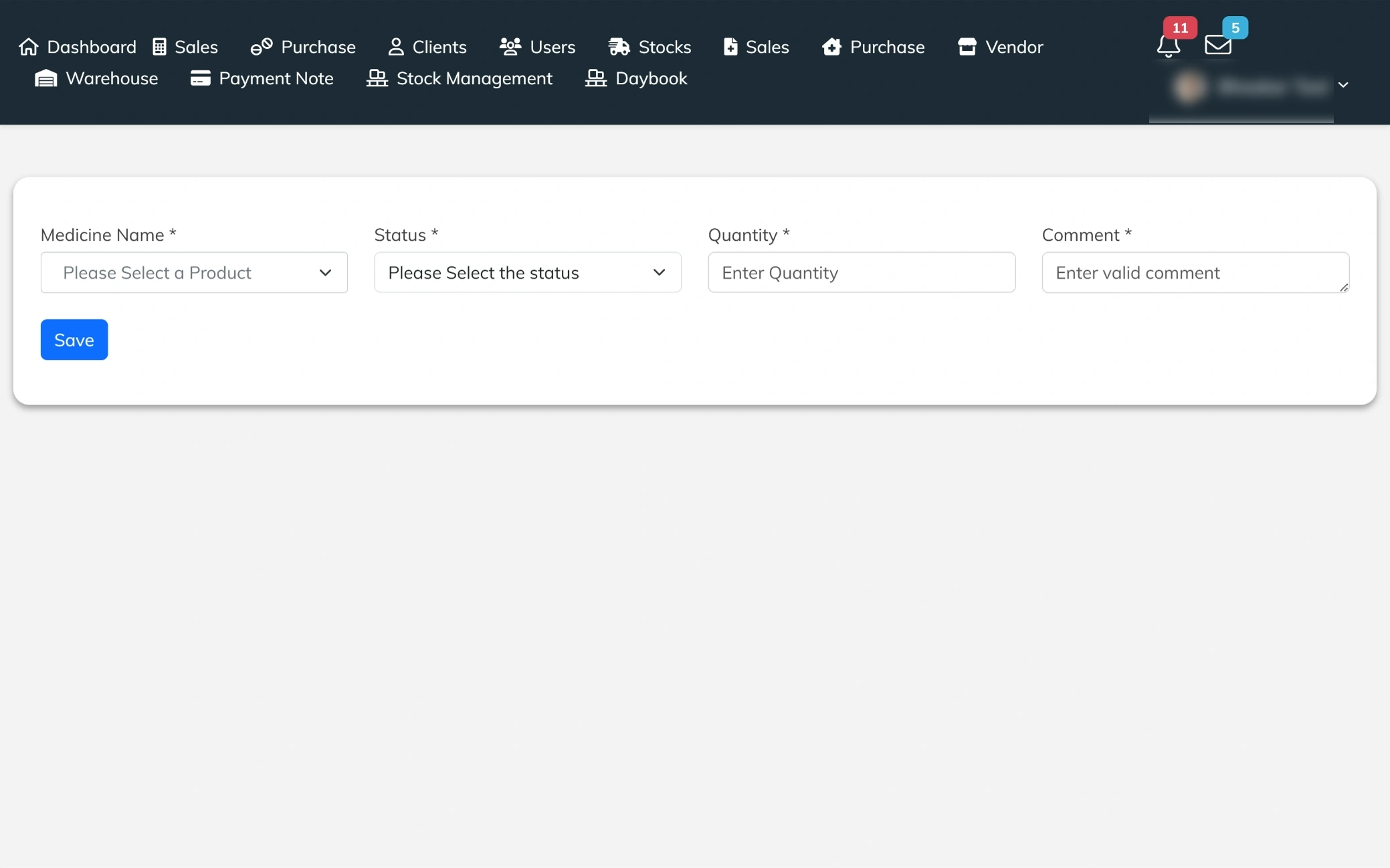
Stock Adjustment Panel
A compact form designed to manage stock updates by selecting the medicine, defining the status, and entering the quantity with a supporting comment. It helps users record stock changes clearly, ensuring better tracking, accountability, and accurate inventory control.
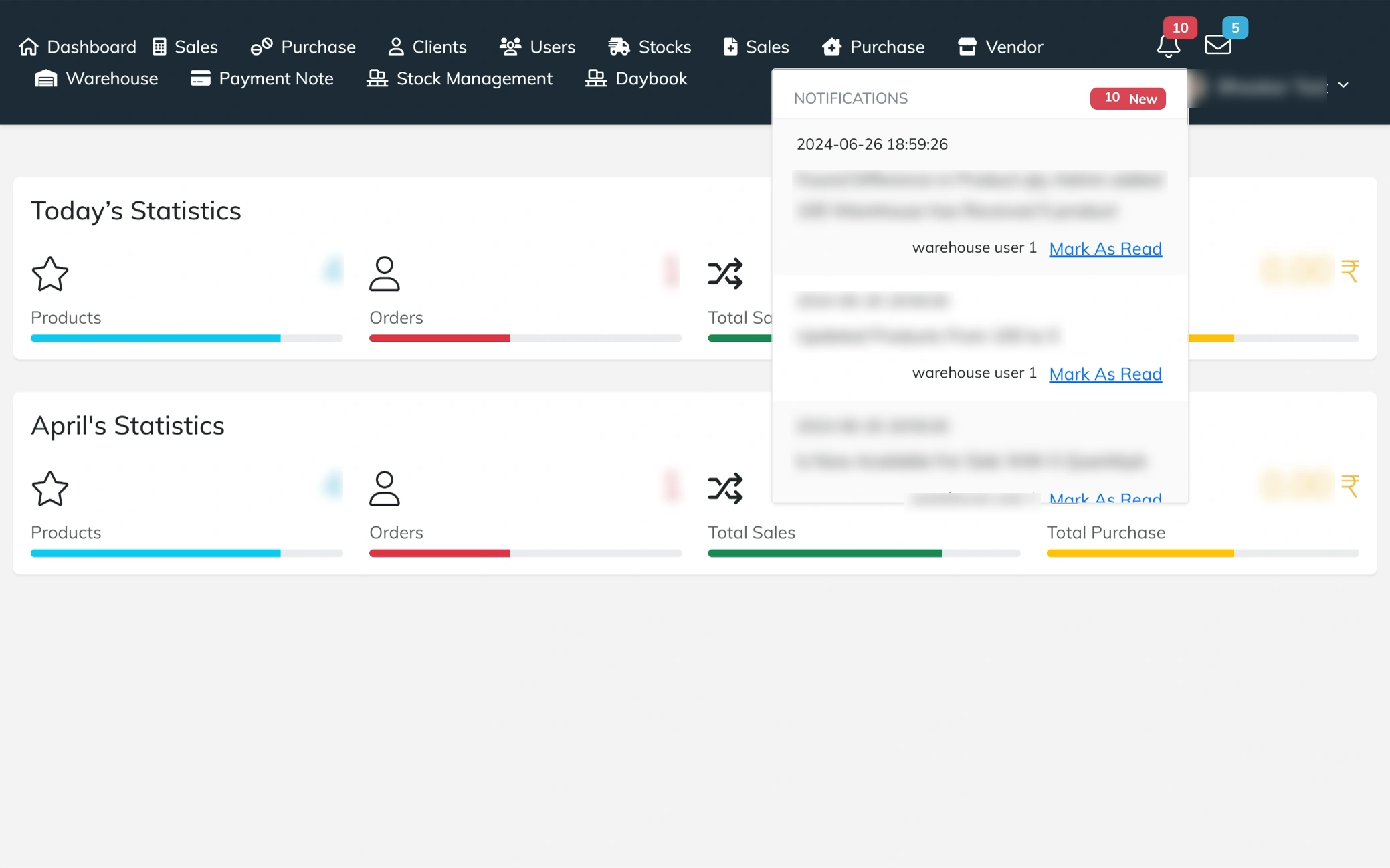
Notification Center
A side panel that displays real-time notifications in a structured list, each showing the update message along with its date and time. It includes a “mark as read” option for every notification, allowing users to quickly manage alerts and stay updated without leaving the dashboard.
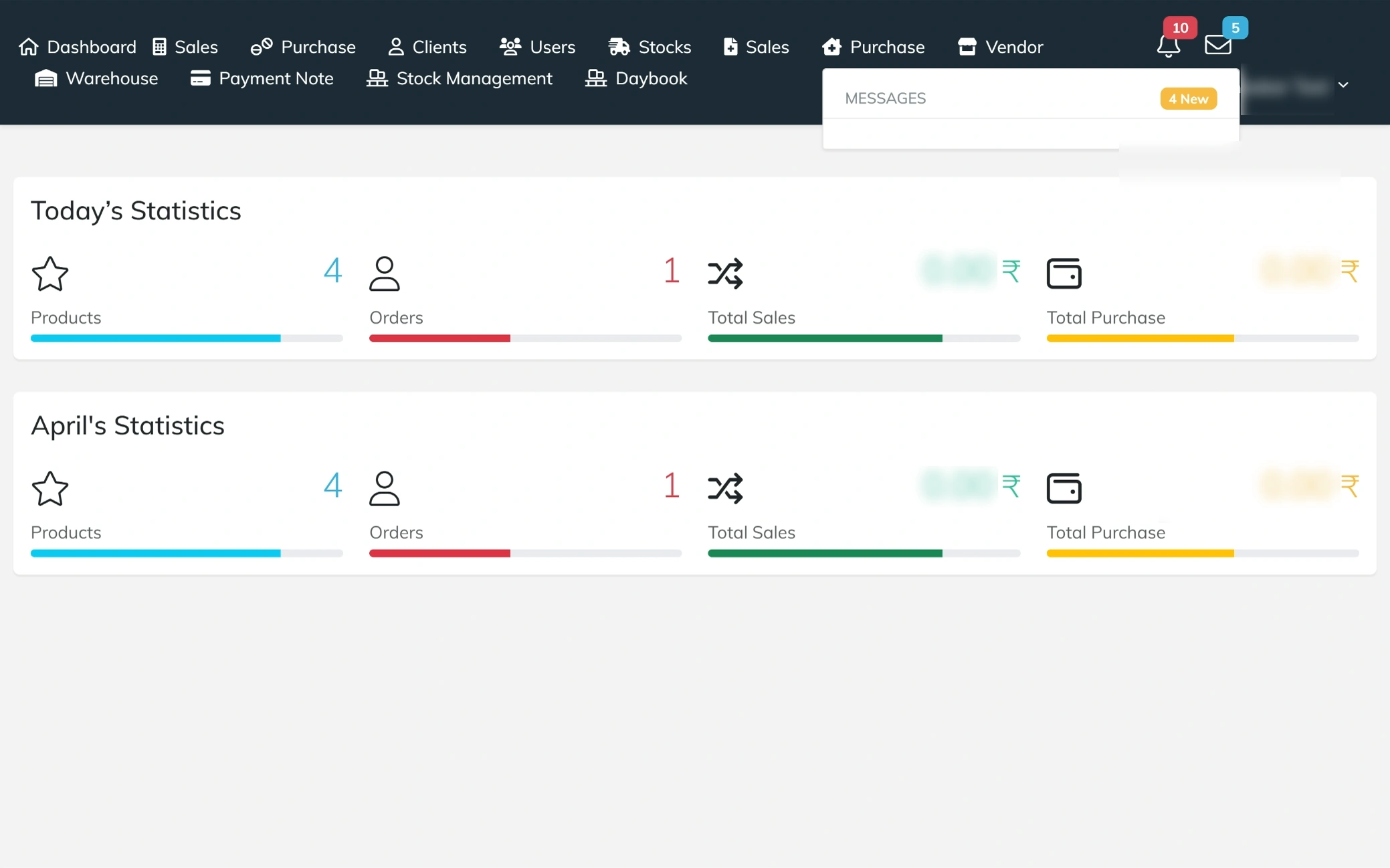
Messages Panel
A compact message panel that shows a preview of conversations for quick access. It highlights new messages with a count indicator, allowing users to stay updated and check recent communications instantly without navigating away from the current screen.
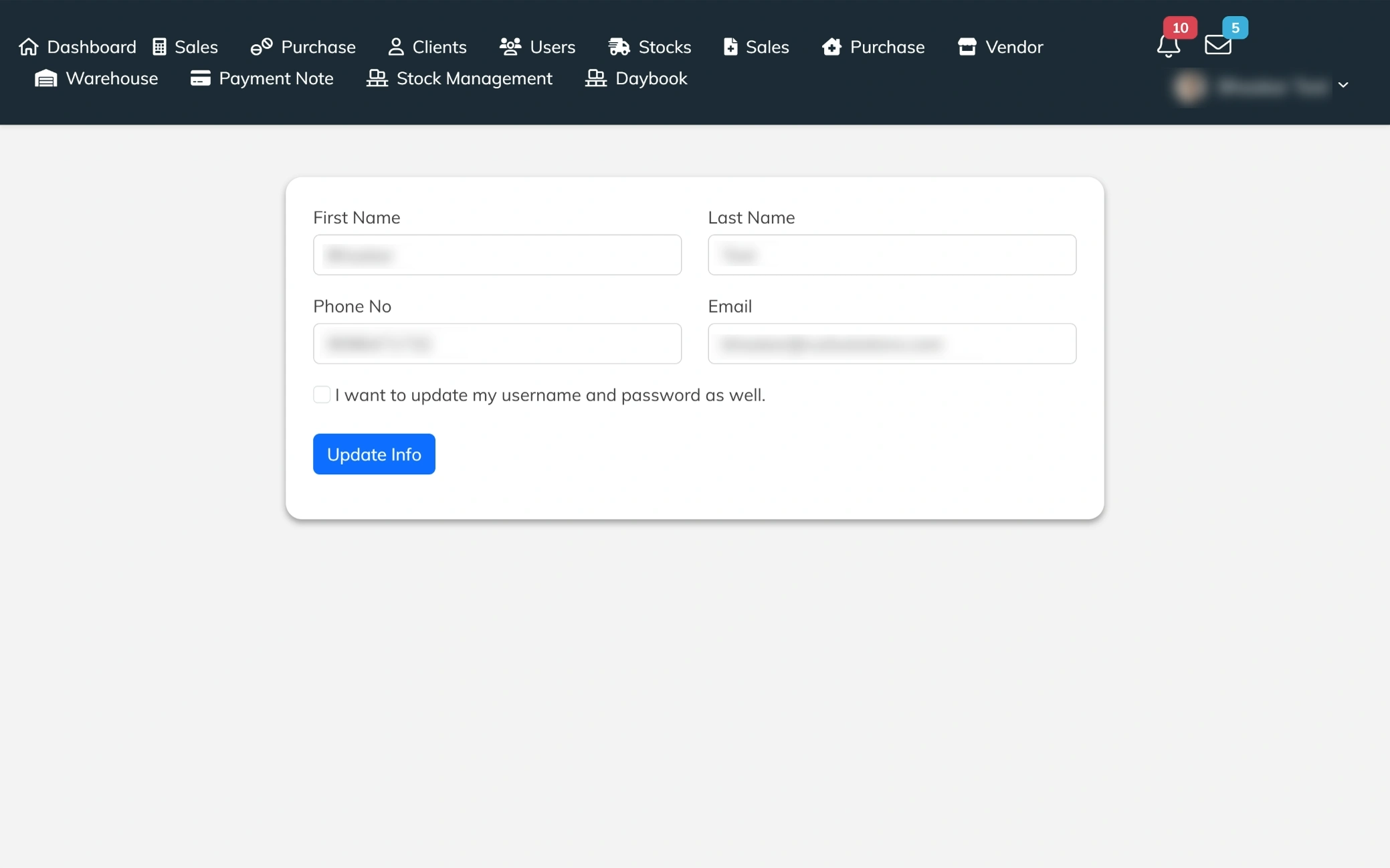
Profile Settings
A profile management screen that allows users to update personal details like first name, last name, phone number, and email. It also provides the option to change username and password, ensuring account information stays current and secure with a simple update action.
Purpose
Built to streamline inventory, sales, and purchase operations, this web application reduces manual errors and scattered record-keeping. It enables businesses to track stock in real time, manage transactions efficiently, and maintain accurate product data across warehouses. By centralizing inventory, client, vendor, and billing information, the system improves operational control, ensures better coordination, and supports faster, data-driven decisions.
Modules
Structured into key operational sections, the platform includes a Dashboard for real-time insights and activity tracking, Sales & Billing for managing transactions and invoices, Purchase & Inventory for stock intake and updates, Clients & Vendors for relationship management, Warehouse for handling multiple storage locations, Stock Management for inventory control and adjustments, Payment Notes for financial records, and User Management for role-based access. Together, these modules create a connected workflow that keeps all business operations organized and efficient.
Features
Equipped with practical business tools, the system allows users to create and manage sales, purchases, and billing entries with automatic calculations for totals, taxes, and discounts. Real-time notifications and activity logs ensure transparency in stock updates and transactions. Advanced filters, search options, and structured views make data retrieval quick and simple. Barcode generation, stock tracking by product, and expiry monitoring enhance inventory accuracy, while secure login, profile management, and role-based access maintain system security and control.


